
A client emails you on a Friday afternoon asking for proof that the hero image in their brand kit is properly licensed. You bought it six months ago on Adobe Stock, or maybe it was Freepik. The receipt is buried somewhere in your inbox, the platform dashboard takes five clicks to reach the right page, and you have three other deliverables due by Monday. This scenario plays out constantly for freelance designers, and AI tools are starting to change how it ends.
Photo by Tara Winstead from Pexels
TL;DR:- AI tools cut license verification time from hours to minutes by automating asset identification, metadata extraction, and certificate retrieval.
- The best options for freelancers combine image recognition, bulk processing, and organized proof-of-license storage.
- Adopting even one AI-assisted verification tool reduces legal risk and frees billable hours you currently waste on admin.
The Short Answer
Yes, AI tools genuinely help. They scan your asset libraries, match images to their source platforms, pull license metadata automatically, and organize certificates so you never scramble for proof again. The time savings alone justify the switch: what used to take 15-20 minutes per asset (finding the download, locating the license page, exporting a PDF) drops to seconds with the right automation. For a freelancer juggling Freepik, Adobe Stock, Shutterstock, and Envato subscriptions simultaneously, that adds up to hours reclaimed every month.
The catch is knowing which tools actually deliver and which ones just add another dashboard to your stack. Let's break it down.
Why License Verification Matters
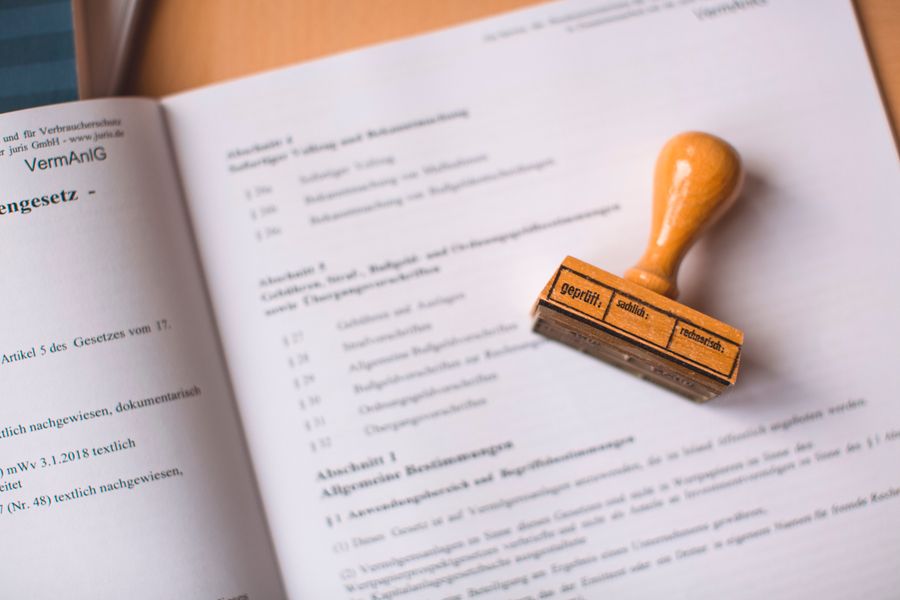
Skipping license verification is a gamble with real consequences. Copyright claims can arrive months or years after a project wraps. When they do, the burden of proof falls on you. Without a license certificate or purchase record, you are exposed to:
- DMCA takedown notices that pull your client's content offline
- Financial penalties ranging from a few hundred to tens of thousands of dollars
- Reputation damage that costs future contracts
That gap between "I know I paid for it" and "here is the proof" is exactly where AI tools step in.
How AI Speeds Up Verification
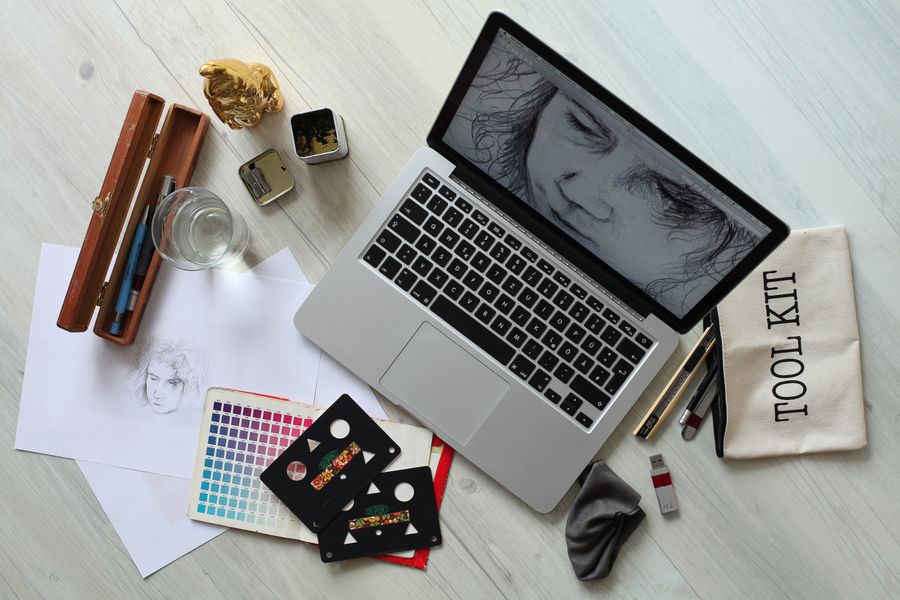
AI-powered verification tools work through a few core capabilities:
- Image recognition and matching. Reverse image search powered by neural networks identifies which platform an asset came from and links it to your account's download history. Tools like Google Vision API and TinEye use perceptual hashing to match even cropped or resized versions of stock images.
- Metadata extraction. AI reads embedded EXIF and XMP data from image files, pulling license type, purchase date, and platform identifiers without you opening a single browser tab.
- Bulk processing. Instead of verifying one image at a time, AI tools process entire project folders. Upload 50 images from a brand kit, get 50 license status reports back in minutes.
- Automated certificate retrieval. Some tools connect directly to stock platform APIs (Shutterstock, Adobe Stock, iStock) and download the actual license certificate PDFs on your behalf.
"Expert insight: AI won't replace skilled freelancers, but freelancers who master AI will replace those who don't.">, AI Tools for Freelancers in 2026: Full Guide
The combination of these features turns a scattered, manual process into something that runs in the background while you focus on actual design work.
Recommended AI Tools for Freelancers
Here is a practical breakdown of tools worth evaluating, organized by what they do best:
| Tool / Service | Best For | Key Feature |
|---|---|---|
| Licence Downloader | Bulk certificate retrieval | Connects to Freepik, Shutterstock, Adobe Stock, Envato, iStock, Canva |
| TinEye | Reverse image matching | Finds original source of any stock image |
| Google Cloud Vision | Metadata extraction | Reads embedded license data from files |
| Pixsy | Copyright monitoring | Detects unauthorized use of your licensed assets |
| Copytrack | Infringement tracking | Automated claim filing for misused images |
For day-to-day license management, licencedownloader.com handles the most painful part: connecting to multiple stock platforms and pulling all your license certificates into one organized archive. Instead of logging into five different dashboards, you get audit-ready proof in a single batch.
Here is a visual overview of how these tools fit into a typical freelancer workflow:
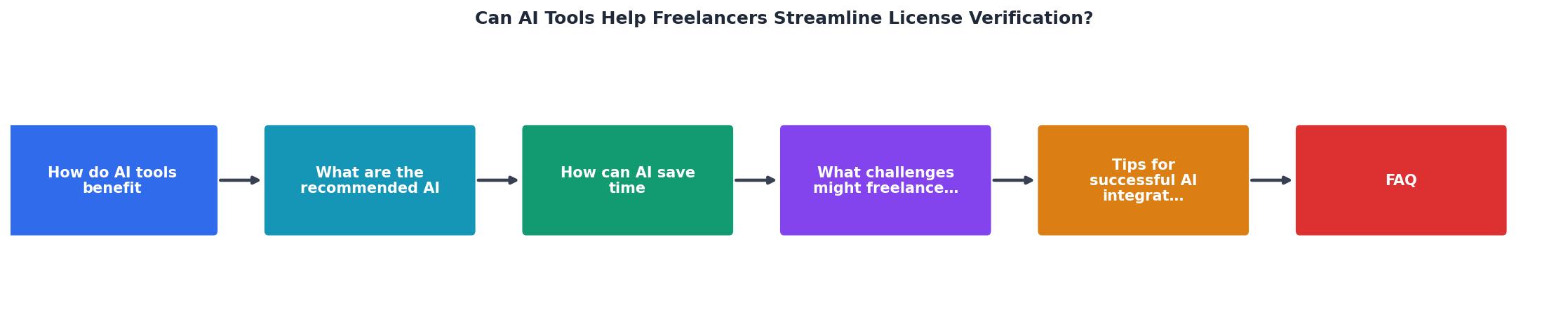
The process follows five steps: Identify Assets, Match to Platform, Extract Metadata, Retrieve Certificates, and Archive Proof. AI handles steps two through four automatically.
Challenges When Adopting AI
AI tools are not magic. Freelancers run into real friction when integrating them:
- Platform API limitations. Not every stock site offers open API access. Some platforms restrict automated downloads or certificate exports, which means certain tools work better with Shutterstock than with, say, Depositphotos.
- Cost stacking. Free tiers exist, but serious bulk processing usually requires paid plans. If you subscribe to three AI tools on top of your stock subscriptions, the monthly cost adds up fast.
- Learning curve. Each tool has its own interface, terminology, and setup process. Budget an afternoon for initial configuration, not five minutes.
- False positives in image matching. Reverse image search occasionally matches similar-looking images rather than exact ones. Always verify critical matches manually before sending proof to a client.
- Data privacy concerns. Uploading client project files to third-party AI services raises questions about confidentiality. Check each tool's data handling policy before connecting it to sensitive projects.
Tips for Successful AI Integration
Getting value from AI verification tools comes down to a few practical habits:
- Start with one tool, not five. Pick the tool that solves your biggest pain point. If you spend the most time hunting Freepik certificates, start there.
- Batch your verification work. Run license checks weekly or at project completion, not one image at a time. Batching maximizes the speed advantage of AI processing.
- Create a standard folder structure. Name project folders consistently (client name, date, platform) so AI tools can organize certificates logically.
- Set up automated backups. Export your license archive to cloud storage monthly. If a tool goes offline or changes its pricing, your proof still exists.
- Verify AI output periodically. Spot-check 10% of your certificates each month to confirm accuracy. Trust but verify.
Example: Monthly License Dashboard
AI License Verification Setup Checklist
Your progress is saved automatically in your browser.
FAQ
Frequently Asked Questions
What is the biggest license verification headache in your freelance workflow? Drop a comment and let's compare notes.
Additional Resources
- Your guide to 14 best AI tools for freelancers in 2026 - Get to know 14 popular AI tools for freelancers use to automate tasks, manage projects, and deliver quality work faster.
- AI Tools for Freelancers in 2026: ChatGPT, Jasper & More - Explore the best AI tools for freelancers in 2026, from ChatGPT and Jasper to niche platforms. Compare pricing, use cases, and learn fast ...
- Best AI tools for freelancers in 2026 - AI tools help freelancers deliver work faster, reduce stress, and improve quality. A strong setup raises your earning potential without ...