
Stock images look harmless until a copyright claim lands in your inbox. Small businesses buy thousands of images every year for websites, ads, and social media, yet most owners never read the licence that comes with each download. One wrong assumption about what you can do with a photo can cost you hundreds or even thousands of dollars in legal fees, platform takedowns, and lost revenue.
Photo by George Milton from Pexels
TL;DR:- Never assume a purchased stock image gives you unlimited rights. Every licence has restrictions.
- Track which images you use, where you use them, and what licence type covers each one.
- Know the difference between commercial and editorial licences before you publish anything.
- Keep downloadable proof of every licence so you can respond to claims in minutes, not days.
The real cost of ignoring licences
A stock photo costs a few dollars. A copyright infringement demand letter starts at $500 and can climb past $10,000 depending on the photographer, the agency, and how widely you used the image. Small businesses are frequent targets because they lack legal teams and often settle fast.
The problem is not that business owners act in bad faith. They simply do not realize that clicking "Download" on Canva, Freepik, or Shutterstock does not mean "do whatever you want forever." Each platform attaches specific terms to every file. Ignoring those terms is the single most expensive mistake you can make with stock imagery.
"The most commonly purchased stock photos are of people, animals, food and travel destinations.">, How to Use Stock Photos for Your Business
That popularity means these categories also attract the most enforcement. If you use a photo of a recognizable person in an ad without the right licence type, you are exposed to both copyright and model-release issues at the same time.
Common purchasing mistakes
Here are the mistakes that trip up small businesses the most:
- Assuming "royalty-free" means "free." Royalty-free is a licence type, not a price tag. You still pay for the image. The "royalty-free" part means you do not owe ongoing royalties each time you use it. But the licence still has limits on print runs, resale, and merchandise.
- Using editorial images in ads. Editorial licences cover news, commentary, and education. They do not cover promotional materials. Putting an editorial-only photo on a Facebook ad or product listing violates the licence instantly.
- Downloading from random websites. A Google Image Search result is not a licence. If you grab a photo from a blog or Pinterest board, you have zero proof of rights. The original photographer or agency can still come after you.
- Letting subscriptions lapse without saving proof. Freepik, Canva Pro, and similar platforms tie your licence to your active subscription. If you cancel and lose access to your download history, proving you had a valid licence becomes much harder.
- Skipping the "extended licence" when needed. Standard licences usually cap print runs (often at 500,000 copies) and prohibit use on products for resale. If you print images on mugs, t-shirts, or packaging, you almost certainly need an extended licence.
Commercial vs. editorial licences
This distinction causes more accidental violations than any other. Here is the short version:
| Commercial Licence | Editorial Licence |
|---|---|
| Use in ads, websites, packaging | Use in news, blogs, education only |
| Model/property releases included | No releases required |
| Can modify and crop freely | Modifications often restricted |
| Higher price | Lower price |
| Safe for product pages and social ads | Unsafe for any promotional context |
If you sell products online and use stock photos in your listings, you need commercial licences. Period. Editorial images of real events, celebrities, or branded products exist for journalism and commentary. Using them to sell your own goods is a licence violation, and agencies actively scan for it.
How to verify licence terms
Before you hit "Download," run through these steps:
- Read the licence page. Every platform (Shutterstock, Adobe Stock, iStock, Depositphotos, Canva) has a licence agreement linked from the image detail page. Open it. Skim the "Permitted Uses" and "Restrictions" sections.
- Check the licence type on the image itself. Look for labels like "Standard," "Extended," "Editorial," or "Commercial." These labels override any general assumptions.
- Confirm model and property releases. If the image shows a recognizable person or private property, the listing should state whether releases are included. No release means no commercial use.
- Note the attribution requirement. Free-tier licences on Freepik and Pexels often require you to credit the photographer. Paid licences usually waive this, but not always.
- Save the licence certificate immediately. Download the PDF or screenshot the licence details the moment you purchase. Do not rely on being able to find it later in your account.
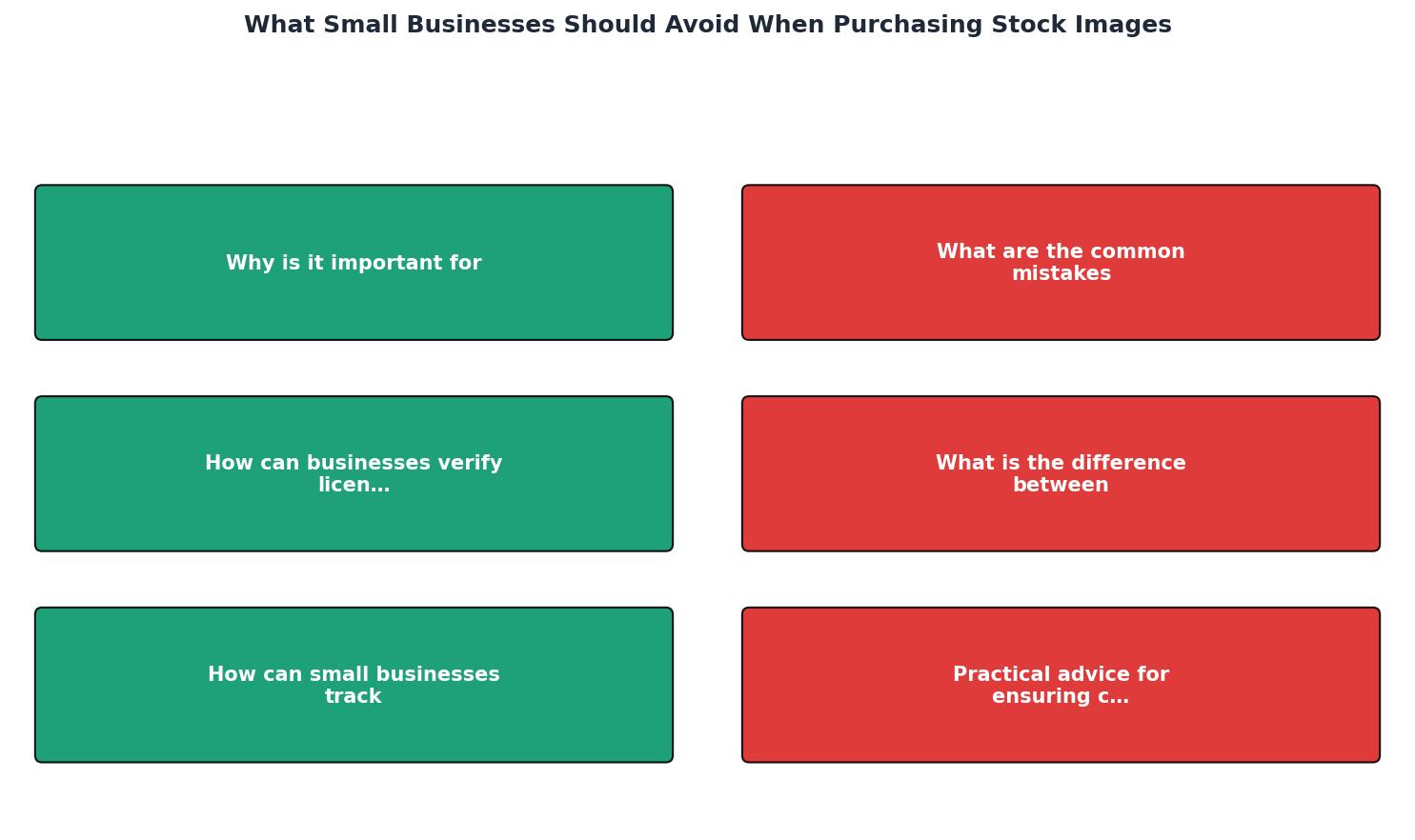
Follow the steps in the diagram: Search → Check Licence Type → Verify Releases → Download → Save Proof → Use Within Terms. Skipping any step creates a gap that a copyright holder can exploit.
Track usage rights effectively
Buying the right licence is only half the job. You also need to know which images you used, where, and under what terms. Without tracking, you cannot respond to a claim, and you cannot prove compliance during an audit.
Here is what a basic tracking system looks like for a small business:
- Spreadsheet or database with columns for: image filename, source platform, licence type, purchase date, project/use location, and expiration (if any).
- A folder of licence certificates organized by platform and date. PDF exports from Shutterstock, Freepik receipts, Canva download confirmations.
- Regular reviews every quarter to remove expired images from active use and verify that new team members follow the same process.
It takes about five minutes per image to save the certificate at the time of purchase. Trying to reconstruct that proof six months later can take hours, if it is even possible.
A tool like Licence Downloader can bulk-find and download licence certificates from platforms like Freepik, Shutterstock, Adobe Stock, and Canva in one pass. That turns a tedious manual chore into something you run once a month and forget about.
Practical compliance advice
Here is what actually works for small businesses with limited time and no legal department:
- Buy from reputable platforms only. Shutterstock, Adobe Stock, iStock, Canva, Freepik, Depositphotos, and Envato all provide clear licence terms and downloadable proof. Avoid obscure sites with vague terms.
- Default to commercial licences. If there is any chance the image will appear in an ad, product listing, or promotional email, get the commercial licence. The price difference is small compared to the risk.
- Never use "free" images without checking the actual licence. Unsplash, Pexels, and Pixabay offer generous terms, but each has specific restrictions (no resale, no use in competing services, etc.). Read them.
- Keep proof outside the platform. Download certificates to your own cloud storage. If a platform changes its interface, shuts down, or you cancel your subscription, your proof survives.
The following interactive card shows a typical scenario for a small e-commerce business managing stock images across three platforms:
Example: E-commerce Store Licence Status
That 46% number is not unusual. Most small businesses discover gaps only after a claim arrives.
Stock Image Purchasing Compliance Checklist
Your progress is saved automatically in your browser.
FAQ
Frequently Asked Questions
What is your current system for tracking the stock images your business uses? If the answer is "I don't have one," today is a good day to start.
Additional Resources
- How to Use Stock Photos for Your Business - Depending on the image license, there is a risk that other companies will use the same images you purchase. Why people don't like bad stock ...
- Should You Buy Stock Photos for Your Business Marketing? - Before you buy or download stock photos to use on your business website or marketing ask yourself these 5 questions.
- Can stock photos be used for commercial use? - If you're using the image in a way that promotes your business, always make sure the license clearly states that commercial use is allowed. Look ...