
Two freelancers team up on a brand kit for a shared client. One downloads icons from Freepik, the other grabs hero images from Adobe Stock. Three months later the client's lawyer asks for licence proof on every single asset. Neither freelancer knows which account was used for which file, and the receipts are buried across four different platform dashboards. This scenario plays out constantly, and it is entirely preventable with the right approach to collaborative licence management.
Photo by Michael Burrows from Pexels
TL;DR:- Every collaborator on a project needs to know exactly which stock assets were licensed, by whom, and under what terms.
- A shared licence log and centralized certificate storage eliminate the panic when a client or platform requests proof months later.
- Tools like Licence Downloader let freelancers bulk-export licence certificates from multiple platforms into one archive, making collaborative compliance straightforward.
Why collaboration breaks licensing
Freelance work used to be solo. You bought an image, used it, kept the receipt somewhere in your email. Done. But the gig economy pushed designers, copywriters, video editors, and social media managers into fluid project teams. A single deliverable now touches assets from three or four people's individual stock subscriptions.
The problem is simple: stock media licences are tied to the account that purchased them, not to the project or the client. When freelancer A downloads a photo under their Shutterstock plan and hands the final design file to freelancer B for integration, the licence certificate stays in freelancer A's account. If freelancer A disappears, goes on vacation, or simply forgets which image it was, the proof vanishes with them.
Common friction points in collaborative stock media projects:
- Licence ownership confusion - who holds the licence when multiple people contribute assets?
- Platform fragmentation - one person uses Envato, another uses Freepik, a third uses iStock.
- No shared record - each freelancer tracks (or doesn't track) licences independently.
- Scope creep on usage rights - a standard licence covers specific uses, and collaborators may push assets into contexts the licence doesn't allow.

How shared licensing rights work
Stock platforms grant licences to the purchasing account holder. That means if you buy an image on your Adobe Stock subscription, you are the licensee. Your collaborator who drops that image into a client presentation is using it under your licence, not theirs.
This creates a chain of responsibility:
- The purchaser must retain the licence certificate and be able to produce it on demand.
- The collaborator using the asset needs written confirmation (even a simple email or shared doc entry) that the asset is properly licensed.
- The client receiving the final deliverable should get a licence summary or access to certificates for every stock asset in the project.
Tools for collaborative licence management

Spreadsheets work until they don't. Once a project involves more than a dozen stock assets across multiple platforms, manual tracking becomes a liability. Here are concrete tools and approaches that actually hold up:
Dedicated licence management:- Licence Downloader connects to platforms like Freepik, Shutterstock, Adobe Stock, Envato, iStock, and Canva to bulk-download licence certificates. For collaborative projects, one team member can export all certificates into a single folder and share it via cloud storage.
- Create a dedicated "Licences" column or custom field in your project tool (Notion, Asana, Trello). Every time someone adds a stock asset to the project, they log the platform, asset ID, licence type, and purchaser name.
- Set up a shared Google Drive or Dropbox folder with a clear naming convention:
[ProjectName]/licences/[Platform]-[AssetID]-[Date].pdf. Every collaborator uploads their certificates here.
"The following social media management tools will help you stay active without losing focus on your business.">, 110 essential resources for creative freelancers and small business owners in 20
The difference between scrambling through email receipts and having a single shared folder with every certificate is the difference between a 10-minute response and a two-day fire drill when a client's legal team comes knocking.
Preventing legal issues in collaborations

Legal trouble in stock media collaborations usually comes from one of three places: using an asset outside its licence scope, losing proof of purchase, or assuming someone else handled the licensing. All three are preventable.
Define licence responsibilities in your contract. Every freelance collaboration agreement should include a clause specifying:- Who purchases stock assets for the project
- Who retains and archives licence certificates
- What happens to licence documentation when the project ends
| Standard Licence | Extended Licence |
|---|---|
| Digital use, limited print runs | Unlimited print, merchandise, resale |
| Typically covers one end client | May cover broader distribution |
| $1-15 per asset | $50-200+ per asset |
| No sub-licensing | Some platforms allow broader use |
Never assume "free" means "unrestricted." Freepik's free tier, Unsplash, and Pexels all have different attribution and usage requirements. A collaborator grabbing a "free" image without checking the specific terms can create liability for the entire team.
Run a licence audit before final delivery. Before handing off a project, cross-reference every stock asset in the deliverables against your licence log. Confirm each one has a valid certificate on file.
The collaborative licensing workflow
This is where process meets practice. A clear workflow prevents the chaos that leads to missing certificates and compliance gaps.
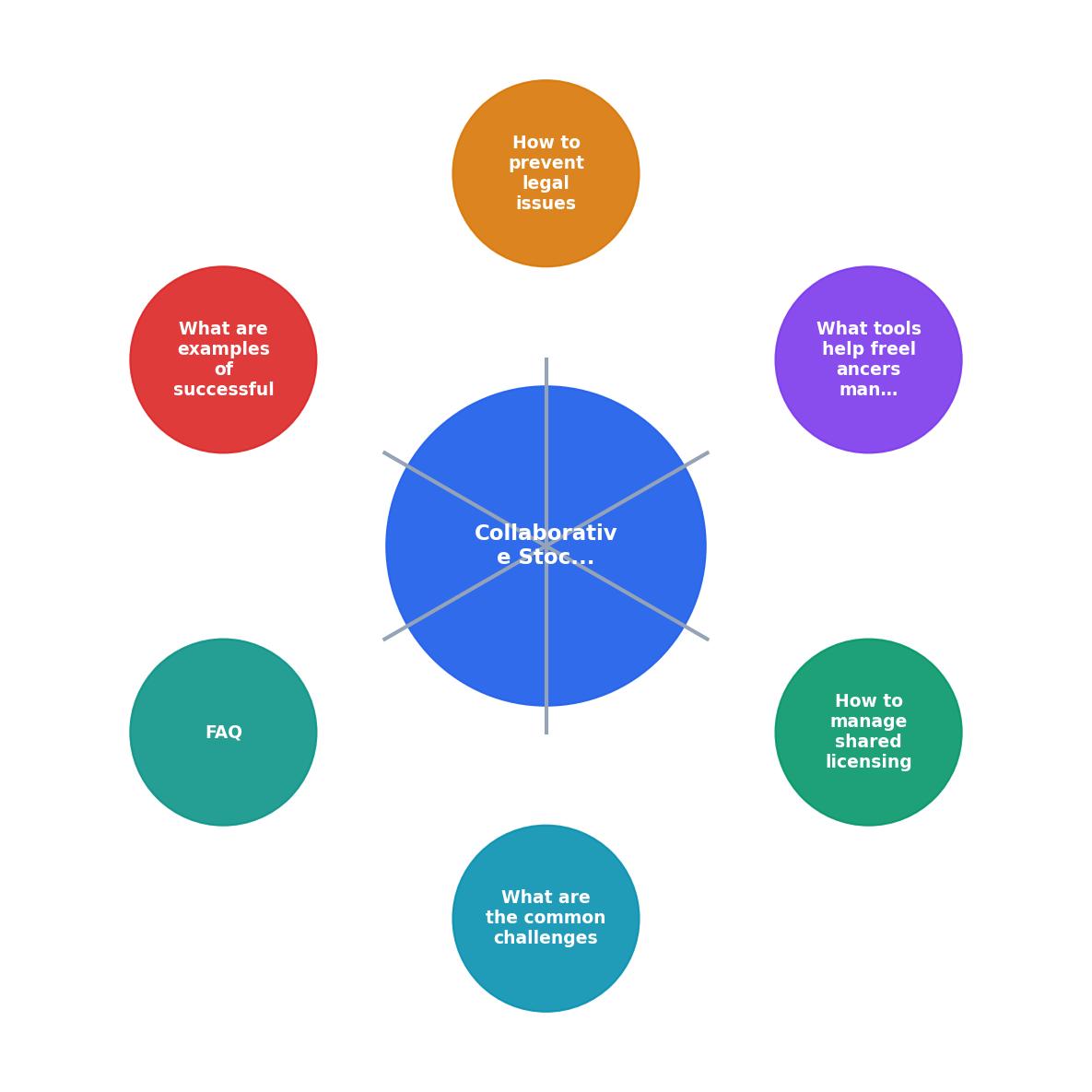
The steps in the diagram break down like this:
- Assign buyer - designate one collaborator (or a shared account) for all stock purchases on the project.
- Log asset - every purchased asset gets logged with platform, asset ID, licence type, and date.
- Download certificate - immediately download the licence certificate from the platform after purchase.
- Store centrally - upload the certificate to the shared project folder.
- Verify on delivery - before final handoff, audit all assets against the licence log.
- Archive - keep the licence folder accessible for at least 3-5 years after project completion.
Here is an example dashboard showing what a typical two-person freelance collaboration might look like mid-project:
Example: Brand Kit Project Licence Tracker
In this scenario, Freelancer B still needs to export two Envato Elements certificates before the project can be marked compliant. A tool like Licence Downloader would let them pull all their Envato certificates in one batch rather than hunting through the platform manually.
Real-world collaboration patterns
Three patterns show up repeatedly in freelance stock media collaborations:
Pattern 1: Designer + Copywriter. The designer purchases all visual assets. The copywriter uses stock photos in blog mockups or social templates. The designer owns all licences and shares certificates via a project folder. Clean and simple.
Pattern 2: Multi-designer team. Two or three designers split asset sourcing across platforms based on their existing subscriptions. Each designer is responsible for exporting their own certificates and uploading them to the shared archive. This works but requires discipline.
Pattern 3: Freelancer + Agency sub-contract. The agency holds the primary stock subscriptions. Freelancers use assets from the agency's accounts. The agency retains all licence documentation. The freelancer's contract should specify that the agency provides licence proof for any assets used.
Compliance checklist for teams
Collaborative Licence Compliance Checklist
Your progress is saved automatically in your browser.
FAQ
Frequently Asked Questions
Additional Resources
- How I Made $6K/Month Using These Freelance Websites - Learn how to earn $6K/month using top freelance websites for creative professionals. This comprehensive guide breaks down the most effective ...
- Freelance Video Editors — we want to hear ... - Collaborating with the creative and production teams to understand project requirements. Select b-roll and stock footage that enhance ...
- 110 essential resources for creative freelancers and small ... - Every freelancer will need stock photography, graphics or vector images at some point during projects. Here are some recommended stock libraries