

You downloaded a template from Envato Elements six months ago, used it in a client project, and now that client's legal team wants proof you had the right to use it. You open your Envato account, scroll through hundreds of downloads, and realize the licence certificate you need is buried somewhere you cannot find. This scenario plays out constantly for freelance designers, and the gaps in how Envato Elements handles licence documentation create real compliance headaches that cost time and credibility.
Photo by Molnár Tamás Photography™ from Pexels
TL;DR:- Envato Elements licences are tied to your active subscription and to specific end products, but the platform does not make it easy to retrieve or organize proof after the fact.
- Gaps include missing per-project licence records, unclear post-cancellation rights, and no bulk export for licence certificates.
- Building a retrieval workflow now saves you from scrambling during a client audit or copyright dispute later.
Why Licence Gaps Exist on Envato
Envato Elements uses a subscription model. You pay monthly or annually, and you get access to millions of assets. Each download generates a licence, but that licence is not a standalone PDF sitting in a neat folder. It is a record inside your account, linked to the item and the project you registered it under.
The first gap: project registration is optional in practice. Envato asks you to assign downloads to a project, but many designers skip this step or assign everything to a generic "My Project" bucket. Six months later, you have 200 downloads under one project name and zero way to tell which asset went into which client deliverable.
The second gap: licence validity after cancellation. Envato Elements licences let you keep using assets in end products created during your active subscription. But proving that you downloaded and used an asset before you cancelled requires documentation that the platform does not automatically preserve for you.
"The Item is what you download from Envato Elements.">, Envato Elements License FAQ
That sentence sounds simple. In practice, "the Item" can be a font, a stock photo, a WordPress theme, a video template, or a sound effect. Each has slightly different usage rules, and the licence certificate you generate covers one item for one end product. Miss that detail, and you have a compliance gap.
Common Mistakes That Create Risk
Mistake 1: Treating the subscription as a blanket licence. Your Envato Elements subscription does not give you a single licence that covers everything. Each download needs its own licence tied to a specific end product. Using one stock photo in three different client projects technically requires three separate licence registrations.
Mistake 2: Not downloading the licence certificate at the time of download. Envato lets you generate a licence certificate for each item. Most designers click "Download" and move on. They never grab the certificate. When a client asks for proof eight months later, they have to dig through their download history and hope the platform still shows the record correctly.
Mistake 3: Assuming cancelled subscriptions erase your rights. They do not, but they do erase your easy access. Once you cancel, navigating your old download history becomes harder. Some designers report difficulty generating licence certificates for items downloaded under a previous subscription period.
Mistake 4: Ignoring font and music licences. Fonts from Envato Elements have specific restrictions. Music tracks have different rules for broadcast vs. online use. Designers who treat all asset types identically end up with licence gaps they do not even know about until a claim arrives.
Step-by-Step Licence Retrieval

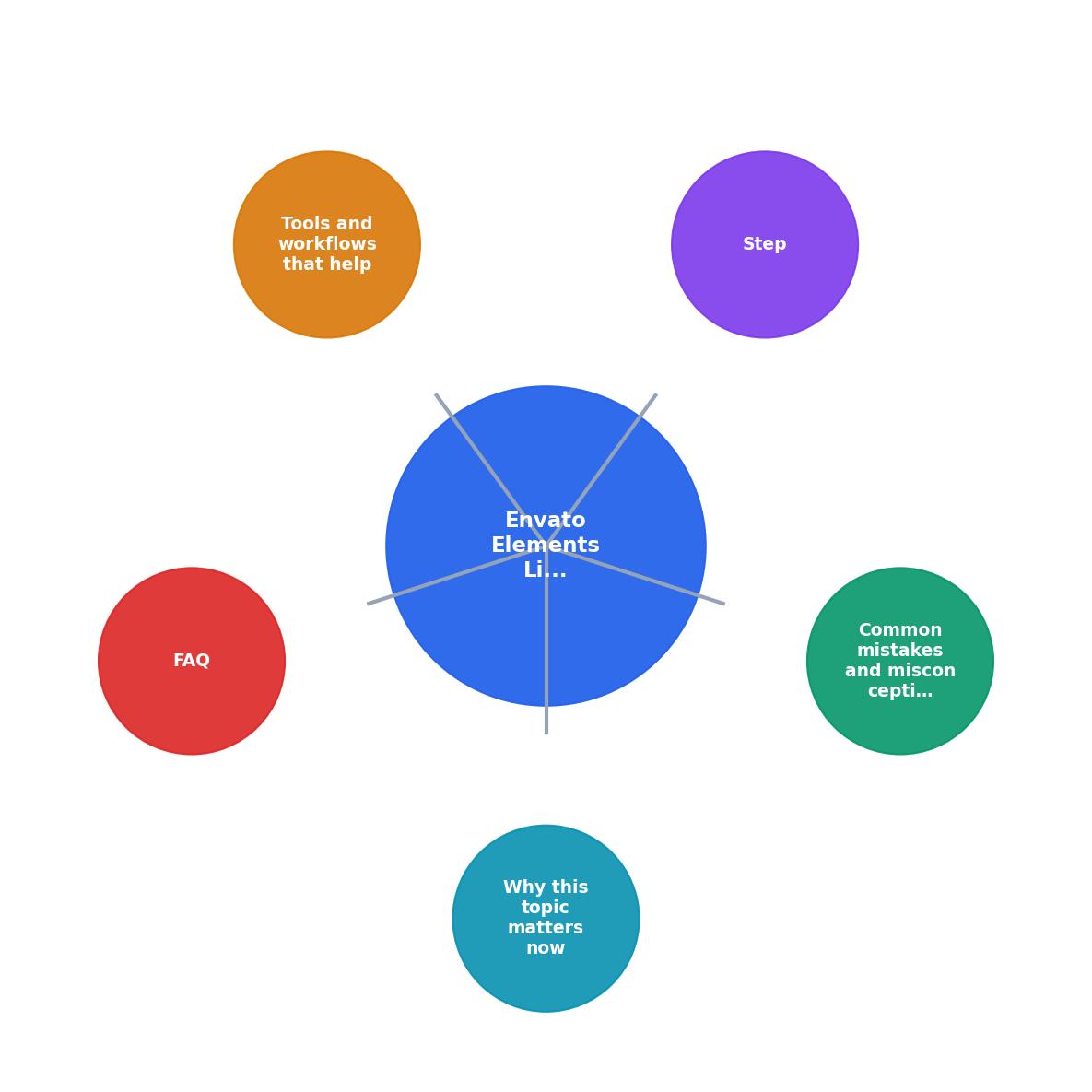
Here is a concrete workflow for closing the gaps in your Envato Elements licence records. The process diagram below shows the key steps at a glance.
- Audit your download history. Log into Envato Elements and go to your Downloads page. Sort by date. Note every item you have used in a client project.
- Register each item to a project. For every download that is still under a generic project name, create a new project matching the actual client deliverable and reassign the item.
- Generate licence certificates. Click the licence icon next to each download. Download the PDF. Save it in a folder named after the client project.
- Archive locally and in cloud storage. Keep a copy on your machine and a backup in Google Drive, Dropbox, or wherever you store client files. Name each certificate with the pattern:
ClientName_AssetName_LicenceDate.pdf. - Set a recurring reminder. Every month, spend 15 minutes generating and filing certificates for that month's downloads. Do not let them pile up.
Tools and Workflows That Help

Manual retrieval works when you have 10 downloads a month. It breaks down at 50 or 100. Here is what actually scales:
- Folder structure per client. Create a
Licencessubfolder inside every client project folder. Drop certificates there the same day you download the asset. - Spreadsheet tracker. A simple Google Sheet with columns for Asset Name, Platform, Download Date, Project Name, Licence Certificate (Y/N), and File Location. Takes 30 seconds per entry. Saves hours during an audit.
- Bulk licence tools. Licence Downloader connects to your stock platform accounts and pulls licence records in bulk. Instead of clicking through 200 downloads one by one, you get a batch export.
| Manual Approach | Automated Approach |
|---|---|
| Click each download individually | Bulk export all certificates |
| 15-30 min per month | 2-3 min per month |
| Easy to forget or skip months | Scheduled and consistent |
| Single platform at a time | Multiple platforms in one pass |
| No backup unless you create one | Auto-organized archive |
The following card shows what a typical freelancer's licence compliance status looks like after implementing a proper retrieval workflow:
Licence Compliance Snapshot
Post-Cancellation Licence Proof
One of the trickiest gaps hits after you cancel your Envato Elements subscription. Your right to use assets in end products created during the subscription survives cancellation. But your ability to easily access download history and generate certificates does not stay the same.
Here is what to do before you cancel:
- Export your full download history from the Envato Elements dashboard.
- Generate and save every licence certificate for every item you used in a client project.
- Store these certificates outside of Envato, in your own cloud storage.
- Keep a record of your subscription dates (start, renewal, cancellation) as proof of active coverage.
Envato Elements Licence Compliance Checklist
Your progress is saved automatically in your browser.
FAQ
Frequently Asked Questions
Additional Resources
- Envato Elements License FAQ - This article answers common questions about how the Envato Elements Licence applies in specific situations. It is an excellent starting point if you are ...
- Envato Elements License – Envato Support | Help Center - Notices: For any questions about this Elements License, please submit a help request or email terms@help.envato.com with the subject line ...
- Envato Elements User Terms - Subject to your compliance with these User Terms, you are granted a non-exclusive, limited, non-transferable, freely revocable license to ...