
A single copyright claim can cost more than a month of freelance income, and most designers have zero system for proving their stock media is properly licensed. The gap between buying an image and being able to prove you bought it is where real financial risk lives. Experts across the creative industry keep pointing to the same handful of practices and tools that separate protected freelancers from vulnerable ones, and this article collects those insights into something you can act on today.
Photo by Markus Winkler from Pexels
TL;DR:- Freelancers face scattered licence records, inconsistent platform exports, and growing legal exposure from copyright trolls and client audits.
- Emerging trends like AI-driven asset tracking, centralized licence vaults, and automated compliance checks are reshaping how designers protect themselves.
- Expert-recommended tools include dedicated licence downloaders, digital asset managers, and structured folder systems that keep proof audit-ready at all times.
Why licence management breaks down
Stock media licensing sounds simple: you pay, you download, you use. In practice, every platform stores licence proof differently. Freepik buries certificates inside account settings. Adobe Stock attaches them to download history pages that change layout every few months. Shutterstock emails a receipt that lands in a promotions tab and gets auto-deleted after 90 days.
The result? Freelancers accumulate hundreds of licensed assets across three or four platforms with no unified record. When a client's lawyer asks for proof eight months later, the scramble begins.
Three core problems keep surfacing in expert discussions:
- Platform fragmentation means licence certificates live in different formats (PDF, email, dashboard page) across different accounts.
- Time decay erodes access. Cancelled subscriptions, changed email addresses, and platform redesigns all break the trail back to proof.
- Client handoff gaps leave designers exposed. You deliver a logo pack, the client uses the stock element in a billboard campaign, and suddenly the licence scope matters a lot more than anyone expected.
Emerging trends in licence management

The licensing landscape is shifting fast. Here are the trends that experts consistently highlight as worth watching and adopting.
AI-powered asset tracking
Several tools now use metadata parsing and image fingerprinting to match downloaded files back to their original licence records. Instead of manually tagging each file, the software reads EXIF data, filenames, and purchase history to build a searchable licence database automatically. This cuts the manual work from hours to minutes for a typical monthly batch of 50-100 assets.
Centralized licence vaults
The idea of a single, searchable archive for all licence certificates across every platform is gaining traction. Rather than checking Freepik, then Adobe Stock, then Envato separately, a centralized vault pulls everything into one place. Tools like licencedownloader.com exist specifically to bulk-find and download licence certificates from multiple stock platforms into one local archive.
Automated compliance alerts
Some digital asset management (DAM) systems now flag assets approaching licence expiration or usage limits. If you bought a standard licence for web use only and someone on the team drops it into a print brochure, the system catches the mismatch before it becomes a legal problem.
Blockchain-based proof of licence
Still early, but a handful of stock platforms are experimenting with blockchain-anchored licence records. The appeal is tamper-proof, permanent proof that a specific account purchased a specific asset on a specific date. Practical adoption remains limited, but the direction is clear: the industry wants immutable licence proof.
Tools experts recommend

Not every tool needs to be expensive or complex. Experts consistently recommend a layered approach: one tool for bulk licence retrieval, one for organized storage, and one for quick search when a client calls.
Here is how the expert-recommended toolkit typically breaks down:
| Manual Approach | Tool-Assisted Approach |
|---|---|
| Log into each platform separately | Bulk-download certificates from all platforms at once |
| Screenshot licence pages as "proof" | Store actual PDF/certificate files with metadata |
| Search email inbox for receipts | Query a local database by asset name, date, or platform |
| Hope the platform keeps records forever | Own your licence files locally, independent of platform changes |
| Spend 20-40 minutes per client request | Retrieve proof in under 2 minutes |
Dedicated licence downloaders
Tools built specifically for retrieving licence certificates in bulk. Licence Downloader, for example, connects to Freepik, Shutterstock, Adobe Stock, Envato, iStock, and Canva to pull certificates into a single folder structure. This is the fastest path from "scattered" to "organized."
Digital asset managers (DAMs)
For freelancers handling 100+ assets per month, a lightweight DAM like Eagle, Dash, or even a well-structured Google Drive with consistent naming conventions adds a searchable layer on top of raw files. The key is pairing the DAM with actual licence files, not just the assets themselves.
Cloud backup with versioning
Experts stress that local-only storage is a single point of failure. Syncing your licence archive to a cloud service with version history (Google Drive, Dropbox, OneDrive) means a hard drive crash does not erase your legal protection.
"Freelancers pay a 15.3% self-employment tax to cover Social Security and Medicare, plus regular federal and possibly state and local income taxes.">, Do Freelancers Need a Business License? Here's What To Know in 2026
That tax burden makes every hour spent on admin feel expensive. Automating licence retrieval is not just about legal safety. It directly protects your effective hourly rate.
How to apply expert insights
The gap between knowing best practices and actually implementing them is where most freelancers stall. Here is a concrete process, distilled from expert recommendations, that you can set up in a single afternoon.
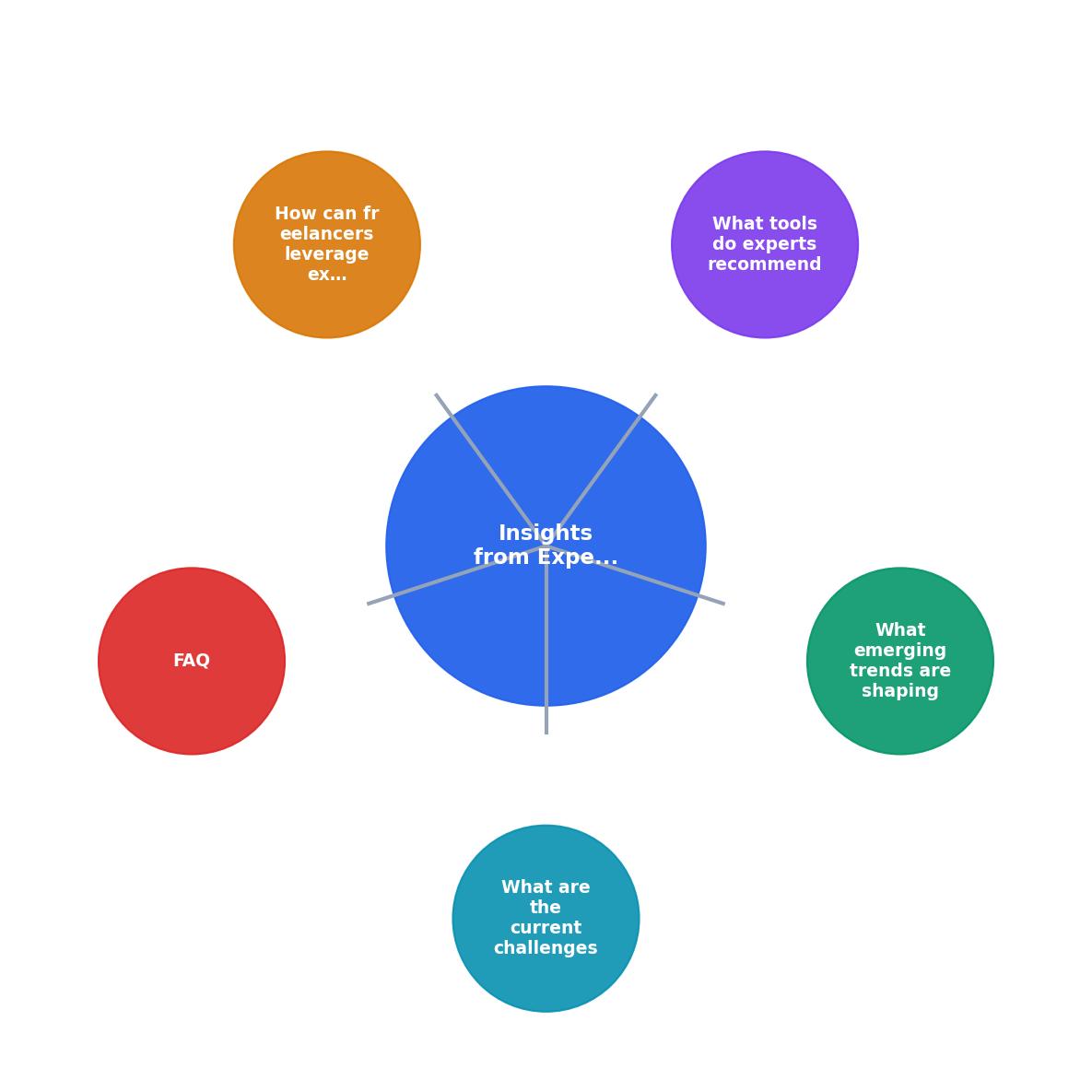
The process diagram above breaks it into five steps: Audit your current platforms, Retrieve all existing certificates, Organize into a consistent folder structure, Automate future downloads, and Review quarterly.
Step 1: Audit your platforms
List every stock media platform where you have an active or past account. Include free-tier accounts. Check Freepik, Adobe Stock, Shutterstock, Envato Elements, iStock, Canva, Depositphotos, and any niche sources. Write down the account email for each.
Step 2: Retrieve existing certificates
Go platform by platform and download every available licence certificate. This is the painful part if done manually. A bulk tool like Licence Downloader cuts this from a full day to under an hour for most freelancers.
Step 3: Organize with a naming convention
Use a folder structure like: Licences / [Platform] / [Year] / [AssetID]-[Description].pdf. Consistency matters more than the specific format. Pick one and stick with it.
Step 4: Automate future downloads
Set a weekly or monthly reminder to pull new certificates. Better yet, integrate the retrieval into your existing project-close workflow. Every time you deliver a project, download the licences for every stock asset used.
Step 5: Quarterly review
Once per quarter, check for expired subscriptions, cancelled accounts, or platforms that changed their certificate format. Update your archive and verify that your backup is current.
The following interactive card shows what a typical freelancer's licence management dashboard might look like after implementing these steps for three months:
Licence Archive Status
Expert-backed checklist
Freelance Licence Management Action Plan
Your progress is saved automatically in your browser.
FAQ
Frequently Asked Questions
What is the one licence management habit you wish you had started sooner? Share your experience below.
Additional Resources
- Freelance business license: Do you need one? - Remote - A freelance business license helps ensure you remain compliant with any legal requirements. It protects you from potential legal implications, ...
- Do Freelancers Need a Business License? Here's What To ... - In most cases, you don't need a business license just to start freelance work. If you're using your own name and offering services online, you're likely ...
- Benefits of Business License Outsourcing - Explore in-house vs. outsourced business license management. Learn the pros, cons, and hybrid approach to ensure compliance and efficiency.