
You downloaded the perfect stock photo three months ago for a client's brand kit. Now that client's lawyer wants proof you licensed it, and you cannot find the certificate anywhere. This scenario plays out constantly for freelance designers who juggle multiple stock platforms, dozens of projects, and zero time for admin work. The good news is that every one of these mistakes is fixable once you know what to look for.
Photo by alleksana from Pexels
TL;DR:- Freelancers lose licence proof because they never download certificates at the point of purchase, rely on memory instead of a system, and misread the fine print on what each licence actually covers.
- Regular self-audits, a single licence archive, and automation tools like Licence Downloader eliminate the most common risks.
- Fixing these habits takes less than an hour to set up and saves you from expensive disputes later.
Why licence management trips up freelancers
Stock media licence management is not glamorous work. Nobody becomes a freelance designer to organize PDFs. But the consequences of ignoring it are real: copyright claims, lost clients, and out-of-pocket settlement fees that can wipe out months of income.
The core problem is fragmentation. A typical freelancer uses two to four stock platforms. Freepik stores licence history one way, Adobe Stock another, Envato Elements yet another. Each dashboard buries the actual certificate behind different menus, different export formats, and different retention policies. When you multiply that by dozens of downloads per month, the paper trail vanishes fast.
That number is not surprising when you consider how most freelancers work: download the asset, drop it into the project file, deliver to the client, move on. The licence certificate never leaves the platform.
The most common mistakes

Here are the mistakes I see freelancers make repeatedly. Some are obvious in hindsight. Others are subtle enough to catch even experienced designers off guard.
1. Never downloading the certificate
This is the single biggest failure point. Stock platforms generate a licence certificate or receipt at the moment of download. Most freelancers skip it entirely. They assume the platform will keep it available forever. Platforms do retain records, but accessing them months later often means digging through hundreds of transactions with no search filter for the specific image a client is asking about.
2. Mixing personal and client accounts
Some freelancers download assets from a personal subscription and use them in client work. Others let clients share their own login credentials. Both create a mess. When the subscription lapses or the client changes their password, the licence trail breaks. The asset is in the deliverable, but nobody can prove who licensed it or when.
3. Misreading licence scope
A standard licence on Shutterstock does not cover the same uses as a standard licence on Freepik. Print run limits, merchandise restrictions, and editorial-only flags vary by platform and by asset. Freelancers who treat all licences as interchangeable expose themselves and their clients to infringement claims on work that looked fully legal at the time.
4. No file naming convention
Saving stock assets as shutterstock_12345678.jpg is better than image(3).jpg, but neither tells you which project used it, which client it belongs to, or what licence type covers it. Without a naming convention that ties the asset to its licence, you are searching blind when a question comes up.
5. Skipping audits entirely
Most freelancers never review their licence library. Old subscriptions expire. Free-tier downloads revert to restricted use. Assets that were licensed under a trial period may no longer be covered. Without periodic checks, your portfolio quietly accumulates unlicensed or under-licensed material.
"In fact, most of my content comes from the lessons I learned making the mistakes I made.">, The 08 Biggest Freelance Mistakes
How to keep accurate records
Record-keeping does not need to be complicated. It needs to be consistent. Here is what works:
- Download the certificate immediately. Every time you grab a stock asset, download the licence PDF or screenshot the confirmation page right then. Not later. Not tomorrow. Now.
- Use a single folder structure. Create a top-level
Licencesfolder. Inside it, create subfolders by client or project name. Drop every certificate into the matching folder. - Name files predictably. A pattern like
ClientName_Platform_AssetID_Dategives you everything you need to locate a licence in seconds. Example:AcmeCo_AdobeStock_483920174_2026-03-15.pdf. - Back up to cloud storage. Local drives fail. Keep a synced copy on Google Drive, Dropbox, or OneDrive. If a client asks for proof two years from now, you need that file to still exist.
A tool like Licence Downloader can automate the bulk retrieval step. Instead of logging into Freepik, Adobe Stock, and Envato separately, you pull all your certificates into one place in minutes. That alone eliminates mistakes 1 and 4 from the list above.
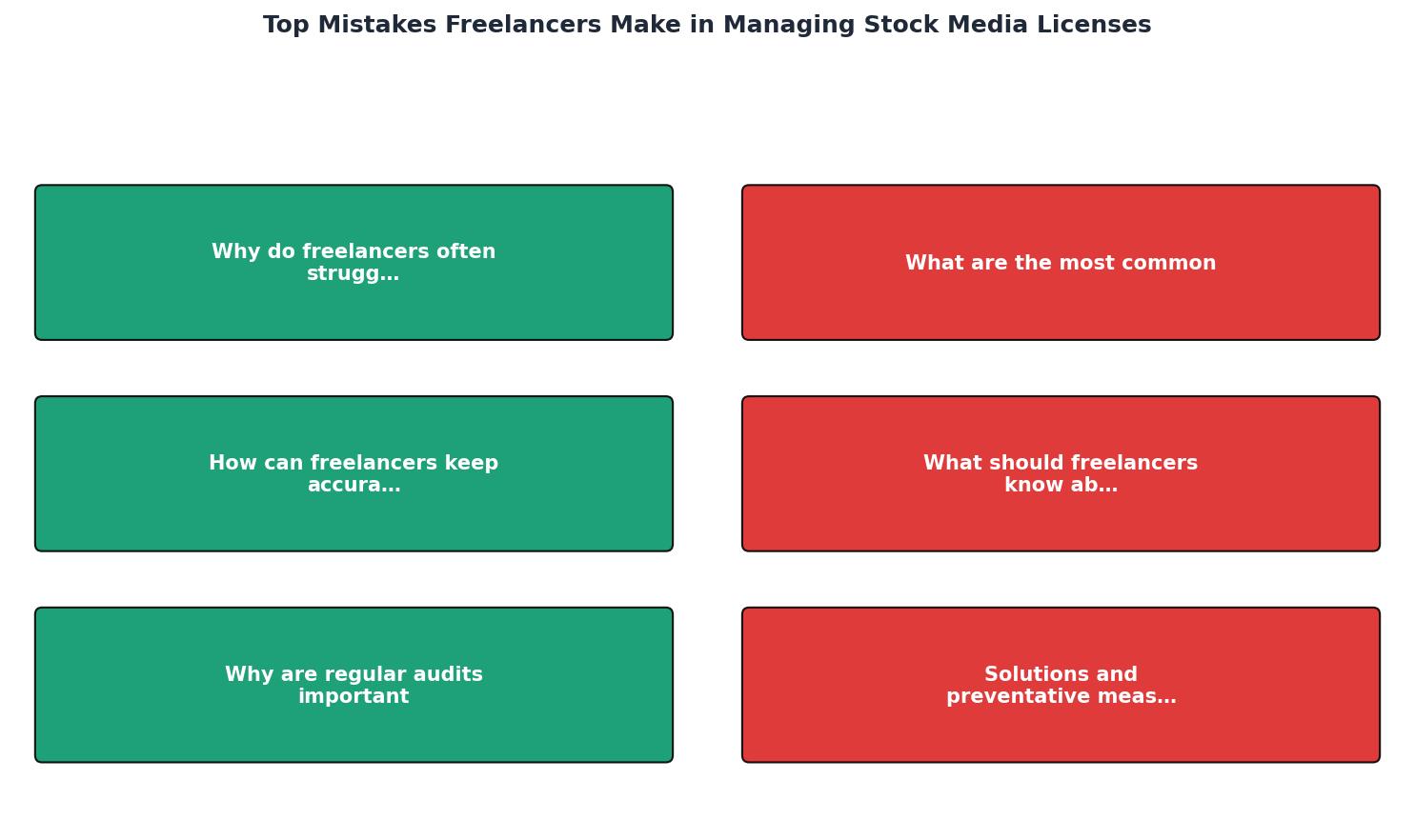
The diagram above shows the flow: Download asset, Grab certificate, Name and file it, Link to project, Audit quarterly. Five steps. Each one takes seconds when it is part of your routine.
Understanding licence terms

Licence terms are not standardized across the stock industry. Here are the distinctions that trip freelancers up most often:
- Standard vs. Extended licence. A standard licence typically covers digital use and limited print runs (often up to 500,000 copies). An extended licence removes print caps and may allow merchandise or resale. Using a standard licence for a product you sell on Etsy is a violation on most platforms.
- Editorial vs. Commercial. Editorial-only images (common on iStock and Shutterstock) cannot appear in advertising, product packaging, or promotional materials. The thumbnail looks identical to a commercial image. The licence does not.
- Subscription vs. On-demand. Assets downloaded under a subscription are covered only while the subscription is active on some platforms. If you cancel Envato Elements, your licence to use those assets continues only for existing projects (the "grandfathering" clause), but new uses require a new licence.
- Multi-seat vs. Single-seat. If your Freepik Premium account is single-seat, a subcontractor using your login to download assets may violate the terms of service, even if you are paying for the subscription.
| Licence Type | Typical Use | Common Restriction |
|---|---|---|
| Standard | Web, social, limited print | Print run caps, no resale |
| Extended | Merchandise, unlimited print | Higher cost, still no sublicensing |
| Editorial | News, blogs, commentary | No commercial/advertising use |
| Free / Freemium | Personal projects, mockups | Attribution required, limited commercial use |
Why regular audits matter
An audit sounds formal. For a freelancer, it is just a quarterly check. Open your licence folder. Compare it against your active projects. Ask three questions:
- Does every asset in my current projects have a matching certificate?
- Have any of my subscriptions lapsed since I downloaded these assets?
- Are there assets I downloaded under a free tier that now require a paid licence?
Freelancers who keep a centralized archive complete audits in about 15 minutes. Those who have to log into each platform separately and scroll through transaction histories spend an hour or more, and still miss things.
Solutions that actually work
Here is a realistic breakdown of what a freelancer's licence management dashboard might look like after implementing these fixes:
Example: Freelancer Licence Status
This example shows a freelancer who tracks four platforms and has 142 out of 147 certificates filed. The five missing ones and the expiring Envato subscription are exactly the kind of gaps a quarterly audit catches before they become problems.
Freelancer Licence Management Checklist
Your progress is saved automatically in your browser.
FAQ
Frequently Asked Questions
What is the one licence management habit you wish you had started sooner? Share your experience below.
Additional Resources
- The 08 Biggest Freelance Mistakes - 1. You're Afraid to Talk to Clients · 2. You're Guessing on Your Prices · 3. You're Emailing Proposals without Presenting Them First · 4. You're Saying “Yes” to ...
- The 8 Biggest Mistakes Beginner Freelancers Make - Mistake #1: Not Understanding What Phase of Freelancing You're In · Mistake #2: Setting Your Prices Too High · Mistake #3: Not Being Client- ...
- 2 biggest mistakes as a freelancer/agency owner ... - Zero brand awareness. This is not how marketing works. This is not how any of this works. You cannot pour money into a cold campaign and expect ...