
A client emails you three months after a project wraps asking for proof that the hero image on their landing page is properly licensed. You downloaded it from Freepik, you know that much, but the actual licence certificate is buried somewhere in your account history among hundreds of other downloads. Free download tools grabbed the file just fine, but they saved zero proof that you had the right to use it commercially. This gap between downloading an asset and proving you licensed it is where freelance designers get burned.
Photo by Nataliya Vaitkevich from Pexels
TL;DR:- Licence proof is the certificate or receipt that documents your legal right to use a Freepik asset commercially. Free download tools skip this entirely.
- Without proof, you cannot defend against copyright claims, pass client audits, or demonstrate compliance.
- The fix: always download licence certificates alongside assets, store them in a structured archive, and use tools like licencedownloader.com to bulk-retrieve certificates you already earned but never saved.
Why licence proof matters more than the file itself
Downloading a stock image takes seconds. Proving you had the right to use it six months later takes hours, if you can do it at all. Freepik issues a licence certificate for every Premium download tied to your subscription. That certificate states the asset ID, the licence type (Premium or free with attribution), the download date, and the permitted uses. It is the single document that stands between you and a copyright claim.
Most freelance designers treat the download as the finish line. It is actually the starting line for compliance. When a client's legal team, an ad platform reviewer, or a stock-image enforcement agency asks for documentation, the file itself proves nothing. The licence certificate proves everything.
What free download tools actually give you

Free download tools (browser extensions, bulk scrapers, third-party downloaders) solve one problem: getting the image file onto your hard drive faster. Here is what they typically provide and what they skip:
- File delivery: Yes. You get the JPEG, PNG, EPS, or PSD.
- Metadata preservation: Sometimes. EXIF data may survive, but Freepik-specific metadata often does not.
- Licence certificate: No. These tools do not authenticate against your Freepik account, so they cannot pull the certificate tied to your subscription.
- Download history sync: No. Your Freepik dashboard will not reflect downloads made through external tools.
- Attribution tracking: No. Free-tier Freepik assets require attribution. External tools do not flag this requirement.
"Most people looking for sites like Freepik are not just looking for another stock site.">, 15 Freepik Alternative Free Sites
That observation cuts both ways. Creators want quality assets and the legal safety net that comes with a proper licence. Free tools deliver the first half and ignore the second.
Common mistakes that create risk

Three patterns show up repeatedly when freelance designers get into trouble with stock licences:
- Downloading through a free tool, then assuming the Freepik subscription covers it. Your subscription covers downloads made through your authenticated account. If a third-party tool bypassed authentication, the download may not be logged, and no certificate exists.
- Saving the image but not the certificate. Freepik lets you download a PDF or view a licence page for each asset. Most designers close that tab immediately. Six months later, the asset is in a client deliverable and the certificate is gone.
- Mixing free-tier and Premium assets without tracking attribution requirements. Freepik's free tier requires visible attribution. Premium removes that requirement. If you cannot prove which tier applied at download time, you default to the more restrictive licence, which means adding attribution to finished work or risking a claim.
- Letting subscriptions lapse without archiving certificates. Once your Freepik Premium subscription expires, accessing old licence certificates becomes harder. Some platforms restrict download-history access for inactive accounts.
Step-by-step: securing your licence proof
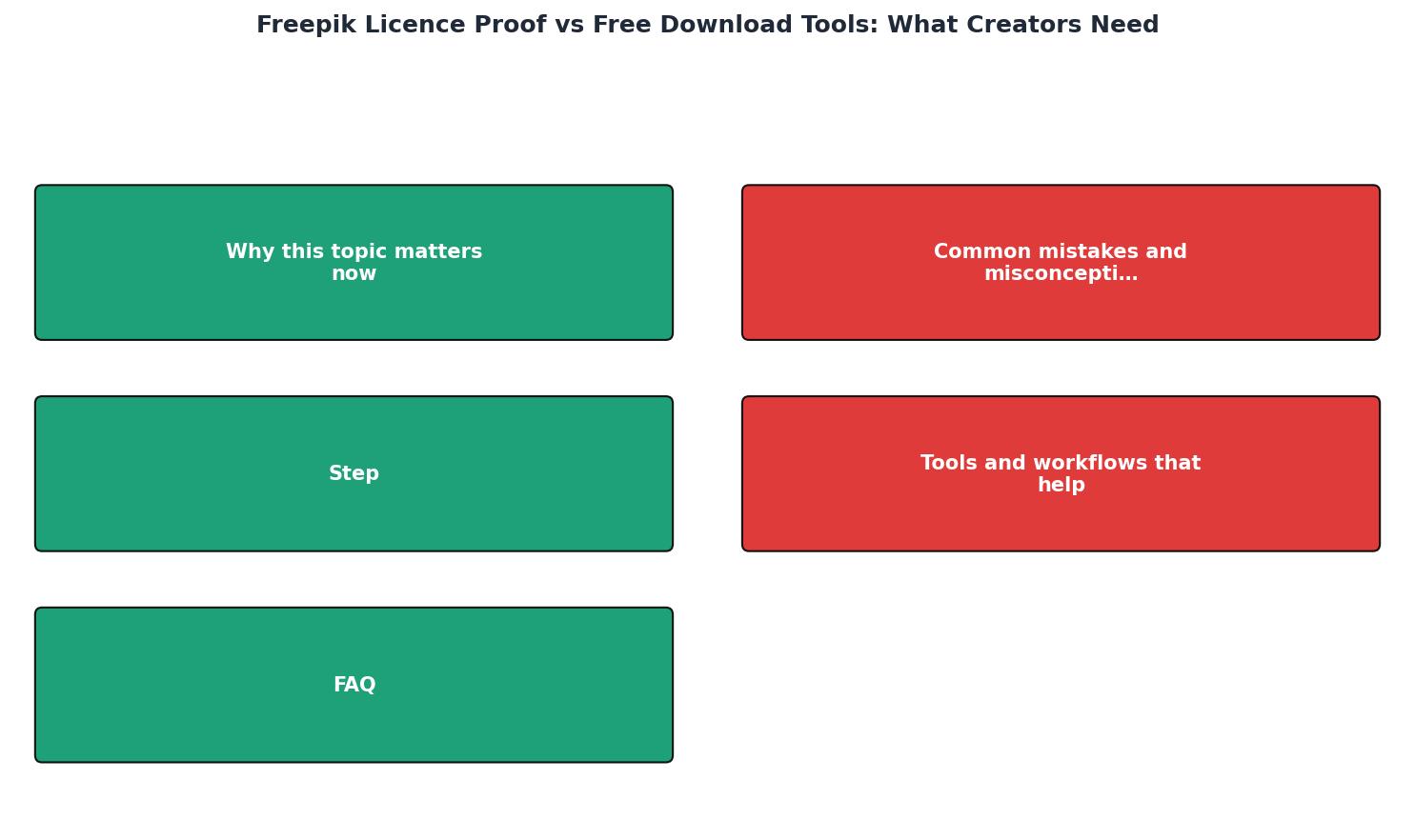
Here is a concrete workflow that takes under two minutes per asset and saves hours during audits:
- Download from Freepik directly. Use your authenticated account, not a third-party tool. This ensures the download is logged.
- Grab the licence certificate. After downloading, click the licence/receipt link on the confirmation page or find it in your download history. Save the PDF.
- Name both files consistently. Use a pattern like
freepik-[asset-id]-file.jpgandfreepik-[asset-id]-licence.pdf. This makes searching trivial. - Store in a project folder. Keep the asset and its certificate together in the same client/project directory.
- Back up to cloud storage. Google Drive, Dropbox, or any synced folder. The point is redundancy.
Tools and workflows that help
Not every tool serves the same purpose. Here is how the landscape breaks down for freelance designers managing Freepik assets:
| Feature | Free Download Tools | Freepik Native Download | Licence Downloader |
|---|---|---|---|
| Gets the image file | Yes | Yes | No (focuses on certificates) |
| Saves licence certificate | No | Manual, one at a time | Yes, in bulk |
| Tracks attribution needs | No | Partially (shows licence type) | Yes |
| Works across platforms | Varies | Freepik only | Multiple stock platforms |
| Audit-ready output | No | Only if you save manually | Yes |
The practical takeaway: free download tools and licence-proof tools solve different problems. Use the right tool for each job. Downloading assets through Freepik's own interface (or its API if you are technical) keeps your download history intact. A licence management tool fills the gap when you need to retrieve, organize, or archive certificates at scale.
Here is an example dashboard showing what a typical freelancer's licence collection looks like after organizing their Freepik downloads:
Freelancer Licence Archive, Freepik
Those 13 unrecoverable certificates represent assets downloaded through third-party tools that never hit the Freepik download log. They are the cost of convenience without compliance.
Freepik Licence Proof Workflow Checklist
Your progress is saved automatically in your browser.
FAQ
Frequently Asked Questions
Additional Resources
- How I Downloaded Almost 1000 Freepik Licenses At Once - Licence Downloader grabs every single licence certificate from your stock photo account and delivers them as an organized ZIP archive. It ...
- Vecteezy vs. Freepik: Which Platform Is Best for Your ... - Attribution is clearly required for free files, License PDFs can be downloaded for premium Freepik resources. Both Freepik and Vecteezy require ...
- 15 Freepik Alternative Free Sites - The best free Freepik alternatives for designers and marketers include Mockey AI, Vexels, FreeImages, Unsplash, and more.