
Last Tuesday a freelance designer lost a client over a single missing licence certificate. The client's lawyer asked for proof that a hero image was properly licensed, and she could not find it. Three hours of digging through Freepik, Adobe Stock, and old email receipts turned up nothing. That project relationship ended with an awkward apology and a refund. A ten-minute licence audit, done once a quarter, would have prevented the entire mess.
Photo by Leeloo The First from Pexels
TL;DR:- Regular licence audits catch expired, missing, or mismatched stock-media licences before a client or copyright holder does.
- A simple quarterly review of your licence files keeps you compliant and protects your professional reputation.
- Tools like Licence Downloader let you bulk-pull certificates from multiple platforms in minutes instead of hours.
Why licence audits matter
Stock-media licensing is not a one-and-done task. You buy an image on Shutterstock for a client deck in January, reuse it in a social campaign in June, and by October nobody remembers which subscription covered it. Multiply that by dozens of assets across Freepik, Adobe Stock, Envato, and Canva, and you have a compliance gap waiting to bite.
A licence audit is a structured review of every stock asset you have used, matched against the licence certificate or proof-of-purchase that covers it. The goal is simple: confirm that every file in your project folders has a valid, retrievable licence record.
That number is not limited to enterprise software. Freelancers working with stock media face the same pattern: assets accumulate, subscriptions rotate, and proof slips through the cracks.
"The Business Software Alliance (BSA) reports that as much as 37% of software in use is unlicensed.">, The Importance of Software License Audit Preparation
The same dynamic applies to stock images, vectors, and templates. If you cannot produce a licence certificate on demand, you are exposed.
How audits prevent legal issues

Copyright holders and stock platforms actively scan the web for unlicensed usage. Services like PicScout and Copytrack use reverse-image search to find assets used without proper licensing. When they find a match, they send a demand letter. Typical settlement demands range from $500 to $5,000 per image, sometimes more.
Here is what a regular audit protects you from:
- Demand letters from copyright holders that arrive months or years after a project ships.
- DMCA takedown notices on client websites, social ads, or marketplace listings.
- Client disputes where the client holds you responsible for clearing all assets.
- Reputation damage that spreads through referrals and online reviews.
Most copyright disputes between freelancers and stock platforms resolve quickly when the freelancer can produce a valid licence file. The ones that escalate are almost always cases where no proof exists.
Steps to conduct a licence audit
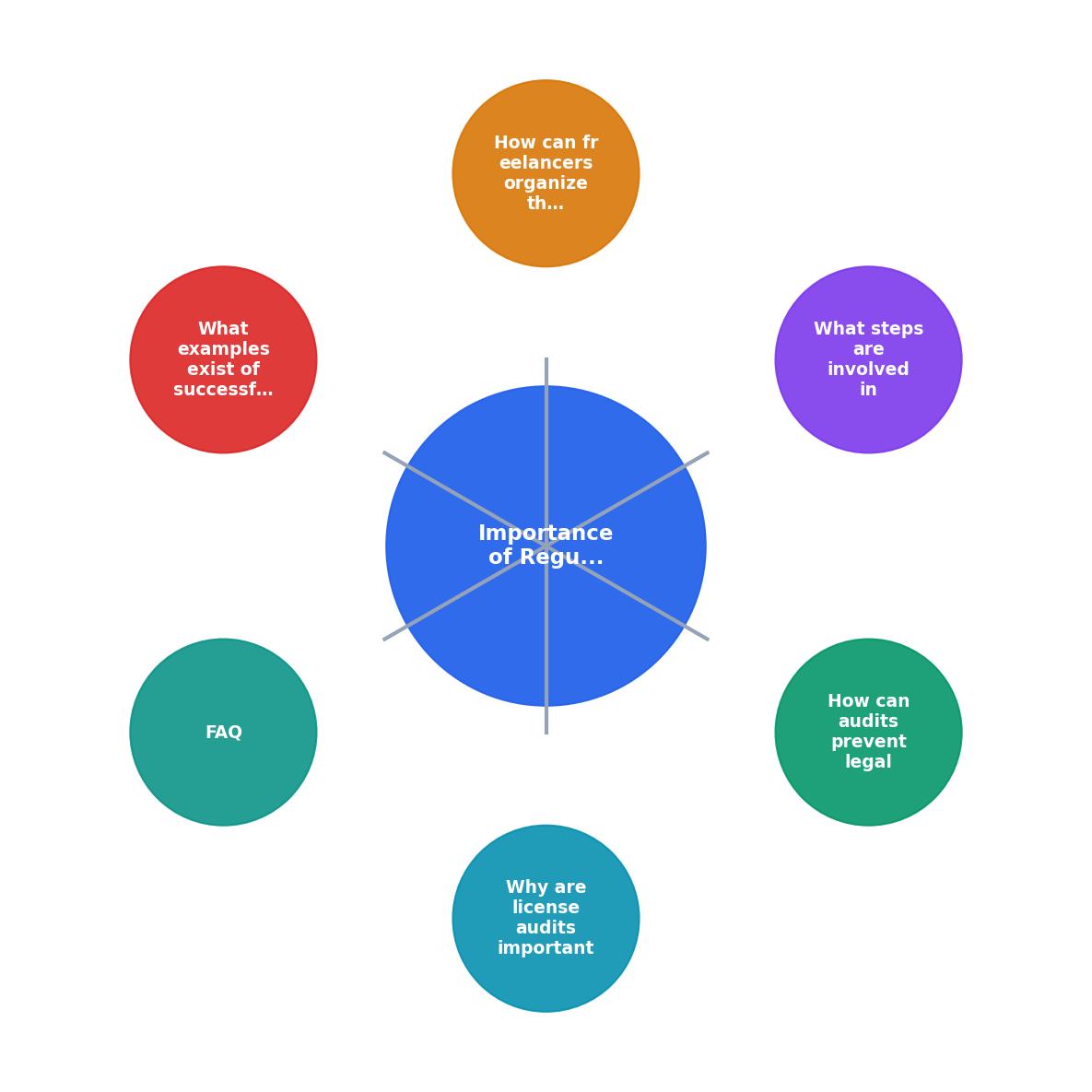
The process does not need to be complicated. Follow these steps and you can finish a full audit in under an hour, even with hundreds of assets.
- Inventory assets - Open your project folders and list every stock file: images, vectors, icons, fonts, video clips, and audio tracks. Include the filename, the platform it came from, and the project it was used in.
- Match licences - For each asset, locate the corresponding licence certificate, invoice, or download receipt. Check your platform dashboards (Freepik, Shutterstock, Adobe Stock, Envato, iStock, Canva) and your email.
- Flag gaps - Mark any asset where you cannot find a licence. These are your risk items.
- Resolve gaps - Re-download the certificate from the platform, contact support, or replace the asset with one you can prove is licensed.
- Archive results - Store all certificates in a single folder structure, organized by platform and date. Back it up.
- Schedule next audit - Set a calendar reminder for the next quarter.
| Manual Audit | Tool-Assisted Audit |
|---|---|
| Open each platform dashboard separately | Pull certificates from all platforms at once |
| Copy-paste filenames into a spreadsheet | Auto-match assets to licence records |
| 2-4 hours per quarter | 15-30 minutes per quarter |
| Easy to miss expired subscriptions | Flags expiration dates automatically |
A tool like Licence Downloader handles steps 2 through 5 by bulk-downloading licence certificates from your connected stock accounts. That turns a multi-hour chore into a quick verification pass.
Organize licences effectively
Good organization is what makes audits fast instead of painful. Here is a folder structure that works for most freelancers:
/Licences
  /Freepik
    /2025-Q4
    /2026-Q1
    /2026-Q2
  /Adobe-Stock
    /2025-Q4
    /2026-Q1
  /Shutterstock
    /2026-Q1
  /Envato
    /2026-Q1
Inside each quarterly folder, store the PDF or image of the licence certificate, named to match the asset filename. For example: freepik-12345678-licence.pdf next to freepik-12345678-hero-banner.jpg.
Key organization principles:
- One folder per platform. Never mix Freepik certificates with Shutterstock invoices.
- Quarterly subfolders. This matches your audit cadence and keeps folders manageable.
- Consistent naming. Use the platform's asset ID in the filename so you can search instantly.
- Cloud backup. Store the licence folder in Google Drive, Dropbox, or OneDrive. If your laptop dies, your proof survives.
- Client cross-reference. Maintain a simple spreadsheet that maps each asset ID to the client project where it was used. When a client asks for proof two years later, you look up the project name and find the certificate in seconds.
Real-world auditing practices
Consider a freelance brand designer who delivers 8-12 client projects per quarter, each using 5-15 stock assets. That is 40 to 180 assets every three months. Without a system, licence certificates scatter across browser downloads folders, email attachments, and platform dashboards that redesign their UI every six months.
One practical approach: at the end of every project, before sending the final invoice, spend five minutes downloading all licence certificates for that project's assets. Drop them into the project's delivery folder alongside the design files. The client gets a "Licences" subfolder with their deliverables. You keep a copy in your master licence archive.
Another freelancer working primarily with Envato Elements runs a monthly check. Envato's subscription model means assets are only covered while the subscription is active. If the subscription lapses, previously downloaded assets lose their licence coverage for new projects. A monthly check confirms the subscription is current and flags any assets used during a gap.
The pattern across successful practices is the same: small, regular effort beats a massive annual scramble. Five minutes per project or fifteen minutes per month prevents the three-hour panic when a demand letter arrives.
Here is an example dashboard showing what a typical freelancer's quarterly audit summary might look like after organizing their licence records:
Q2 2026 Licence Audit Summary
Freelancer Licence Audit Checklist
Your progress is saved automatically in your browser.
FAQ
Frequently Asked Questions
Additional Resources
- The Importance of Software License Audit Preparation | NPI - Conducting regular internal software license audits produces several key benefits, including: Enhancing cost management and elevating budgetary ...
- The Importance of Licensing Audits & Management - Regular audits help identify underused licenses that can be reallocated or cancelled, saving costs
- The Importance of Performing Royalty and Licensing ... - First and foremost, royalty audits can potentially recover significant lost revenues. If a licensee has under-reported their sales or their ...