
Photo by Insaanu Studio from Pexels
You bought an image on iStock. Your client now wants to use it on their product packaging. You're pretty sure it's licensed, but you can't quite remember which licence type you selected at checkout. Suddenly, you're hunting through account pages, old emails, and invoices trying to prove you did everything right. This is the moment when the difference between editorial and commercial licences becomes crystal clear, and it matters more than you realized.
TL;DR:- Editorial licences cover newsworthy, documentary, or illustrative use only. They exclude all commercial purposes: advertising, product sales, merchandise, and corporate messaging.
- Commercial licences permit business use including product packaging, advertisements, marketing materials, and corporate projects. They're the standard choice for agencies, freelancers, and business owners.
- Always download and store your iStock licence certificate immediately after purchase as proof of the rights you've acquired.
- Misusing an editorial image commercially opens you to copyright claims even if you paid for the image.
- Audit-ready proof is essential; use tools to bulk-collect certificates before you need them in a legal dispute.
Why Editorial vs Commercial Matters Now
The stock-image landscape has exploded. Platforms like iStock, Shutterstock, and Adobe Stock sell millions of images daily, each with different licence rules. A single image can carry an editorial licence, a commercial licence, or both, depending on how you bought it.
Here's the hard truth: most copyright disputes don't come from big agencies. They come from creators who grabbed a cheap image, didn't read the licence terms, and later got a cease-and-desist when a copyright holder or their lawyer discovered misuse. The image might have cost $5 to $50, but the legal letter costs thousands. iStock's licence agreement is strict, and enforcement is real.
The rules matter because they directly affect what you can do with every image you buy. Download an editorial licence thinking it's generic? You've just limited yourself to magazines, news articles, and blog posts. Try to put it on a product cover or sell it as merchandise, and you're in breach.
Understanding these two licence types is your first line of defense. Keeping proof is your second.
Editorial Licences: What You Can and Cannot Do

An editorial licence is built for journalism, documentary work, and educational use. It's narrower than it sounds, and it's also cheaper on iStock because the rights are restricted.
Editorial images can be used for:- Magazine and newspaper articles
- Blog posts and web content
- Educational materials and textbooks
- Documentary films and news broadcasts
- Historical records and archives
- Social media posts explaining or reporting on events
- Product packaging, labels, or merchandise
- Advertising or marketing campaigns
- Social media ads or sponsored posts
- Corporate presentations or business materials
- Book covers (unless it's a journalism or history book)
- Podcasts with any commercial intent
- Any image where the subject matter is being sold or promoted
iStock flags editorial images with a small label during checkout. Many freelancers miss it because they're clicking through quickly. By the time they realize, the image is already in a client project. Then comes the panic email to the client, the project delay, and the scramble to find a replacement.
The other trap: iStock's search results don't separate editorial from commercial by default. You have to actively filter for editorial or commercial on the left-hand panel. Many users don't know this filter exists.
Commercial Licences: Broader Rights, Broader Responsibility
Commercial licences grant you the freedom most creators actually need. These are the standard iStock images for business use.
With a commercial licence, you can:- Use the image in advertising, billboards, and print campaigns
- Include it in product packaging, labels, and merchandise
- Feature it in social media ads and sponsored posts
- Add it to corporate materials, presentations, and websites
- Sell it as part of a digital product (e-book, template, course material)
- License it for use in podcasts, videos, and multimedia projects
- Use it for business signage and retail environments
- Redistribute the raw image file to others without adding value
- Sell or resell the unmodified image as your own
- Use it to compete directly with iStock (reselling stock images on another platform)
- Remove watermarks or metadata
- Use the image in ways that violate trademark, privacy, or defamation laws
"The rules surrounding a licensing agreement will differ depending on whether your organization wants to use a commercial or editorial photo.">, Editorial vs. Commercial Use of Photos
A commercial licence is what freelancers, agencies, and business owners typically need. It's the default choice on iStock when you're designing branding, packaging, ads, or client materials.
The responsibility part is critical: a commercial licence does not protect you from copyright law outside the image itself. If the image contains a recognizable person, you're still bound by model-release requirements. If it contains a trademarked logo or building, you still need permission for certain uses. The licence covers iStock's copyright on the image; it doesn't erase other legal obligations.
Common Mistakes and Misconceptions
- "If I bought it, I own it." Wrong. You've licensed the image. iStock retains copyright. The licence governs what you can do.
- "Editorial images are cheaper, so they're fine for any use." They're cheaper because they're restricted. Using them commercially is breach of contract and copyright infringement.
- "I can use an editorial image if I'm not making money." The restriction is about editorial use, not about your income. A non-profit using an editorial image for commercial-style purposes is still a violation.
- "My client will handle the legal stuff." Your client likely has no idea you're using a restricted-licence image. If there's a dispute, both of you are exposed.
- "The image is so small / obscure, no one will notice." Copyright enforcement is often automated by software that scans the web. Obscurity doesn't protect you.
How to Check Your iStock Licence Type Before Buying
The time to verify is at checkout, not months later.
Step 1: Search for the image on iStock and read the product page. Below the image preview, iStock displays licence restrictions. Look for text like "Available with a Commercial License" or "Editorial use only."
Step 2: Check the licence icon and dropdown. Near the price, iStock shows a small icon and a dropdown menu. Click it. You'll see:- Subscription options (Standard, Enhanced, Plus)
- Single-image purchase options (editorial or commercial)
- Pricing for each
- Clear disclaimers of use restrictions
Step 4: After purchase, immediately download your licence certificate. This is your proof. Save it with the image file name, the date of purchase, and the project name.
How to Download and Organize Your iStock Licences

Your licence certificate is not just a PDF. It's your legal proof of rights. Courts, clients, and copyright attorneys want to see it.
Finding your licence on iStock:- Log into your iStock account.
- Go to "My Account" or "Purchases" (exact location varies by account type).
- Find the image or download.
- Look for a link or button labeled "View Licence" or "Download Licence."
- iStock generates a PDF with your name, the image ID, purchase date, licence type, and usage rights.
- Create a folder structure: Year / Client Name / Project Name.
- Name each certificate: ImageID_ImageName_LicenceType_Date.pdf.
- Store certificates alongside the image files.
- Keep an inventory spreadsheet listing: Image ID, Image Name, Platform (iStock), Licence Type, Purchase Date, Project, Client.
The process is tedious if you do it manually for dozens or hundreds of images. That's why bulk-download tools exist. A good tool can pull all your iStock licences at once, organize them by date or licence type, and export an inventory list.
The Process: From Purchase to Proof
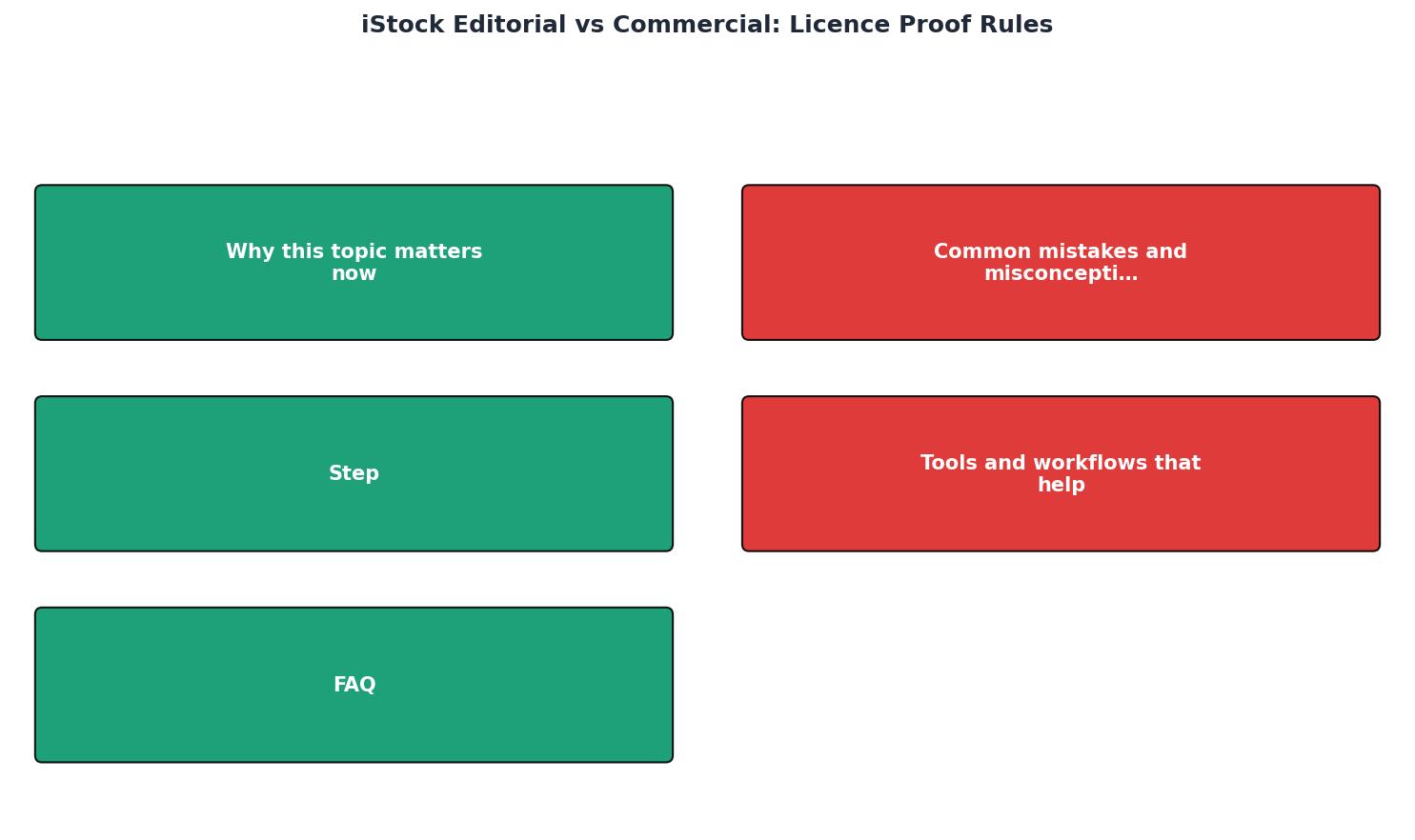
Here's the workflow that protects you:
- Before download: Search iStock. Verify the licence type on the product page. Check the licence dropdown at checkout. Read the restrictions.
- At checkout: Select the correct licence type (editorial or commercial). Make a note of the image ID and your purchase order number.
- After purchase: Download the licence certificate immediately. Do not wait.
- File organization: Save the certificate in a project folder with the image. Update your inventory.
- Delivery: When you send the image to a client or use it in a project, include the licence certificate in your project handover or backup files.
- Long-term storage: Keep all certificates for at least as long as the client relationship is active, plus 2-3 years.
Interactive Licence Decision Helper
To make the choice clearer, here's a simple visual guide showing when to use each:
Editorial Use
- News articles
- Blog posts
- Educational content
- Documentary
- Product packaging
- Advertising
- Social media ads
- Merchandise
Commercial Use
- Product packaging
- Advertising campaigns
- Social media ads
- Corporate materials
- Marketing websites
- Merchandise
- Reselling raw image
- Trademark conflicts
This visual divides the world of uses into two clear camps. If your intended use is in the left column, you need an editorial licence. If it's in the right column, you need a commercial licence. If you're unsure, commercial is always the safer bet because it covers more ground.
Audit-Ready Proof: Building Your Defence

Audit-ready proof is not a nice-to-have. It's your legal shield.
A copyright dispute can come from anywhere. A client's legal team might audit your work. A cease-and-desist letter might arrive from a rights holder. A platform might flag an image and demand proof. Having your certificates organized and instantly retrievable means you respond in hours, not weeks.
What audit-ready means:- Every image has a corresponding licence certificate.
- Certificates are named and organized consistently.
- You can produce proof of the correct licence type within one day.
- Your inventory tracks which projects used which images.
- Certificates are stored in multiple locations (local backup and cloud).
That's where bulk-download tools help. A tool designed for creators can connect to your iStock account, pull all your purchase history and certificates, organize them by date or project, and let you export an inventory. It turns hours of manual work into minutes of automated work.
The investment (time or money) pays for itself the moment you don't have to panic when a client or lawyer asks for proof.
Editorial vs Commercial Licence Proof Checklist
Your progress is saved automatically in your browser.
FAQ
Frequently Asked Questions
Additional Resources
- Content License Agreement - No Commercial Use of "Editorial Use Only" Content. You may not use content marked "editorial use only" for any commercial, promotional, advertorial, ...
- Comprehensive Guide to iStock License: Pros, Cons, and ... - Navigating the stock photo world can be daunting. But with iStock's straightforward licensing terms, your journey can be much easier.
- Editorial vs. Commercial Use of Photos - The rules surrounding a licensing agreement will differ depending on whether your organization wants to use a commercial or editorial photo.