

You bought stock photos for your online store, your Facebook ads, and your product listings. Six months later, someone files a copyright claim against one of those images, and you have no idea where the licence certificate is. This scenario plays out constantly for small business owners who treat licence management as an afterthought. The fix is straightforward: build a simple digital filing system, learn what your licences actually allow, and review them on a regular schedule.
Photo by cottonbro studio from Pexels
TL;DR:- Set up a dedicated folder structure (local or cloud) where every stock media licence gets filed the moment you download an asset.
- Learn the difference between standard and extended licences so you never accidentally use an image outside its permitted scope.
- Schedule quarterly licence reviews to catch expired permissions, missing certificates, and assets that no longer match your current plans.
The real cost of disorganized licences
A single copyright infringement notice can cost a small business anywhere from a few hundred dollars in settlement fees to thousands in legal costs. The irony is that most of these businesses actually paid for the image. They just cannot prove it.
An estimated 60% of small businesses that use stock media have no centralized system for storing licence proof. That means the majority of owners are one takedown notice away from a stressful scramble through email inboxes and forgotten platform dashboards.
The problem is not buying licences. The problem is finding them when it counts.
Why digital filing systems matter

Paper receipts fade. Email confirmations get buried under thousands of messages. Browser bookmarks break when platforms redesign their account pages. A digital filing system solves all three problems by giving every licence a permanent, searchable home.
Here is what a basic structure looks like:
- Root folder named
Stock-Licencesin your cloud storage (Google Drive, Dropbox, OneDrive). - Platform subfolders inside it:
Canva,Freepik,Shutterstock,Depositphotos, etc. - Asset folders inside each platform folder, named with the asset ID and a short description:
IMG-48291032-blue-office-desk. - Contents of each asset folder: the downloaded image file, the licence certificate PDF, and a plain text note with the purchase date, licence type, and where you used the image.
Businesses that maintain organized licence files report saving up to 85% of the time they would otherwise spend responding to compliance requests or legal inquiries.
2026-07-01_freepik_licence_48291032.pdf) so they sort chronologically by default.Understanding your licence terms

Not every stock licence works the same way. A standard licence from Shutterstock allows commercial use in digital ads and websites but caps print runs at 500,000 copies. A Canva Pro licence lets you use assets in commercial designs but prohibits selling them as standalone files. Freepik's free tier requires attribution; its Premium tier does not.
These differences matter. Using a standard-licence image on merchandise you sell (mugs, t-shirts, posters) often requires an extended licence that costs more. If you skip that upgrade, you are technically infringing even though you paid for the image.
Key terms to check for every licence:
- Commercial use: Can you use it to make money?
- Print run limits: How many physical copies are allowed?
- Derivative works: Can you modify the image?
- Resale / sublicensing: Can you pass the licence to a client or partner?
- Duration: Does the licence expire, or is it perpetual?
- Attribution: Do you need to credit the creator?
"Most external requirements involve filing paperwork or paying taxes with state or federal governments.">, Stay legally compliant
Compliance is not just about taxes and permits. Stock media licences are legal agreements, and violating them carries real consequences.
Common pitfalls to avoid

Small businesses make the same licence management mistakes over and over. Here are the ones that cause the most damage:
- Assuming "free" means "do anything." Free stock images from Unsplash, Pexels, or Pixabay come with their own licence terms. Some prohibit use in certain contexts (like AI training). Always read the specific licence.
- Letting subscriptions lapse without archiving. When your Canva Pro or Freepik Premium subscription ends, you lose dashboard access to licence certificates. Download and save them before canceling.
- Using one person's account for the whole team. If your employee bought images on their personal Shutterstock account and then leaves, you may lose access to those licence records entirely.
- Ignoring platform emails about licence changes. Stock platforms update their terms of service. An image that was cleared for commercial use last year might have new restrictions today.
- Relying on screenshots as proof. A screenshot of a purchase confirmation is better than nothing, but the actual licence certificate PDF carries far more weight in a legal dispute.
| Organized Approach | |
|---|---|
| Licences scattered across email | Central cloud folder per platform |
| No record of licence type | Text note with terms summary |
| Screenshots as proof | Official certificate PDFs |
| Quarterly panic searches | 5-minute filing at purchase time |
| Expired subscriptions = lost records | Certificates archived before cancellation |
Affordable tools for licence management
You do not need expensive enterprise software to keep licences organized. Here are practical options that fit a small business budget:
- Google Drive / Dropbox / OneDrive (free tiers available): Create the folder structure described above. Use the search function to find licences by filename or date.
- Notion or Airtable (free tiers available): Build a simple database with columns for asset name, platform, licence type, purchase date, expiry date, and a link to the stored certificate. Filter and sort as needed.
- Licence Downloader (licencedownloader.com): Bulk-download licence certificates from platforms like Freepik, Shutterstock, Adobe Stock, Envato, iStock, and Canva in one go. Instead of logging into each platform separately and hunting for certificates, you pull them all at once.
- Trello or Asana (free tiers available): Use a board with columns for each platform and cards for each asset. Attach the licence PDF directly to the card.
Here is an example of how a simple licence tracking dashboard might look for a small e-commerce business managing assets across three platforms:
Licence Status Dashboard (Example)
Setting up your filing workflow
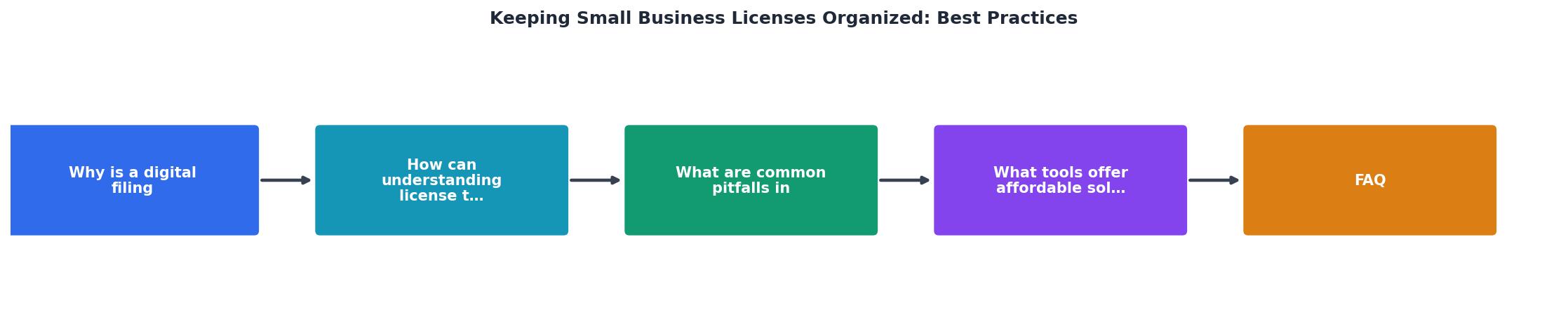
The diagram above shows the full workflow at a glance. Follow these steps every time you purchase or download a stock asset:
- Purchase asset on the stock platform.
- Download certificate from your account's licence/invoice section.
- File in folder using the naming convention (date + platform + asset ID).
- Log in tracker by adding a row to your Notion database, spreadsheet, or Trello board.
- Quarterly review to verify all certificates are present and no licences have expired.
Digital Licence Filing System Setup
Your progress is saved automatically in your browser.
FAQ
Frequently Asked Questions
Additional Resources
- Stay legally compliant | U.S. Small Business Administration - Keep your business compliant with state and federal business laws. Your legal responsibilities will depend on your business and location.
- Webinar: How to master business license management - Learn how to build a strong framework to keep track of necessary business licenses and renewals under complex, ever-changing local, state, ...
- The six steps of business license compliance - Step 1: Have an inventory of current licenses · Step 2: Map out the process for business license management · Step 3: Identify triggers for new compliance actions.