
One copyright claim on a Facebook ad can cost a small business thousands of dollars and weeks of lost sleep. Most small business owners buy stock images from Canva, Freepik, or Shutterstock without thinking twice about where the licence proof ends up. A stock media licence audit fixes that by giving you a clear, organized record of every image you have the right to use, the terms attached to each one, and the gaps that could get you in trouble.
Photo by RDNE Stock project from Pexels
TL;DR:- A successful licence audit starts with a complete inventory of every stock asset you use across all platforms.
- You then verify each licence's terms (commercial use, duration, placement restrictions) and flag compliance gaps.
- Closing those gaps with organized records protects you from takedowns, fines, and legal threats.
Why small businesses need audits
Stock media licence audits are not just for agencies with legal departments. If you run an online store, a local service business, or a side project that uses stock photos in ads, product listings, or social posts, you already have licence obligations. The difference between a business that survives a copyright dispute and one that pays a settlement often comes down to one thing: organized proof.
A licence audit answers three questions: What assets do I use? Am I allowed to use them this way? Can I prove it? Get those answers documented, and you turn a potential legal nightmare into a five-minute file lookup.
Essential elements of a licence audit
Every stock media licence audit for a small business has five core components:
- Asset inventory - a complete list of every stock image, video, or graphic you use.
- Licence verification - confirming the type and terms of each licence.
- Compliance gap analysis - identifying assets that lack proof or violate terms.
- Remediation plan - fixing gaps by downloading certificates, upgrading licences, or replacing assets.
- Ongoing maintenance - a system to keep records current as you add new assets.
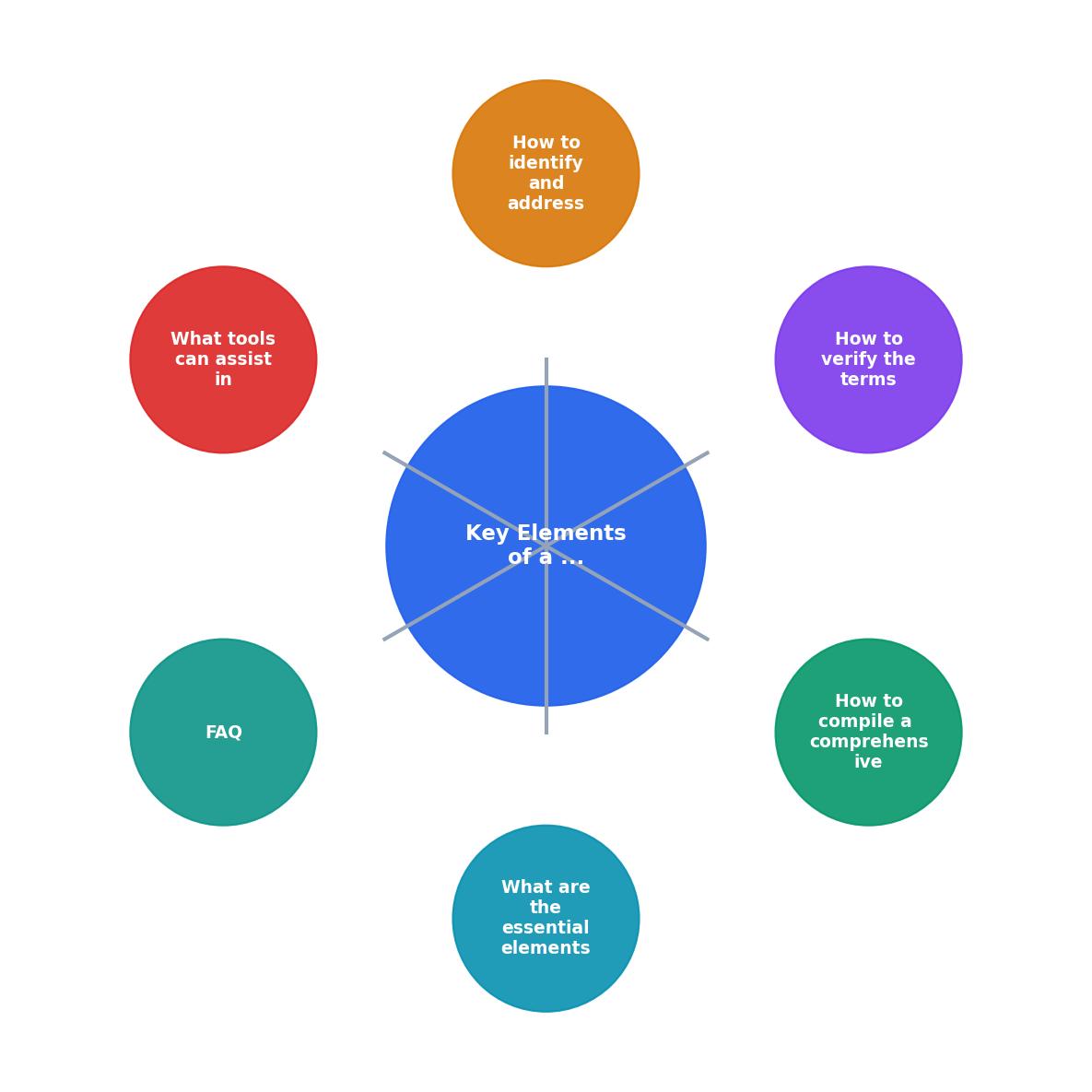
When walking through the process, think of it as five steps in order: Inventory, Verify, Analyze Gaps, Remediate, Maintain. Each feeds the next.
Build a complete asset inventory
The inventory is the foundation. Without it, you are guessing which images are licensed and which are not. Here is how to build one:
- List every platform you use. Canva Pro, Freepik, Shutterstock, Adobe Stock, Depositphotos, iStock, Envato. Check browser history and email receipts if you are not sure.
- Export download histories. Most platforms let you view past downloads. Canva shows them under "All your designs," Freepik under "My downloads," Shutterstock under "Download history."
- Check your website, ads, and social accounts. Open every product listing, every active ad set, every social post from the last 12 months. Note every stock image you spot.
- Record metadata for each asset. At minimum: file name, source platform, download date, and where the image is currently used.
Most small businesses discover during their first audit that they can only account for about a third of the stock assets they actually use. That gap is exactly where legal risk hides.
Verify each licence's terms

Having a licence is not the same as having the right licence. A standard Canva Pro licence covers most commercial uses, but it does not cover printing an image on merchandise you sell. A Freepik free-tier download requires attribution; a Premium download does not. These details matter.
For each asset in your inventory, verify:
- Licence type - free, standard, or extended. Each platform uses slightly different names, so read the actual terms page.
- Commercial use - is the licence valid for the way you are using the image (ads, products, packaging, resale)?
- Duration - some licences expire when a subscription lapses. Shutterstock standard licences are perpetual; Canva Pro licences require an active subscription for continued use of certain templates.
- Attribution requirements - free-tier licences on Freepik and Pexels often require a credit line. Check if yours do.
- Exclusivity and distribution limits - extended licences sometimes cap print runs or digital impressions.
"The Illinois Department of Financial and Professional Regulation (IDFPR) is the main licensing agency for the State of Illinois for most professions.">, Step by Step Guide
While that quote refers to professional licensing rather than stock media, it highlights a broader truth: every type of business licence, including media licences, benefits from a clear regulatory framework and organized documentation.
Identify and close compliance gaps
Once you have an inventory and verified terms, gaps become obvious. Common ones include:
- Missing proof - you downloaded an image six months ago but cannot find the licence certificate.
- Wrong licence tier - you used a free-tier image on a product listing without attribution.
- Expired subscriptions - your Canva Pro lapsed in March, but images from that subscription are still on your website.
- Unauthorized transfers - a freelancer used their personal account to download images for your business, and their subscription ended.
- Download the certificate now. If the licence is valid and you just lack the proof, grab it from the platform or use a bulk tool like licencedownloader.com.
- Upgrade the licence. If you need extended rights (merchandise, large print runs), purchase the correct tier.
- Replace the asset. If the licence is invalid or expired and cannot be renewed, swap the image for a properly licensed alternative.
| Gap Type | Risk Level | Fix |
|---|---|---|
| Missing certificate | Medium | Download from platform |
| Wrong licence tier | High | Upgrade or replace asset |
| Expired subscription | High | Re-license or remove image |
| No attribution on free asset | Medium | Add credit or upgrade to paid |
| Freelancer's personal licence | High | Re-download under business account |
Tools for maintaining licence records

An audit is a snapshot. Without a system to maintain records going forward, you will be back to square one in six months. Here are practical options:
- Spreadsheet tracker - Google Sheets or Excel with columns for asset name, platform, licence type, download date, expiry, and usage location. Good for very small inventories.
- Cloud folder structure - a dedicated Google Drive or Dropbox folder with subfolders per platform, each containing the licence PDF alongside the asset file.
- Licence Downloader - pulls certificates in bulk from Freepik, Shutterstock, Adobe Stock, Envato, iStock, Canva, and others into a single organized archive. Saves the most time if you use multiple platforms.
- Digital asset management (DAM) tools - platforms like Brandfolder or Canto that store assets with metadata, including licence info. Better suited for teams with larger budgets.
The right tool depends on your volume. If you download fewer than 10 stock images a month, a spreadsheet and a cloud folder are enough. If you download dozens across multiple platforms, automation pays for itself in the first audit cycle.
Here is an example dashboard showing what a typical small e-commerce business might track after completing their first audit:
Licence Audit Dashboard, Example
Small business licence audit checklist
Small Business Licence Audit Checklist
Your progress is saved automatically in your browser.
FAQ
Frequently Asked Questions
Additional Resources
- Step by Step Guide to Starting a Business - This guide will inform you of various legal requirements and direct you to additional resources. If you have any questions contact the Business Information ...
- Business License Application Steps - Business registration information from step 1 · Ownership information · The business address · The square footage of the business location · A detailed description ...
- Your Guide to Business License Compliance - CSC Global - This comprehensive guide provides a clear overview of business license compliance, covering everything from the types of licenses required to the ...