

You finished the brand kit, exported the files, sent the Dropbox link, and moved on to the next project. Three months later the client's lawyer emails asking for proof that every Envato Elements asset in the deliverables was properly licensed. You open your Envato account, scroll through hundreds of downloads, and realize you cannot match a single asset to a specific project. That gap between downloading an asset and proving you had the right to use it is where freelance designers lose money, sleep, and client trust.
Photo by Helena Lopes from Pexels
TL;DR:- Envato Elements licences are tied to your active subscription, and the platform does not bundle licence certificates into your project deliverables automatically.
- Client handoffs without matching licence documentation create legal exposure that can surface months or years after project completion.
- A repeatable workflow that pairs every downloaded asset with its licence record at the moment of download eliminates the gap entirely.
Why licence gaps exist
Envato Elements operates on a subscription model. You pay monthly or annually, you get unlimited downloads, and each download generates a licence. Sounds clean. The problem is structural: the licence lives inside your Envato account dashboard, not inside the ZIP file you downloaded, not inside the Figma file you handed off, and definitely not inside the Google Drive folder your client received.
Most freelance designers treat the download as the end of the licensing step. It is actually the beginning. The licence document Envato generates contains the Item ID, the licence type (single use vs. multi-use), the date of registration, and the project it was registered to. None of that metadata travels with the asset file itself.
When a client asks for proof six months later, you are stuck reverse-engineering which asset went where. If your subscription lapsed between the project date and the request date, accessing that licence page gets even harder.
Common mistakes in handoffs

Here are the patterns that create the biggest exposure:
- Downloading without registering a project. Envato Elements lets you download assets without assigning them to a named project. Many designers skip this step because it adds friction. Without project registration, the licence certificate is generic and harder to tie to a specific client deliverable.
- Assuming the client inherits the licence. They do not. The licence is granted to the subscriber. If you cancel your subscription, the licence for items used in end products remains valid, but proving that requires the original licence document. The client cannot generate one from their own account.
- Mixing free and paid assets without tracking. A single brand kit might contain an Envato Elements template, a Freepik vector, and a Google Fonts typeface. Each has different licence terms. Without a per-asset log, the handoff folder is a legal mystery box.
- Relying on browser history or email receipts. Envato does not send per-download email confirmations. Your browser history is not a legal document.
Step-by-step licence handoff workflow
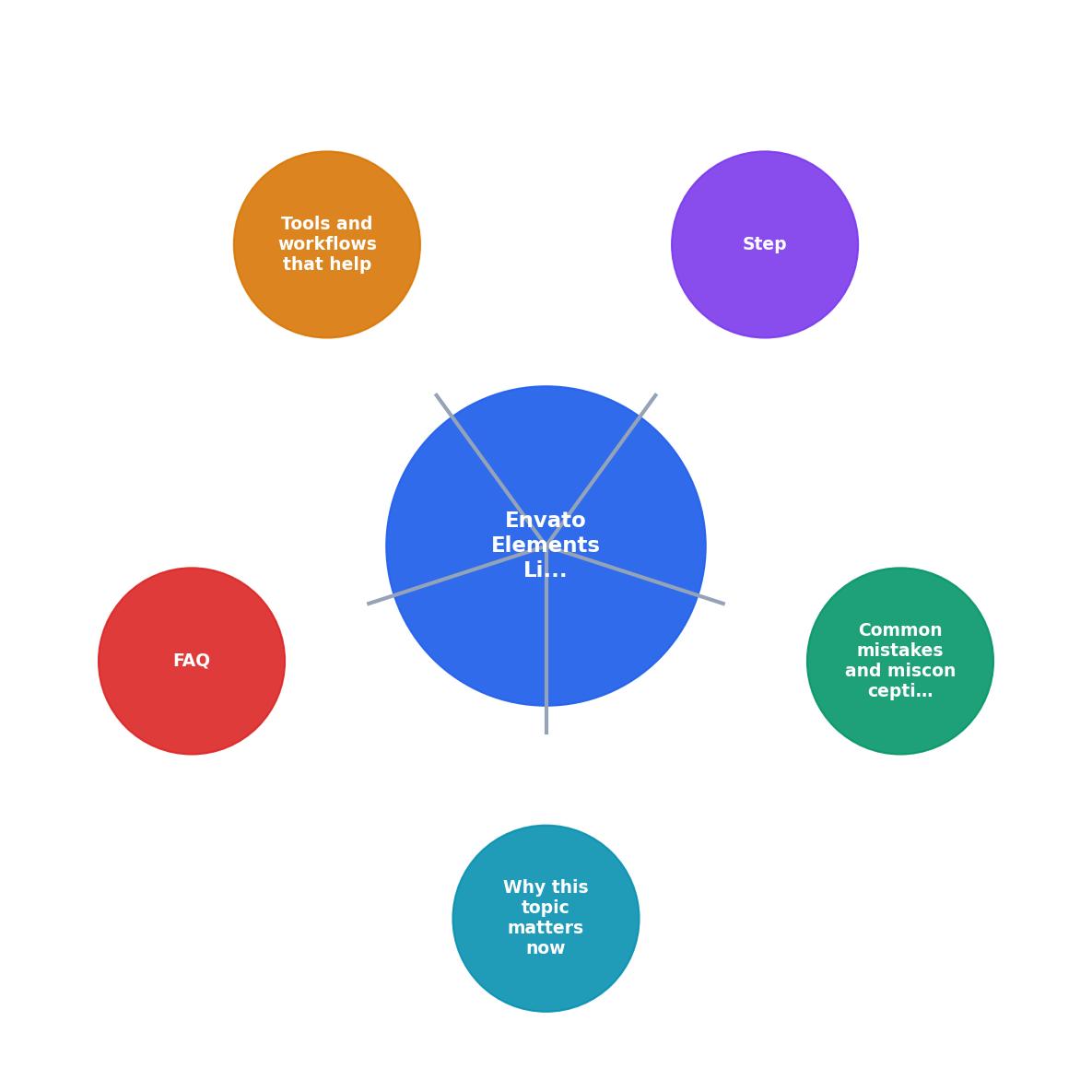
Follow these steps for every project that uses Envato Elements assets. The labels match the diagram above.
- Create project, Before downloading anything, create a named project inside Envato Elements. Use the client name and a short project descriptor (e.g., "Acme-BrandKit-2026").
- Download + register, Download each asset through that project. This generates a licence certificate tied to the project name, the item, and the date.
- Export licence PDF, Go to your Envato Elements licence history, find the project, and download the licence certificate as a PDF. Do this the same day you download the asset.
- Store with deliverables, Place the licence PDF in a
/licencessubfolder inside your project directory. Mirror the structure: one PDF per asset, named to match the asset filename.
- Include in handoff, When you send final deliverables, include the
/licencesfolder. Add a one-line note in your handoff email: "Licence certificates for all stock assets are in the /licences folder."
- Archive locally, Keep your own copy. Cloud backup preferred. This is your insurance if the client loses their copy or if Envato changes their dashboard.
"That feature comparison table really cleared things up!">, 15+ top marketing tools to grow your brand
Tools and workflows that help

Manual licence management works when you use five assets a month. It breaks at fifty. Here is what scales:
- Licence Downloader (licencedownloader.com), Bulk-find and download licence certificates from Envato Elements, Freepik, Shutterstock, Adobe Stock, and other platforms in one pass. Instead of clicking through each platform's dashboard individually, you pull all certificates at once and organize them by project. This is the fastest way to close the gap between "I downloaded it" and "I can prove I licensed it."
- Naming conventions, Prefix every asset file with the Envato Item ID. A file named
E8V3K2_hero-banner.jpgis instantly traceable. No spreadsheet required. - Project management integration, If you use Notion, Asana, or Monday, add a "Licence status" field to your asset tracker. Three values:
pending,downloaded,delivered. Filter forpendingbefore every handoff.
| Manual Process | Automated with Licence Downloader |
|---|---|
| Open each platform dashboard separately | Pull all licences from one interface |
| Click through download history page by page | Bulk search by date range or project |
| Rename and sort PDFs by hand | Auto-organized by platform and project |
| 15-30 min per project handoff | 2-3 min per project handoff |
| Easy to miss assets from cancelled subscriptions | Flags gaps before handoff |
What happens when gaps surface

A licence gap is not theoretical. Here is the typical chain of events:
- A stock media company (or a copyright enforcement firm acting on their behalf) runs automated reverse image searches across the web.
- They find an image on your client's website or ad.
- They send a demand letter to the client, claiming unauthorized use.
- The client forwards the letter to you, asking for proof of licence.
- You cannot produce it. The client pays a settlement. You lose the client.
Even if you had a valid licence at the time of use, the burden of proof falls on you. "I had a subscription" is not proof. The licence certificate PDF is.
Here is an example dashboard showing what a typical freelancer's licence gap risk looks like across a quarter of client work:
Licence Gap Risk, Q2 2026
Example: freelancer with 5 active client projects
A 62% coverage rate means one in three assets has no documentation. That is 33 potential demand letters waiting to happen.
Handoff licence checklist
Envato Elements Licence Handoff Checklist
Your progress is saved automatically in your browser.
FAQ
Frequently Asked Questions
/licences folder alongside the project files. This gives you immediate coverage for your most exposed work and builds the muscle memory for future projects./licences folder approach works across all of them. Tools like licencedownloader.com let you pull certificates from multiple platforms in one session, so you do not need to log into five different dashboards.Additional Resources
- 15+ top marketing tools to grow your brand - design trends for 2026: smarter tools, bolder slides, better storytelling AI-powered workflows, expressive typography, mobile-first layouts, ...
- Compare CodeCanyon vs. Envato Elements in 2026 - Envato Elements is licensed for utilization across a multitude of commercial and other projects. The library includes a variety of graphic design resources, ...
- The essentials for running a Brand Design Studio 👩🏼💻 ... - The essentials for running a Brand Design Studio This is the exact Client Portal I use with every client project.