
When you hand off a design project to a client, they expect complete proof that every asset is legally licensed. After Envato Elements' platform updates in 2025, many freelancers discovered that their old licence records no longer match the new download and verification system. This mismatch creates a dangerous gap: clients ask for licence certificates, but you can't produce the exact proof from your Envato account because the platform reorganized how it stores and exports this data. The result is wasted time, client trust issues, and real liability exposure.
Photo by Apunto Group Agencia de publicidad from Pexels
TL;DR:- Envato Elements' platform updates changed how licence data is stored and exported; old download records may not match the current system.
- Clients requesting licence proof after project handoff often receive outdated or incomplete certificate information because freelancers rely on stale exports.
- The gap grows wider when multiple team members, contractors, or account upgrades are involved; licence trails break or go missing.
- A practical handoff checklist and centralized licence archive prevent gaps before they become client disputes.
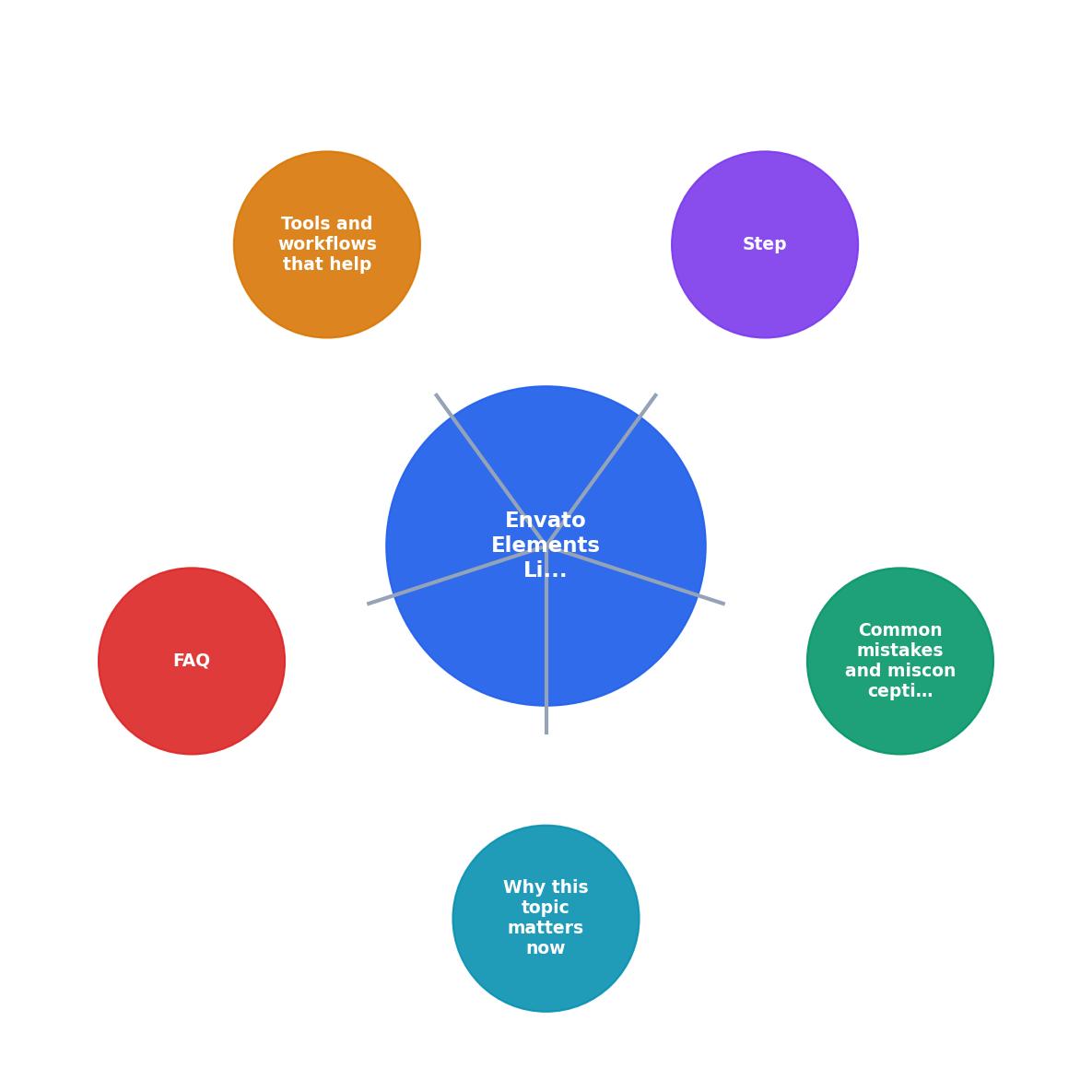
Why this gap exists now
Envato Elements made architectural changes to its licensing and download architecture. The Item is what you download from Envato Elements. Before 2025, licence metadata (download date, licence type, item ID, usage restrictions) lived in one export format. The platform consolidated and restructured that data to align with their 2026 authentication system. For existing users, this means old downloaded licence files don't always link correctly to the new item registry.
Here's what broke:
- Version mismatch: Licences downloaded before the update reference old item identifiers. New platform versions use a different ID scheme, so a 2024 licence file for "image_abc123" may not match "item_xyz789" in your 2026 downloads.
- Export format changes: The CSV or JSON export format you used to grab batch licence records is now different. Columns shifted, field names changed, and some metadata was moved or removed entirely.
- Account structure changes: Envato moved user subscriptions to a unified login system. If you upgraded your account or merged subscriptions, your licence history may have been partially re-indexed. Old records don't always sync cleanly.
- Handoff expectations mismatch: Clients expect a single, consistent licence file per deliverable. You can now generate multiple licence exports from Envato, each showing slightly different data depending on which platform section you export from.
The real problem: you have the licence. You paid for it. Envato has the licence. But your proof and Envato's current system no longer speak the same language.
Common mistakes that widen the gap

Mixing old and new exports: The most common mistake is bundling licence files from before and after the update. You deliver a project folder with some 2024 CSVs and some 2026 exports, labeled vaguely as "licence proof". A client's lawyer opens one file and sees a format they don't recognize, assumes it's fake or incomplete, and requests you re-verify everything. Now you're scrambling.
Not recording the Envato download date: Envato's new system separates download history from licence validity. You may have licensed an item for use today, but you downloaded it three months ago. The certificate should show the download date, not just the purchase date. If you're exporting old records, that date is often missing or formatted differently than the new exports, creating confusion about when the licence actually attached to your project.
Assuming the licence file is complete: The Envato export no longer includes all the metadata you might expect. Usage rights restrictions, commercial use flags, and renewal dates are now accessible only through the platform dashboard, not the export file. Clients see an export file and think it's comprehensive. It's not. You need to capture that context separately and include it in your handoff.
Forgetting to track who downloaded what: In team or contractor scenarios, multiple people may have downloaded the same asset under different Envato subscriptions. Each download is licensed, but to different people. Your client asks "who is actually licensed to use this image?" and you have no clear record of which team member's account owns the proof. The licence gap becomes a team accountability gap.
Not updating your asset inventory when platforms change: You build a spreadsheet of assets and their licence keys in 2024. The platform updates in 2025. You never revisit the spreadsheet. Now it's 2026 and you're pulling licence proof from an inventory that doesn't align with how Envato now tracks and exports the same assets. You're quoting old item numbers, old URLs, old certificate formats that no longer match Envato's current system.
A step-by-step approach to prevent gaps
The safest handoff process treats Envato licence proof like a legal document. You don't export once and hope. You capture, verify, and document at three checkpoints: download, project completion, and client handoff.
1. Capture at download time
When you add an Envato asset to a project, don't just download the file. Open your Envato account immediately and export or screenshot the licence certificate for that item. Modern Envato provides a downloadable licence PDF or receipt. Store this in a dedicated folder for that project, labeled with the asset name and item ID.
Include these details in your capture:- Item ID (from Envato's current system, not an old ID)
- Download date (today, not the purchase date)
- Licence type (standard, extended, or subscription)
- Your account name and email
- Envato's current URL or link to verify the item in their live system
2. Verify before handoff

A week before you hand off the project, log back into Envato and re-verify each asset's licence is still active and the metadata matches what you captured. Envato sometimes moves or retires items. A licence that was valid at download may have restrictions or status changes by delivery day. Catching this early means you can either re-license, substitute, or give your client a heads-up before they're surprised.
3. Deliver with a licence manifest
Create a simple one-page licence manifest for your client. It's not fancy. It's a table or list showing:
| Asset File Name | Envato Item ID | Download Date | Licence Type | Usage Rights | Your Account Email |
|---|---|---|---|---|---|
| hero-image-01.jpg | elements_12345678 | 2026-02-15 | Standard Licence | Commercial use, print and digital | yourname@email.com |
| pattern-bg-02.ai | elements_87654321 | 2026-02-10 | Extended Licence | No resale, unlimited usage | yourname@email.com |
4. Store licence proof centrally
Don't email licence PDFs individually. Don't bury them in a Dropbox folder nested three levels deep. Create a centralized, searchable licence archive. Use a simple tool (a spreadsheet, a folder structure with clear naming, or a light database) to store every licence certificate, export, and manifest you've created. When a client asks for proof two years later, you find it in seconds.
Tools like Licence Downloader can automate this for you by bulk-downloading and organizing your Envato Elements certificates, so you're not manually capturing each one. The archive becomes your single source of truth when platforms change or memory fades.
Tools and workflows that help
Envato Elements' export function: Use it, but use it correctly. Export your full licence history monthly (not yearly) to catch any changes early. Compare new exports to old ones to spot if Envato's format has shifted. Store both versions so you have a trail.
Screenshot captures: For critical items, screenshot the item page from Envato showing all metadata (usage rights, licence type, item ID, purchase/download date). Screenshot the licence certificate PDF before downloading it. These screenshots serve as a visual backup if the original files go missing or if formats change again.
Version control for handoffs: When you deliver a project, number your licence manifest v1.0, v1.1, etc. If a client asks for updates or you need to correct an item, you increment the version. This prevents confusion about which version of the licence proof is the "real" one.
Team handoff protocol: If your team uses contractors or multiple designers, establish a rule: every asset used must have a licence certificate attached to the project file or documented in a shared licence log. Don't let contractors download assets without recording the proof. When a contractor leaves, their licence records stay with the company.
Automated bulk downloads: If you work with dozens of Envato assets per month, manually capturing each licence is unsustainable. Services that automate bulk licence downloading (like Licence Downloader) reduce the human error and time overhead. You get a consistent, timestamped record without the manual work.
Practical checklist for handoff readiness
Envato Elements Licence Handoff Checklist
Your progress is saved automatically in your browser.
Interactive licence gap risk assessment
To help you visualize where your handoff process might be weak, here's a quick self-assessment of your current risk level based on common gaps:
Your Licence Gap Risk Assessment
FAQ
Frequently Asked Questions
When a client asks for proof, you'll have it. When platforms update, your process adapts faster than the gap can widen. When a legal question comes up, you've got timestamped, verifiable evidence that you did the right thing. That's the payoff of treating licence handoff as a first-class part of your workflow, not an afterthought.
Additional Resources
- Envato Elements License FAQ - This article answers common questions about how the Envato Elements Licence applies in specific situations. It is an excellent starting ...
- The 5 best Envato alternatives in 2026 - Its Core plan costs $16.50 per month with annual billing, but it has clear gaps: no 8K footage, low legal indemnity, and a small AI allowance.
- What's new at Envato | AI tools, features & product updates ... - You can now download all stock licenses for assets that are in a workspace with a single click, making it easier to keep your license records together.