
Photo by Pavel Danilyuk from Pexels
New media formats like augmented reality (AR), interactive videos, and 3D models offer small businesses a chance to stand out. But they also introduce legal complexities that don't fit neatly into traditional stock-image licensing. When you upload an interactive ad to social media or create a branded AR experience, the licence terms you agreed to on Canva or Freepik may not actually cover what you're doing. This gap between what platforms allow and what businesses need can leave you exposed to takedowns, legal threats, or worse. The good news is that understanding these challenges upfront and building a simple licensing system stops most of these problems before they start.
TL;DR
- New media formats (AR, interactive content, 3D models) often fall into a legal gray zone because traditional stock licences were written before these formats existed
- Small businesses face compliance risks when licences don't explicitly cover new use cases, platform restrictions, or derivative works
- Solutions include auditing your current licences, choosing platforms with clear new-media terms, and maintaining organized licence records
- Tools and frameworks exist to help you track and manage licences across multiple formats and platforms without overwhelming your team
Small businesses today are caught between opportunity and risk. You want to create engaging AR experiences, interactive product demos, and animated content to compete with larger competitors. Stock platforms and design tools make this accessible. But the legal fine print often hasn't caught up.
When you buy a stock photo licence from Shutterstock or use Canva Pro for a social media graphic, you're usually agreeing to terms written for static 2D images. What happens when you incorporate that asset into an interactive 3D model? Or use it as the base layer for an AR filter? Or feed it into an AI tool to create variations? The licence may not say. That silence creates risk.
This article walks you through the real licensing challenges new media formats create, shows you practical solutions that work without hiring a lawyer, and introduces tools that keep your licence management simple as you scale.
What Licensing Risks Do New Media Formats Create?

Traditional stock-image licences were designed for a simpler world: buy the photo, put it in your ad, move on. But new media formats break that assumption.
The derivative works problem. When you license a stock photo for a static design, you're usually allowed to use it "as-is" in commercial projects. But what if you use that image as the base for a 3D model? Or feed it into generative AI to create variations? Many stock platforms explicitly prohibit derivative works without additional fees or extended licences. You might violate the agreement without realizing it.
Platform-specific restrictions. Canva Pro lets you download designs for social media use. But if you extract elements from a Canva template and use them in a paid mobile app or in merchandise, you've crossed a line. Freepik has similar rules: free licences don't cover extended use, and the terms change depending on whether you use the platform's editor or download assets elsewhere. Each platform has its own rule set, and they don't always overlap.
Interactive and AR content gaps. AR experiences, interactive videos, and 3D animations are relatively new. Most stock licences don't explicitly mention them because they didn't exist when the terms were written. This creates ambiguity. Is embedding a stock image in an AR filter covered under your photo licence? What about using it in an interactive product demo? The platform's support team might not even know the answer.
Subscription-based asset dependency. Many small businesses use Canva Pro, Adobe Creative Cloud subscriptions, or platform bundles that include stock assets. If your subscription lapses or a platform shuts down a service, your licence to those assets ends. If you've already published that interactive video or 3D model publicly, you may need to take it down or buy a perpetual licence retroactively.
Global use and regional restrictions. A licence valid in the US may not be valid in the EU or China. When you create interactive content that runs globally via the web or app stores, you need to ensure your licences cover all regions where your content is accessed. Most small businesses don't track this until a complaint arrives.
"Many agencies already have established relationships with manufacturers, retailers, or media companies, which can streamline introductions.">, Small Business Licensing: How It Works and What to Know
How Can Small Businesses Overcome Licensing Challenges?

Solving this doesn't require legal expertise. It requires a system and the right tools.
Step 1: Audit what you already have. Start by listing every platform and subscription your team uses: Canva, Freepik, Shutterstock, Adobe Stock, Envato, iStock, Depositphotos, and any others. For each one, download or screenshot the licence terms specific to your plan. Note what's allowed: commercial use, derivative works, interactive content, merchandise, apps, and any platform-specific restrictions. This takes a few hours but saves months of confusion later.
Step 2: Choose platforms with explicit new-media terms. Not all stock platforms are equal. Some have updated their terms for AR, 3D, and interactive content. When evaluating a new platform or subscription, specifically ask the sales team: "Can I use your assets in AR experiences? Interactive videos? 3D models?" Get it in writing. Platforms that give clear answers on new formats are safer choices.
Envato Elements and Adobe Stock have made strides here. Both explicitly allow certain derivative uses and interactive applications under their standard licences. Freepik and Canva have extended-licence options that cover more use cases, though at a higher cost. If you're building AR or interactive content regularly, paying for an extended licence upfront is cheaper than the legal risk of guessing.
Step 3: Build a simple licence registry. Create a spreadsheet or use a tool like Airtable to log every asset you use in new-media projects. Record: the asset name, source platform, licence type (standard/extended), purchase date, expiration date (if subscription-based), allowed uses, and which project uses it. When a platform updates terms or a subscription lapses, you see it immediately.
For interactive and AR content, add a field: "Approved uses." Write it plainly: "Social media AR filter only" or "In-app interactive demo, US and Canada only." This forces you to confirm upfront that your licence covers what you're building.
Step 4: Prefer perpetual licences for permanent assets. If an asset will live in a published app, website, or product indefinitely, buy a perpetual licence instead of relying on a subscription. The upfront cost is higher, but you eliminate the risk of your content breaking when a subscription ends. For one-off social campaigns or prototypes, subscriptions are fine. For anything you plan to keep live, perpetual wins.
Step 5: Document everything. When you publish interactive or AR content, keep a timestamped record showing: which licences you purchased, when you purchased them, what the terms said, and how you used the assets. This isn't paranoia, it's proof. If a platform later claims you violated the terms, you have documentation showing you acted in good faith.
Small Businesses Successfully Navigate These Challenges
An e-commerce brand selling home décor on Shopify was creating AR "try-it-on" experiences for furniture. They initially used Canva Pro images as backgrounds, then realized the licence didn't cover AR commercial use. Instead of scrapping the project, they:
- Contacted Canva's support team and confirmed AR use required an extended licence.
- Upgraded to Canva's extended licence (about $50 more per year).
- Documented the upgrade in their asset registry, labeling those images as "AR-approved."
- Re-launched the AR experience with confidence.
Tools That Aid License Management for New Media

Modern tools make it easier to stay compliant without becoming a compliance expert.
Licence Downloader simplifies the core problem: bulk-finding and downloading licence certificates from stock platforms. Instead of logging into Freepik, searching for each purchased asset, and manually downloading its licence PDF, you run Licence Downloader and collect all your certificates in one go. For small businesses managing assets across multiple platforms, this alone saves hours monthly and creates an audit-ready archive.
Asset management platforms like Frame.io or Dropbox have built-in licence-tracking features. You upload your assets, tag them with their source and licence type, and the system reminds you when subscriptions expire. Teams can see at a glance which assets are safe to use and which aren't.
Airtable or Notion for DIY tracking. If you prefer a custom system, these low-code tools let you build a licence registry tailored to your workflow. Add fields for new-media use cases, expiration alerts, and approval workflows so your team never accidentally uses an unlicensed asset.
Platform native tools. Shutterstock's license-management dashboard and Adobe's asset library both show you exactly what you've purchased and what each licence covers. Get familiar with these dashboards. Most small businesses don't realize how much clarity is already built in.
A Framework for Integrating New Media Formats Safely
Understanding the risks and tools is one thing. Putting it into practice is another. Here's a framework to guide your team through the licensing decision for any new-media project.
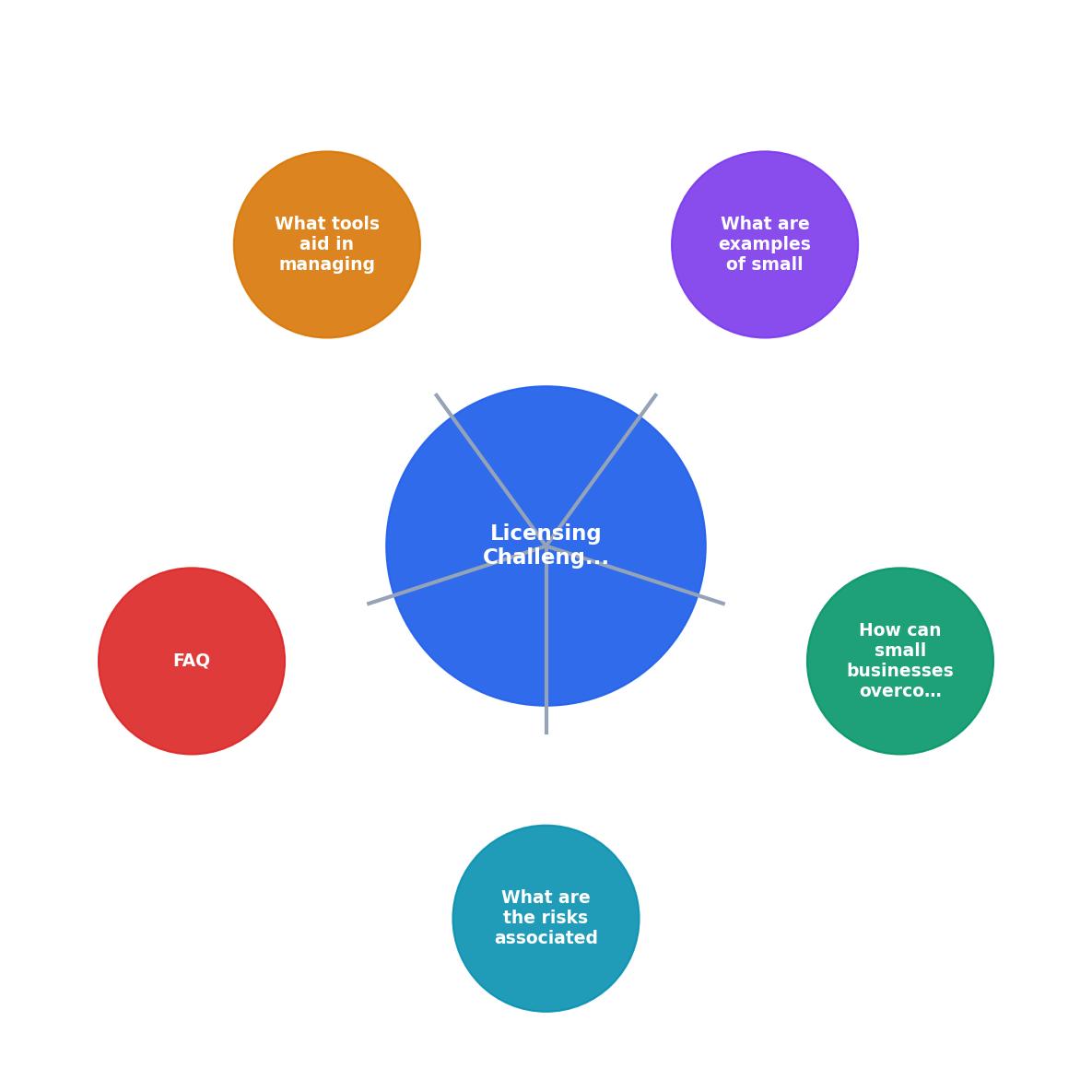
The process starts with defining your project's scope: What format is it (AR, interactive video, 3D model, AI-generated variant)? Where will it live (app, website, social, physical product)? How long will it stay live? This clarity lets you choose the right licence type.
Next, check your current platforms. Can your existing subscriptions cover this use case? If yes, document it. If no, evaluate adding an extended licence or switching to a platform that explicitly supports your format. Many platforms let you add extended-use riders without changing your core plan.
Then, source your assets with licences in mind. Choose platforms known for supporting new media. Request licence confirmations in writing. Download and archive your licence documentation immediately, don't wait until you publish.
Finally, track everything in your registry and keep it updated. When subscriptions renew or new projects launch, review your registry to catch any gaps before they become problems.
Framework for Small-Business New Media Licensing
New Media Licensing Readiness Checklist
Your progress is saved automatically in your browser.
FAQ
Frequently Asked Questions
The intersection of new media formats and asset licensing is messy because the rules are still catching up to the technology. But that doesn't mean small businesses have to guess or gamble. A clear system, audit, document, track, confirm, turns licensing from a threat into a routine checkbox. When you know exactly what you're licensed to do and keep proof of it, you build customer-facing products and marketing without the legal anxiety that haunts under-prepared teams.
Additional Resources
- Small Business Licensing: How It Works and What to Know - Learn how brand licensing works, its benefits and risks, and how small businesses can protect their brand while expanding revenue ...
- Overcoming 3 Common Challenges in Licensing for ... - There are 3 challenges that trip up companies new to licensing every time: Challenge #1: Identifying the Right License. Challenge #2: Knowing ...
- The risks and challenges of navigating regulated business ... - Noncompliance consequences can include fines, reputational damage, and even store closures. Challenges with license filings and insufficient ...