
You quoted a client three weeks for a brand kit. The design work took twelve days. Then the client's legal team asked for licence proof on every stock image, and suddenly you spent four more days digging through platform dashboards, expired download links, and email receipts you never saved. Licensing admin is the invisible schedule killer that no freelancer accounts for in a project estimate, but it derails timelines constantly. The fix is not complicated, but it does require changing when and how you handle licences.
Photo by Vitaly Gariev from Pexels
TL;DR:- Licensing issues add days or weeks to freelance projects, mostly because proof-of-licence requests arrive after the creative work is done.
- Acquiring licences early, keeping a centralized archive, and automating verification cuts that delay to near zero.
- Tools like Licence Downloader let you bulk-pull licence certificates from Freepik, Shutterstock, Adobe Stock, and others so you never scramble for proof again.
Common Licensing Issues That Stall Projects
Several licensing problems show up repeatedly in freelance work. Recognizing them is the first step to preventing schedule damage.
- Missing licence certificates. You downloaded an image six months ago. The client now needs proof. The platform changed its UI, or your subscription lapsed, and the download history is gone.
- Wrong licence type. A standard licence covers web use but not print-on-demand. You discover this during final delivery, and now you need an extended licence or a replacement asset.
- Expired or revoked licences. Some subscriptions (Envato Elements, Canva Pro) tie licence validity to an active subscription. Cancel the plan, lose the licence coverage.
- Multi-platform confusion. One project pulls assets from Freepik, Adobe Stock, and iStock. Each platform names licence tiers differently. Sorting out what covers what takes real time.
- Client-side requests after handoff. Legal teams, ad platforms like Meta, or marketplaces like Amazon ask for licence documentation weeks or months after delivery.
Early Licence Acquisition Prevents Delays
The single biggest schedule saver is acquiring and downloading licence certificates at the same moment you download the asset. Not later. Not when the client asks. Right then.
Here is why this works:
- The platform is open. You are already logged in, the asset is in your download history, and the certificate is one click away. Doing it now costs seconds. Doing it in three months costs an hour of searching.
- Subscription is active. If you use Envato Elements or Canva Pro, your licence certificate is only reliably available while your plan is active. Download it immediately.
- Context is fresh. You know exactly which asset goes with which project. Six months from now, you will stare at a filename like
shutterstock_2198374621.jpgand have no idea which client it belongs to.
/licences subfolder. Every time you download a stock asset, drop the corresponding certificate into that folder. Name it to match the asset. This takes under a minute per asset and saves hours later.
"The organisations I work with are under huge pressures and this means that, in many cases, people have struggled to manage the work they've commissioned me to do.">, Learning programmes, exhibitions in the heritage and cultural sectors
That pressure flows downhill. When clients struggle to manage commissioned work, freelancers absorb the chaos. Having licence proof ready before anyone asks for it is one of the few things entirely within your control.
Why a Licence Archive Matters

A licence archive is a single, searchable location where every licence certificate you have ever downloaded lives. It can be a cloud folder (Google Drive, Dropbox), a NAS, or a dedicated tool. The format matters less than the habit.
Benefits of maintaining one:
- Instant response to legal requests. Client asks for proof on Tuesday, you send it Tuesday. No delay, no panic.
- Protection against platform changes. Shutterstock redesigned its licence history page in 2024. Freepik moved certificate downloads behind a different menu. If you already have the PDF, none of that matters.
- Portfolio defence. If someone files a DMCA takedown on your Behance or Dribbble portfolio, you can respond with documentation the same day.
- Tax and audit readiness. Some jurisdictions require proof of legitimate asset acquisition for business expense deductions.
Here is an example dashboard showing what a well-organized freelancer's licence archive might look like after six months of consistent tracking:
Example: 6-Month Licence Archive
Streamline the Verification Process
Verification is the step where you confirm that each asset in a deliverable has a valid, matching licence. For a single social media post, that is trivial. For a 40-page brand book with 25 stock images, it is a real task.
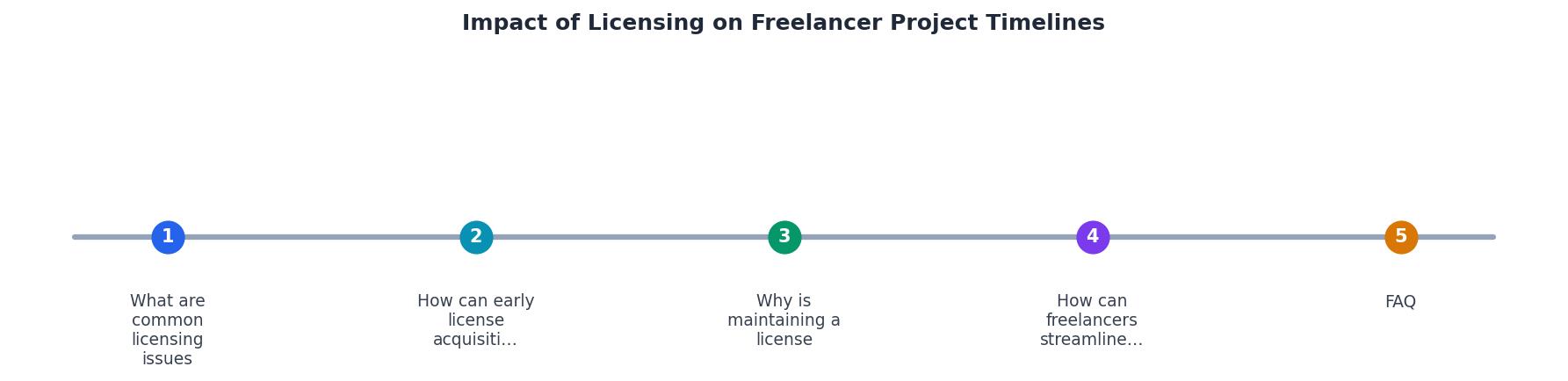
The diagram above shows the core flow: Select asset → Check licence type → Download certificate → File in archive → Verify match → Deliver. Each step is short. The delays come from skipping steps early and backtracking later.
Tips to speed up verification:
- Batch-download certificates. Tools like Licence Downloader let you pull certificates from multiple platforms in one session instead of logging into each dashboard separately.
- Use consistent file naming. Match the certificate filename to the asset filename.
hero-banner.jpggetshero-banner-licence.pdf. No guessing. - Verify during the design phase, not after. Check licence scope (standard vs. extended, web vs. print) before you place the asset in the layout. Swapping an asset after the design is approved costs far more time.
- Create a delivery template. Include a licence summary sheet with every client handoff. List each stock asset, its source platform, licence type, and certificate file reference.
| Reactive Approach | Proactive Approach |
|---|---|
| Search for certificates after client asks | Download certificates at asset acquisition |
| Log into each platform separately | Bulk-pull from all platforms in one session |
| Scramble through email for receipts | Centralized archive with consistent naming |
| Discover wrong licence type at delivery | Verify licence scope during design phase |
| Days of unbillable admin work | 15 minutes built into the project plan |
Freelancer Licence Management Checklist
Your progress is saved automatically in your browser.
FAQ
Frequently Asked Questions
Additional Resources
- Freelancing after the pandemic: what are the challenges? - Having work postponed and deadlines moved is problematic for freelancers because periods of dead time (often followed by overwork when the rescheduled deadlines ...
- Freelance Designer Didn't Have Font License - If you're hiring freelance, make sure they (freelancer) provide documentation that shows they have permission to use whatever they are using; ...
- Do Freelancers Need a Business License? Here's What To ... - Do freelancers need a business license? It depends, but skipping the research could cost you time, money, and even personal assets.