
A single copyright claim can cost a freelance designer thousands of dollars and weeks of lost client trust. Stock media licenses sit at the center of this risk because every image, icon, or video you deliver carries legal obligations that follow you long after the project wraps. The good news is that a handful of repeatable habits can shrink that exposure to almost zero. This article walks through exactly what those habits look like and how to wire them into the way you already work.
Photo by Anna Shvets from Pexels
TL;DR:- Freelancers face real financial and reputational damage from unlicensed or mis-licensed stock media.
- Regular licence audits, organized proof-of-licence files, and a clear naming convention eliminate most risk.
- Tools like Licence Downloader let you bulk-pull licence certificates so audits take minutes, not hours.
That number comes up repeatedly in freelance community discussions: a significant share of designers who receive a copyright claim simply cannot locate the licence certificate that would have resolved the issue in minutes. The rest of this article is about making sure you never join that group.
Why licensing risk hits freelancers hardest

Agencies have legal departments. In-house teams have compliance officers. Freelancers have themselves. That asymmetry creates three specific problems:
- No institutional memory. When you cancel a Freepik subscription or switch from Adobe Stock to Shutterstock, the licence records from the old platform do not follow you automatically. Platforms may archive or delete download history after account closure.
- Client handoff gaps. You deliver a brand kit with 30 stock assets. Six months later the client's new agency asks for licence proof. If you cannot produce it, the client questions your professionalism and the new agency may replace every asset at the client's expense.
- Enforcement automation. Services like PicRights and Copytrack use reverse-image search at scale. They do not care that you had a valid licence at the time of download. They care whether you can prove it right now.
"Learning how to identify and address the potential risks and threats to your physical integrity while reporting is fundamental to promote safety in freelance journalism.">, Risk assessment for freelance journalists
The principle transfers directly to creative freelancing. Identifying where your licence records are vulnerable is the first step toward fixing them.
Only about one in four freelancers reports having any structured system for tracking stock media licences. The rest rely on browser bookmarks, email search, or memory. That gap is where risk lives.
Strategies to protect yourself

Protection does not require a legal degree. It requires consistency. Here are the strategies that actually work for solo designers:
Keep one licence folder per project
Every project you deliver should have a subfolder called licences/ (or licenses/ if you prefer American spelling). Inside it, drop the PDF or screenshot of each licence certificate tied to assets used in that project. When a client asks for proof, you open one folder and send one zip file. Done.
Download certificates at purchase time
The moment you download a stock asset, grab the licence certificate. On Freepik, it is available on the download confirmation screen. On Adobe Stock, you find it under your licence history. On Shutterstock, the invoice doubles as proof. Each platform buries this information differently, which is exactly why a tool like Licence Downloader exists: it pulls certificates in bulk across platforms so you do not have to click through five different dashboards.
Match every asset to a licence type
Not all licences are equal. A standard licence on Shutterstock does not cover items for resale. An extended licence on Envato Elements has different terms than the regular subscription licence. Mismatching licence type to usage is one of the most common mistakes freelancers make. Keep a simple spreadsheet or Notion table with columns for: asset filename, platform, licence type, download date, and project name.
Set a quarterly audit reminder
Once every three months, spend 30 minutes reviewing your active projects against your licence folder. Look for:
- Assets used without a matching certificate
- Expired subscriptions that covered assets still in active client work
- Projects delivered without a licence handoff to the client
Integrating risk management into daily work
The best risk management system is one you do not have to think about. Here is a five-step process that fits into the way most freelance designers already work:
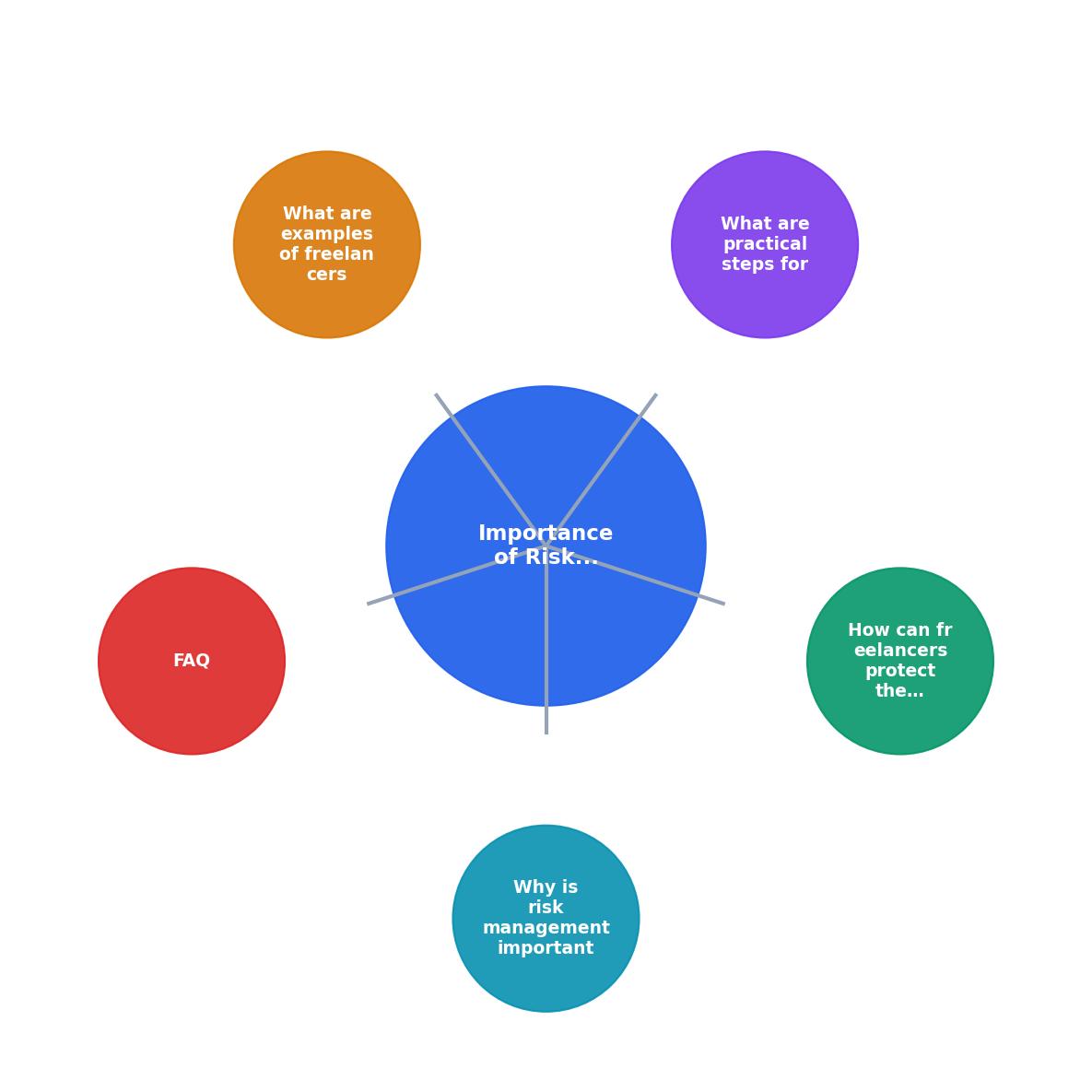
The diagram above breaks the process into five short steps: Search asset, Download asset + certificate, File certificate in project folder, Log in tracker, Quarterly audit. Each step adds seconds, not minutes, to your workflow. The quarterly audit is the only step that requires dedicated time, and even that shrinks dramatically when the first four steps are already in place.
| Manual Approach | Structured Approach |
|---|---|
| Search email for old invoices | Open project licence folder |
| Hope platform still has records | Have local PDF copies |
| Scramble when client asks | Send zip in under a minute |
| Miss licence type mismatches | Tracker flags mismatches |
| Audit takes half a day | Audit takes 30 minutes quarterly |
Naming conventions matter
A file called licence_12345.pdf tells you nothing six months later. Use a pattern like [Platform]_[AssetID]_[LicenceType]_[Date].pdf. Example: Shutterstock_2198437651_Standard_2026-08-15.pdf. When you need to find it, a simple file search gets you there instantly.
Automate the boring parts
Manually downloading certificates from three or four platforms after every project is tedious enough that most people skip it. That is exactly the gap that automation fills. Licence Downloader connects to your platform accounts and pulls certificates in bulk. You run it once a week or once a month, and your local archive stays current without manual clicking.
Real scenarios where this pays off
Two situations come up constantly in freelance design communities:
Scenario 1: The retroactive client request. You delivered a website redesign eight months ago. The client's new legal counsel sends an email asking for proof of licence for every stock photo on the site. Without organized records, you spend a full day logging into old accounts, searching download histories, and hoping nothing was deleted. With a structured system, you open the project folder, zip the licences/ subfolder, and reply in five minutes.
Scenario 2: The automated takedown. A copyright enforcement bot flags an image on a client's Facebook ad. Meta disables the ad. The client calls you, panicked. You need to file a counter-notification with proof of licence attached. If you have the certificate on hand, the ad is back up within days. If you do not, you may never recover it, and the client may never call you again.
Here is an example dashboard showing what a typical freelancer's licence tracking might look like after adopting a structured approach:
Licence Audit Snapshot (Example)
In this example, six assets still need certificates. A quick session with Licence Downloader or a manual check on the relevant platform closes those gaps in minutes.
Stock Media Licence Audit Template
Your progress is saved automatically in your browser.
FAQ
Frequently Asked Questions
What does your current licence management process look like, and where do you feel the biggest gaps? Share your approach in the comments.
A single copyright claim can cost a freelance designer thousands of dollars and weeks of lost client trust. Stock media licenses sit at the center of this risk because every image, icon, or video you deliver carries legal obligations that follow you long after the project wraps. The good news is that a handful of repeatable habits can turn licence chaos into audit-ready confidence. This article breaks down exactly why risk management matters for freelancers who use stock media and what practical steps keep you protected.
Photo by Anna Shvets from Pexels
TL;DR:- Freelancers face real financial and reputational damage from unmanaged stock media licences, including DMCA takedowns, legal fees, and lost clients.
- Regular licence auditing, centralized storage, and clear naming conventions reduce risk dramatically.
- Tools like Licence Downloader let you bulk-export proof of licence across platforms so you spend minutes, not hours, on compliance.
Why licence risk hits freelancers hardest
Agencies have legal departments. In-house teams have compliance officers. Freelancers have themselves. When a client's lawyer emails asking for proof that the hero image on a landing page was properly licensed, you are the one who has to produce it. If you cannot, the liability lands squarely on your shoulders.
The financial exposure is not theoretical. Copyright infringement claims for a single stock image can range from a few hundred dollars in settlement demands to five figures in statutory damages. For a solo designer billing project rates, even a small claim can wipe out a month of income.
Three categories of risk show up repeatedly:
- Expired or cancelled subscriptions where the licence terms required an active account at the time of use.
- Scope violations such as using an editorial-only image in a commercial ad, or exceeding print-run limits on a standard licence.
- Missing proof where the image was legitimately licensed but you cannot locate the certificate months or years later.
Common licensing pitfalls
Stock platforms do not make compliance easy. Freepik buries licence history behind multiple clicks. Adobe Stock exports a PDF receipt that does not clearly state usage rights. Shutterstock changed its licence page layout twice in the last two years. Each platform stores proof differently, and none of them talk to each other.
Here are the pitfalls that catch freelancers most often:
- Mixing free and paid tiers. Freepik's free downloads require attribution; premium downloads do not. Use the wrong file from the wrong tier and you either owe attribution or owe money.
- Relying on browser bookmarks as proof. A URL is not a licence certificate. Pages move, accounts expire, and platforms redesign.
- Assuming the client's subscription covers you. If a client gave you access to their Shutterstock team seat and later removes you, the licence may still be valid, but proving it becomes your problem.
- Ignoring editorial restrictions. iStock and Getty mark certain images as editorial-only. Dropping one into a Facebook ad is a licence violation regardless of whether you paid for it.
Strategies to protect yourself
Protection starts with three principles: centralize, automate, and verify.
Centralize means every licence certificate lives in one place. Not scattered across email inboxes, platform dashboards, and random desktop folders. A single cloud folder (Google Drive, Dropbox, or a dedicated tool) where every licence PDF or screenshot lands immediately after download.
Automate means you stop relying on memory. A tool like licencedownloader.com can bulk-export licence certificates from Freepik, Shutterstock, Adobe Stock, Envato, iStock, and Canva in one pass. That turns a 45-minute manual hunt into a 3-minute batch job.
Verify means you periodically check that your archive matches your actual usage. Did you use 47 stock images last quarter? Then you should have 47 licence records. Gaps mean risk.
"Learning how to identify and address the potential risks and threats to your physical integrity while reporting is fundamental to promote safety in freelance journalism.">, Risk assessment for freelance journalists
While that quote comes from journalism safety, the principle translates directly: identifying and addressing risks before they become crises is the core of any freelance risk management practice.
Integrating risk management into daily work
The diagram above shows the cycle: Download Asset, Save Licence, Tag by Project, Quarterly Audit, Resolve Gaps. Each step takes seconds when built into your existing workflow. Here is how to make it stick:
- Download Asset from your stock platform as usual.
- Save Licence immediately. Export the certificate or screenshot the confirmation page. Drop it into your centralized folder.
- Tag by Project using a consistent naming convention like
ClientName_ProjectCode_AssetID.pdf. - Quarterly Audit where you compare your asset usage log against your licence folder. Flag anything missing.
- Resolve Gaps by re-downloading certificates, contacting platform support, or replacing unlicensed assets.
| Manual Licence Tracking | Automated Licence Tracking |
|---|---|
| 45+ min per platform per month | 3-5 min total with bulk export |
| Scattered across email, folders, dashboards | Single centralized archive |
| Easy to miss expired licences | Automated gap detection |
| No consistent naming | Standardized file naming |
| Panic during audits | Calm, organized response |
Real-world risk scenarios
Consider a freelance brand designer who delivered a logo package to a restaurant chain. Six months later, the chain's new marketing agency flagged an icon used in the menu design as potentially unlicensed. The original designer had purchased it on Envato Elements, but her subscription had lapsed and she could not log in to retrieve the licence. She spent two days negotiating with Envato support, re-subscribing to access her download history, and exporting the certificate. Two billable days lost.
Another scenario: a web designer used a Freepik free-tier illustration in a client's homepage banner without attribution. The client received a DMCA notice from Freepik's enforcement partner. The designer had to pay a settlement fee and redo the design. Total cost: the settlement plus the unbilled redesign hours plus the reputational hit.
Both situations were preventable with a 5-minute habit at the time of download.
Here is an example dashboard showing what a typical freelancer's licence risk profile might look like after implementing a tracking system:
Licence Risk Dashboard (Example)
In this example, a freelancer tracking 148 assets across multiple platforms has 4 missing certificates and 2 assets downloaded under a subscription that later expired. Those 6 items represent concentrated risk. Resolving them takes an afternoon. Ignoring them could cost thousands.
Stock Media Licence Risk Management Audit
Your progress is saved automatically in your browser.
FAQ
Frequently Asked Questions
Additional Resources
- Using stock media in client projects: How to avoid licensing ... - Building a licensing check into your production workflow eliminates legal risks before you hit export. Some projects carry more legal risk due ...
- Risk assessment for freelance journalists - Learning how to identify and address the potential risks and threats to your physical integrity while reporting is fundamental to promote safety in freelance ...
- The Freelancer's Guide to Risk Management (Part 1 - What makes risk management so important is that nobody can completely eliminate risk. It will be a part of our lives for as long as there is ...