

A client emails you three months after a campaign wrapped, asking for licence proof on every Shutterstock image you used. You know you paid for them. You know the licences exist somewhere inside your Shutterstock account. But finding, downloading, and packaging those PDFs into something a legal team will accept takes an entire afternoon you did not budget for. This guide walks through a concrete system for organizing Shutterstock licence PDFs so every campaign handoff is clean, fast, and audit-ready.
TL;DR:- Every Shutterstock download generates a licence certificate you can export as a PDF, but the platform buries them inside your download history.
- Organizing those PDFs by client and campaign before handoff protects you from copyright disputes and saves hours of retroactive searching.
- A folder-naming convention, a simple tracking spreadsheet, and a bulk-download tool like Licence Downloader turn this from a recurring headache into a five-minute task.
Why licence proof matters now
Stock image copyright claims are not theoretical. Platforms like Meta, Amazon, and Google regularly flag ad creatives, and the first thing they ask for is documentation. If you freelance for multiple clients, each using assets from your Shutterstock subscription, the burden of proof sits with you.
A missing licence PDF does not mean you did anything wrong. It means you cannot prove you did everything right. That distinction costs real money when a client's legal counsel gets involved.
The shift toward stricter content verification across ad platforms and marketplaces has made organized licence documentation a baseline expectation, not a nice-to-have. Clients who once never asked about image sourcing now include licence proof as a deliverable line item in contracts.
Common mistakes that cost time

Most freelance designers make the same handful of errors when it comes to Shutterstock licence management. Recognizing them early saves you from scrambling later.
- Assuming the invoice is enough. A Shutterstock payment receipt shows you paid for a subscription or a pack. It does not tie a specific image ID to a specific licence type. Legal teams want the per-asset certificate.
- Downloading licences only when asked. By the time a client requests proof, you might have hundreds of downloads to sift through. Shutterstock's download history is chronological, not organized by project.
- Mixing Standard and Enhanced licences. Shutterstock offers different licence tiers. Using a Standard licence for a use case that requires Enhanced (like merchandise or large print runs) creates real liability, and the PDF is the document that clarifies which tier you hold.
- Relying on browser bookmarks or screenshots. A screenshot of a download confirmation is not a legal document. The actual PDF certificate from Shutterstock contains the licence ID, image ID, licence type, and download date.
- No folder structure. Dumping every licence PDF into a single "Licences" folder works until you have 400 files and a client asks for proof on six specific images from a campaign that ran eight months ago.
Step-by-step: building your system
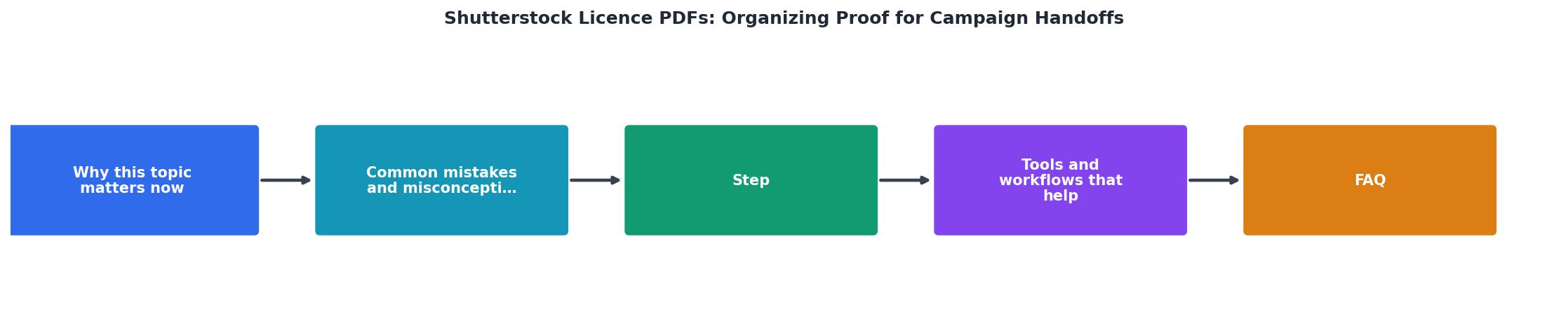
Here is a repeatable workflow that takes about ten minutes to set up and seconds to maintain per project.
1. Create a folder convention
Use a consistent naming pattern for every client project. Something like:
/Licences/[ClientName]/[CampaignName]-[YYYY-MM]/
Example: /Licences/Acme-Co/Summer-Sale-2026-06/
Inside each campaign folder, store the Shutterstock licence PDFs alongside a simple manifest file (a spreadsheet or text file listing each image ID, its licence type, and where it was used in the campaign).
2. Download certificates at time of use
Every time you download an image from Shutterstock for a project, immediately grab the licence certificate. In Shutterstock, navigate to your Download History, find the image, and click the licence/certificate download link. Save the PDF directly into the correct campaign folder.
This takes about 15 seconds per image. Doing it at download time means you never have to reconstruct the connection between an image and a project later.
3. Name files predictably
Rename each PDF to include the Shutterstock image ID and a short descriptor:
SS-[ImageID]-[short-description].pdf
Example: SS-2184756321-hero-banner.pdf
This makes searching trivial. Need the licence for the hero banner? Search "hero-banner" in the folder. Need everything for a specific Shutterstock image? Search the image ID.
4. Build a tracking spreadsheet
A single Google Sheet or Excel file per client with columns for:
- Image ID
- Shutterstock licence type (Standard / Enhanced)
- Download date
- Campaign name
- Where used (e.g., "Facebook ad set 3", "landing page hero")
- PDF filename
5. Bulk-export for large projects
For campaigns using 20+ Shutterstock images, downloading certificates one by one is tedious. This is where a tool like Licence Downloader earns its keep. It connects to your Shutterstock account and bulk-downloads all licence certificates, which you can then sort into your folder structure in minutes instead of hours.
"Most credentials will be reviewed within 48 hours, but requests submitted over the weekend may take longer.">, Content Publishing Standards: Legal Documentation
Tools and workflows that help

The folder-and-spreadsheet approach works on its own, but a few tools make it faster and more reliable.
| Manual Approach | Organized + Tooling |
|---|---|
| Search download history per image | Bulk-export all certificates at once |
| Rename files by hand | Auto-named with image ID |
| Reconstruct usage from memory | Spreadsheet tracks usage at download time |
| 30-60 min per handoff | 5 min per handoff |
| Risk of missing certificates | Complete archive by default |
Cloud storage with search (Google Drive, Dropbox, OneDrive) lets you find any PDF by image ID instantly. The folder convention keeps things browsable; the search function handles the edge cases.
Project management tools like Notion, Asana, or Monday can hold a "Licence Proof" field per project. Link directly to the cloud folder. When a project closes, the licence proof is already attached.
Licence Downloader specifically targets the pain of extracting certificates from stock platforms. It supports Shutterstock alongside Freepik, Adobe Stock, Envato, iStock, and Canva, so if you work across multiple platforms, you get a single workflow for all of them.
Packaging proof for handoff

When the campaign wraps and you hand off deliverables, include a licence proof package as a standard part of the delivery. Here is what that looks like:
- A ZIP or shared folder named
[Campaign]-Licence-Proof - The tracking spreadsheet (exported as PDF or shared as a link)
- All individual Shutterstock licence certificate PDFs
- A brief cover note explaining the contents: "This folder contains Shutterstock licence certificates for all stock images used in the [Campaign Name] project. Each PDF is named with the Shutterstock image ID. The spreadsheet maps each image to its usage location."
Here is an example of what a typical campaign handoff licence summary looks like in practice:
Campaign Licence Summary
Shutterstock Licence PDF Handoff Checklist
Your progress is saved automatically in your browser.
FAQ
Frequently Asked Questions
What does your current licence organization process look like, and where does it break down? Share your approach in the comments.
Additional Resources
- Shutterstock Terms of Service & License Agreements - The following is a legal agreement between you or the employer or other entity on whose behalf you are entering into this agreement and Shutterstock.
- Content Publishing Standards: Legal Documentation - Editorial images or videos that were shot at the events listed below require proof of credentials before they can be submitted to Shutterstock:
- Can I Use Shutterstock Images with the Standard License ... - You have to (license) buy the rights to an image from Shutterstock in order to use it in a commercial product, which includes KDP books. Expand ...