
A freelance designer juggling three stock platforms realized she was spending over two hours every week just hunting for licence certificates buried in account dashboards. One client dispute over a hero image nearly cost her a long-term contract. She decided to fix the mess once and for all by building a centralized tracking system and layering automation on top. Here is exactly what she changed, step by step, so you can steal the same approach.
Photo by Beyzanur K. from Pexels
TL;DR:- Scattered licence records across Freepik, Adobe Stock, and Envato created compliance risk and wasted billable hours.
- A single digital log (spreadsheet + cloud folder) replaced platform-hopping and gave every project an audit-ready paper trail.
- Automation tools like Licence Downloader cut the retrieval step from hours to minutes, freeing time for actual design work.
The Problem: Licences Everywhere, Proof Nowhere
Stock platforms store licence information in wildly different places. Freepik buries download history behind several clicks. Adobe Stock attaches licence details to an order confirmation email you archived two years ago. Envato Elements keeps records in a downloads page that resets its view every session.
For a freelance designer working across these platforms simultaneously, the result is predictable: no single place to answer the question "Was this asset licensed?" When a client's lawyer emails asking for proof six months after delivery, the scramble begins. You dig through email, log into each platform, try to match filenames to projects, and hope the download history still exists.
The real cost is not just time. It is reputation. One unanswered licence request can make a client question your professionalism. Worse, an unresolved copyright claim can snowball into a DMCA takedown that affects the client's live campaign.
Building a Centralized Digital Log

The first step was dead simple: one spreadsheet, one cloud folder. No fancy software. The spreadsheet had these columns:
- Asset filename (the original stock filename, not the renamed version)
- Platform (Freepik, Adobe Stock, Envato, etc.)
- Licence type (Standard, Extended, Editorial)
- Download date
- Project name / client
- Certificate file link (pointing to the cloud folder)
The key insight: naming conventions matter more than the tool. A file called shutterstock_2198437621_standard.pdf is instantly searchable. A file called licence(3).pdf is not.
"The most popular option is the limited liability company (LLC).">, How to Start a Freelance Graphic Design Business
Structuring your freelance work under a proper business entity adds another layer of protection. But regardless of business structure, the licence log is your first line of defense against copyright disputes.
Automation That Actually Saves Time

Manual logging works, but it does not scale. After a month of disciplined spreadsheet entries, the designer noticed she was still spending 15 minutes per project just downloading and filing certificates. Multiply that by 12 active projects and the overhead creeps back.
This is where automation tools enter the picture. Tools like Licence Downloader let you bulk-retrieve licence certificates from multiple stock platforms in one session. Instead of logging into Freepik, navigating to downloads, finding the right asset, and saving the PDF, you point the tool at your accounts and pull everything at once.
The workflow became:
- Download stock assets as usual during the design phase.
- Run a bulk licence retrieval at the end of each week.
- Drop the certificates into the project cloud folder.
- Update the spreadsheet (or let the tool's export handle it).
That weekly batch approach cut licence admin from roughly two hours down to about 15 minutes total. The spreadsheet stayed as the single source of truth, but the tedious download-and-rename step disappeared.
The Streamlined Process at a Glance
Here is the full workflow after all changes were in place:
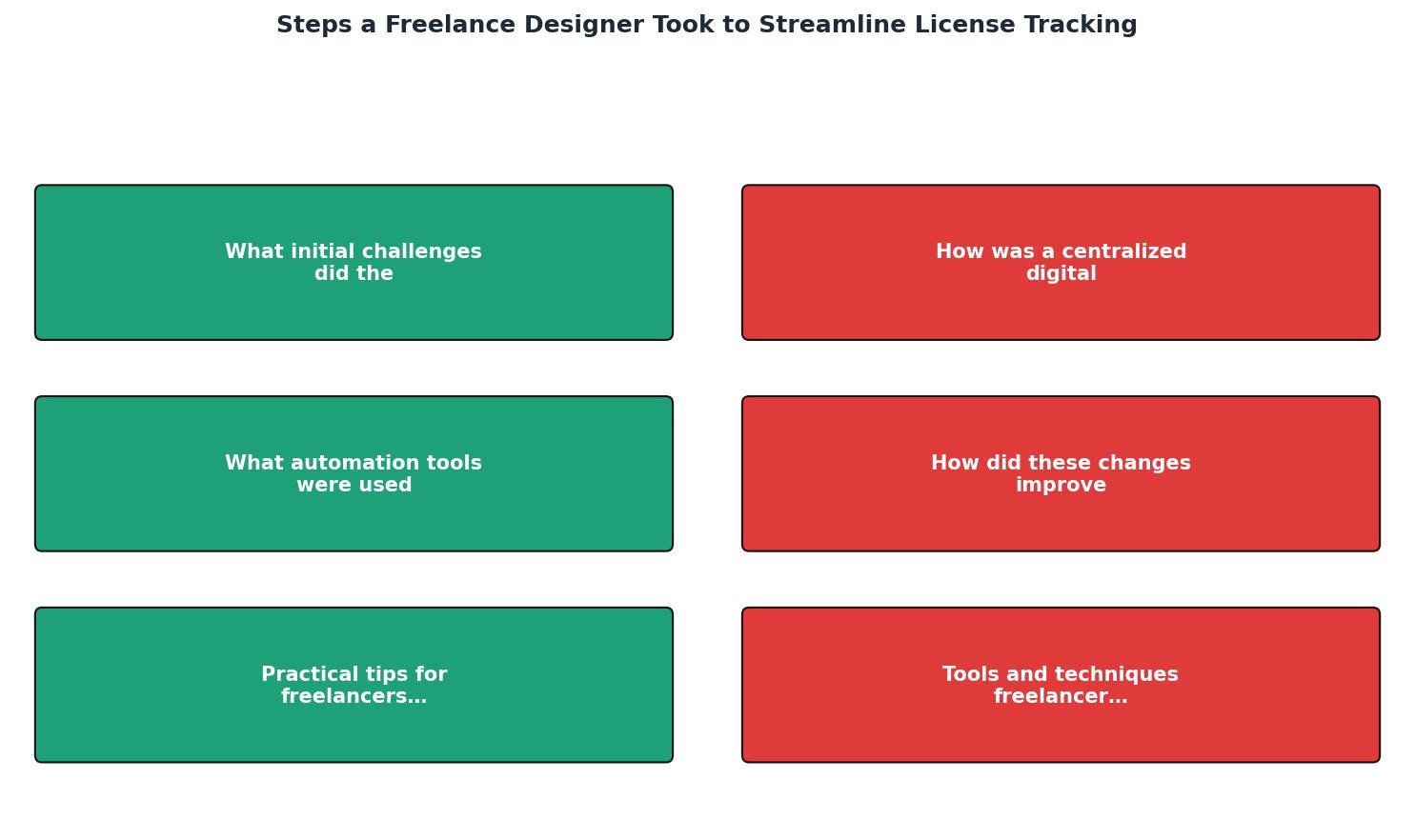
The diagram breaks down into five stages: Download Asset, Log in Spreadsheet, Bulk Retrieve Certificates, File in Cloud Folder, and Deliver Proof to Client. Each stage feeds the next. The critical difference from the old workflow is that stages three and four happen in batch, not per-asset.
This means a client request for licence proof now takes under two minutes: open the spreadsheet, search the asset filename, click the certificate link, and forward the PDF. Done.
How Productivity and Compliance Improved

Three measurable things changed after the new system was running for two months:
- Response time to client licence requests dropped from "a few days" to same-day. No more digging.
- Billable hours recovered: roughly 6-8 hours per month that previously went to admin.
- Zero unresolved copyright disputes. Every asset had a traceable certificate on file.
The compliance benefit is harder to quantify but just as real. Knowing that every project folder contains its licence proof removes a low-grade anxiety that most freelancers carry without realizing it. You stop second-guessing whether that Envato asset from last March was actually on your subscription.
Here is a quick look at how the numbers compare before and after the system was in place:
| Before (Manual) | After (Centralized + Automated) |
|---|---|
| 2+ hours/week on licence admin | ~15 minutes/week |
| Certificates scattered across platforms | Single cloud folder per project |
| Days to respond to client requests | Same-day response |
| No consistent naming | Standardized filenames |
| Occasional missing certificates | 100% coverage |
Tools and Techniques Worth Adopting
Not every freelancer needs the exact same stack. But certain categories of tools make licence tracking dramatically easier:
- Cloud storage with search (Google Drive, Dropbox): lets you find any certificate by filename in seconds.
- Spreadsheet or Notion database: the log itself. Keep it simple. Columns, not paragraphs.
- Bulk licence retrieval (Licence Downloader): eliminates the per-platform manual download grind.
- File naming conventions:
[platform]_[assetID]_[licencetype].pdfis a pattern that scales. - Calendar reminders: a weekly 15-minute block labeled "licence batch" keeps the system alive.
Example: Weekly Licence Tracking Snapshot
Centralized Log Template
Use this checklist to set up your own licence tracking system from scratch:
Freelancer Licence Tracking Setup
Your progress is saved automatically in your browser.
FAQ
Frequently Asked Questions
What does your current licence tracking setup look like, and where does it break down? Drop a comment and let's compare notes.
Additional Resources
- How to Start a Freelance Graphic Design Business - Step 1: Create Your Branding for Your Freelance Graphic Design Business · Business Name · Logo and Typography · Business Cards · Letterhead · Labels, ...
- How to Streamline Your Design Process as a Freelance ... - 1. Capture inspiration Get inspiration from everyday life and choose a simple concept or emotion. · 2. Quick sketch Draw a preliminary design ...
- Essential documents & organization tips for freelancers - To keep your projects on track, it's also essential to put in place digital document workflows that help you manage your work and streamline ...