

Last quarter a 25-person agency in Chicago got hit with a six-figure copyright claim because nobody could locate the licence certificate for a hero image used in a client campaign two years earlier. The designer who purchased it had left the company. The Shutterstock account had been reorganized. The proof was gone. That scenario plays out at agencies every single week, and the fix is not more spreadsheets or better memory. It is technology that tracks, stores, and verifies licence records automatically so compliance stops being a fire drill and starts being a background process.
Photo by Mikael Blomkvist from Pexels
TL;DR:- Centralized licence storage eliminates the "who bought that asset?" scramble during audits.
- Automated compliance checks catch expired or mismatched licences before they become legal problems.
- Integrating licence tools into existing agency workflows (DAM, project management, onboarding) scales compliance without adding headcount.
- The right technology stack reduces legal risk, saves hours per week, and lets your team focus on creative work instead of paperwork.
Why manual compliance fails at scale
A five-person studio can get away with a shared Google Drive folder labeled "Licences." A 20-person agency running 40 client accounts across Shutterstock, Adobe Stock, Freepik, Envato, iStock, and Canva cannot. The math breaks down fast.
Consider a mid-size agency downloading 300 stock assets per month. Each asset has a licence certificate or receipt tied to a specific account, plan, and usage scope. Multiply that by 12 months and you have 3,600 licence records per year. Now add freelancer turnover, platform migrations, and the fact that each stock service stores licence proof in a different format and location.
Manual tracking at that volume means someone spends hours every week downloading PDFs, renaming files, matching them to projects, and filing them. When an audit request arrives, that same person digs through folders hoping the naming convention held up. It rarely does.
Technology solves this by removing the human bottleneck from repetitive, high-stakes record-keeping.
Centralized storage changes everything

Centralized licence storage means every licence certificate, receipt, and usage record lives in one searchable location, regardless of which platform it came from or who on the team purchased it.
Here is what that looks like in practice:
- Single source of truth. One system holds licences from Adobe Stock, Shutterstock, Freepik, Envato Elements, iStock, Canva, and any other platform the agency uses. No more checking six different dashboards.
- Searchable metadata. Each licence record is tagged with the asset ID, platform, purchase date, licence type (standard, extended, editorial), purchaser, and associated client project.
- Access control. Producers and account managers can pull licence proof without needing login credentials to every stock platform.
- Retention beyond employment. When a designer or freelancer leaves, their licence records stay in the system. The knowledge does not walk out the door.
Automated compliance checks
Manual spot-checks catch problems after they happen. Automated compliance checks catch them before they become claims.
Here is what automation handles:
- Licence expiration monitoring. Some subscription-based licences (especially Envato Elements) require an active subscription for continued use. Automated checks flag assets tied to lapsed subscriptions.
- Usage scope validation. An asset licensed under a standard licence should not appear in merchandise or products requiring an extended licence. Automated rules catch mismatches.
- Missing licence detection. Cross-reference assets used in deliverables against the licence archive. If an asset has no matching licence record, the system flags it immediately.
- Duplicate purchase alerts. Two team members buying the same asset from the same platform wastes budget. Automated deduplication prevents this.
"The export license or permit authorizes a specific export transaction, and it is important to adhere to it.">, Leveraging Technology for Streamlined Export License and Permit Acquisition
The principle applies directly to stock media: each licence authorizes specific usage, and technology ensures the agency adheres to those terms across every project.
Integrating with agency workflows

Compliance technology only works if people actually use it. That means embedding it into the workflows your team already follows, not bolting on a separate process they will ignore by week three.
Here is the process at a glance:
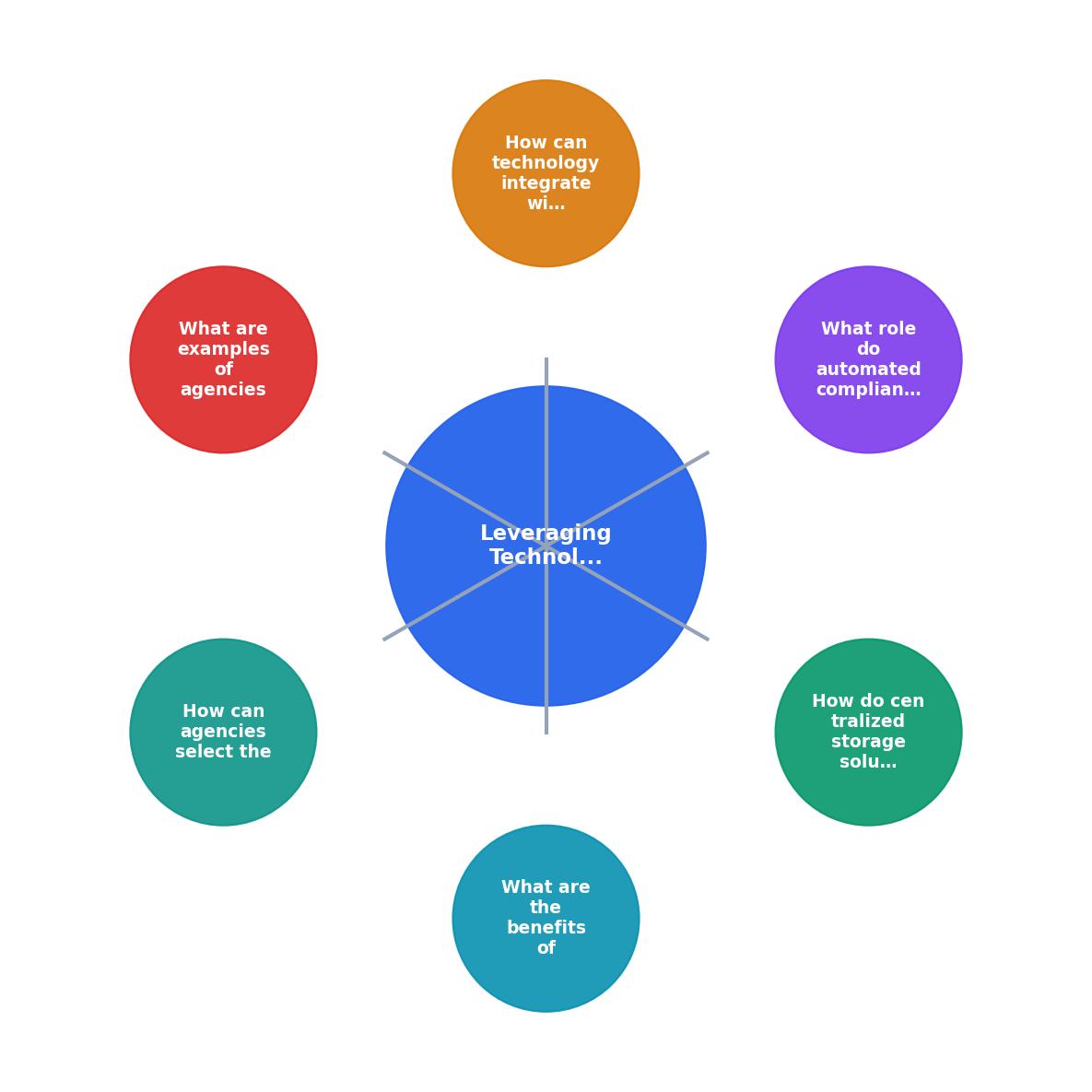
The key integration points:
- Asset acquisition. When a team member downloads a stock asset, the licence certificate is automatically captured and stored. Tools like Licence Downloader handle bulk retrieval across platforms, so this step takes minutes instead of hours.
- Project assignment. The licence record gets linked to the client project in the agency's project management tool (Monday.com, Asana, Basecamp, or whatever the team uses).
- Deliverable review. Before final delivery, a compliance check confirms every asset in the deliverable has a valid, matching licence on file.
- Archival. After project completion, licence records are archived with the project files for long-term retrieval.
DAM integration
If the agency uses a Digital Asset Management system (Bynder, Brandfolder, Canto, or even a structured cloud drive), licence metadata should attach directly to each asset file. When someone searches for an image in the DAM, the licence type and certificate are right there.
Onboarding and offboarding
New hires and freelancers get access to the licence system on day one. When they leave, their personal stock accounts get audited and any licences purchased for agency work get extracted and archived. This is where bulk download tools pay for themselves in a single offboarding cycle.
| Manual Workflow | Tech-Enhanced Workflow |
|---|---|
| Designer downloads asset, forgets to save licence | Licence auto-captured at download |
| Producer searches 4 platforms for proof | Single search in centralized archive |
| Offboarding misses licence records | Bulk extraction before account closure |
| Audit response takes days | Audit response takes minutes |
| Compliance depends on individual habits | Compliance built into process |
Real-world agency examples

Agencies that have adopted technology-driven compliance share common patterns:
A 30-person digital marketing agency using Shutterstock Enterprise and Adobe Stock reduced their audit response time from three business days to under two hours. They connected their DAM (Brandfolder) to a licence archive that auto-tagged every asset with its licence type and expiration date. When a client's legal team requested proof for 47 images used in a year-long campaign, the producer exported the full report in one search.
A boutique branding studio with 12 people and heavy Freepik and Envato usage implemented Licence Downloader to bulk-pull certificates monthly. They paired it with a simple Notion database where each licence record linked to the corresponding client project. Total time spent on licence admin dropped from roughly five hours per week to 30 minutes.
A large creative agency with 40+ seats across multiple stock platforms built a custom integration between their project management tool and a centralized compliance dashboard. Every project brief now includes a "licence verification" step before final delivery. In the first year, they caught 23 assets being used outside their licence scope before any deliverable went to the client.
The common thread: none of these agencies hired a dedicated compliance person. They used technology to distribute compliance across existing roles and workflows.
Selecting the right technology
Not every agency needs the same stack. Here is what to evaluate:
- Platform coverage. Does the tool support all the stock platforms your agency uses? Shutterstock, Adobe Stock, Freepik, Envato, iStock, and Canva are the big ones. If a tool only covers two of your six platforms, it creates gaps.
- Bulk capability. Can it handle hundreds of licence downloads at once? One-at-a-time retrieval does not scale.
- Export format. PDF certificates, CSV metadata, or both? Your legal team and your DAM system may need different formats.
- Integration options. API access, webhook support, or at minimum clean file exports that feed into your existing tools.
- Team access. Multi-seat support so producers, designers, and account managers can all pull licence records without sharing a single login.
- Cost vs. risk. A single copyright claim can cost $5,000 to $150,000. Measure tool cost against that exposure, not against "we could do it manually."
Agency Compliance Tech Stack
Technology Selection Checklist for Agency Licence Compliance
Your progress is saved automatically in your browser.
FAQ
Frequently Asked Questions
Additional Resources
- Leveraging Technology for Streamlined Export License ... - This article focuses on how leveraging technology can simplify and accelerate the process of obtaining export licenses and permits.
- How Automating Compliance Management Can Help ... - An automated compliance management solution can help reduce many of the costs associated with manual producer licensing processes
- 5 Challenges in Insurance Agent License Management - By leveraging technology to manage documentation effectively, insurance agencies can focus their efforts on growth and service excellence.