
Freelancers often juggle multiple projects, each requiring the use of stock media assets. The challenge comes in efficiently managing these licenses to avoid copyright issues. Fortunately, there are tools designed to simplify this process, offering features like automatic tracking and centralized storage. From free solutions to premium options, freelancers have a variety of tools at their disposal to streamline license management and protect themselves from potential legal headaches.
Photo by Jakub Zerdzicki from Pexels
TL;DR
- Freelancers can manage stock media licenses efficiently using tools that offer automatic tracking, centralized storage, and audit capabilities.
- Options range from free to paid, each with its own set of features and benefits.
- Choosing the right tool depends on individual needs, project scale, and budget.
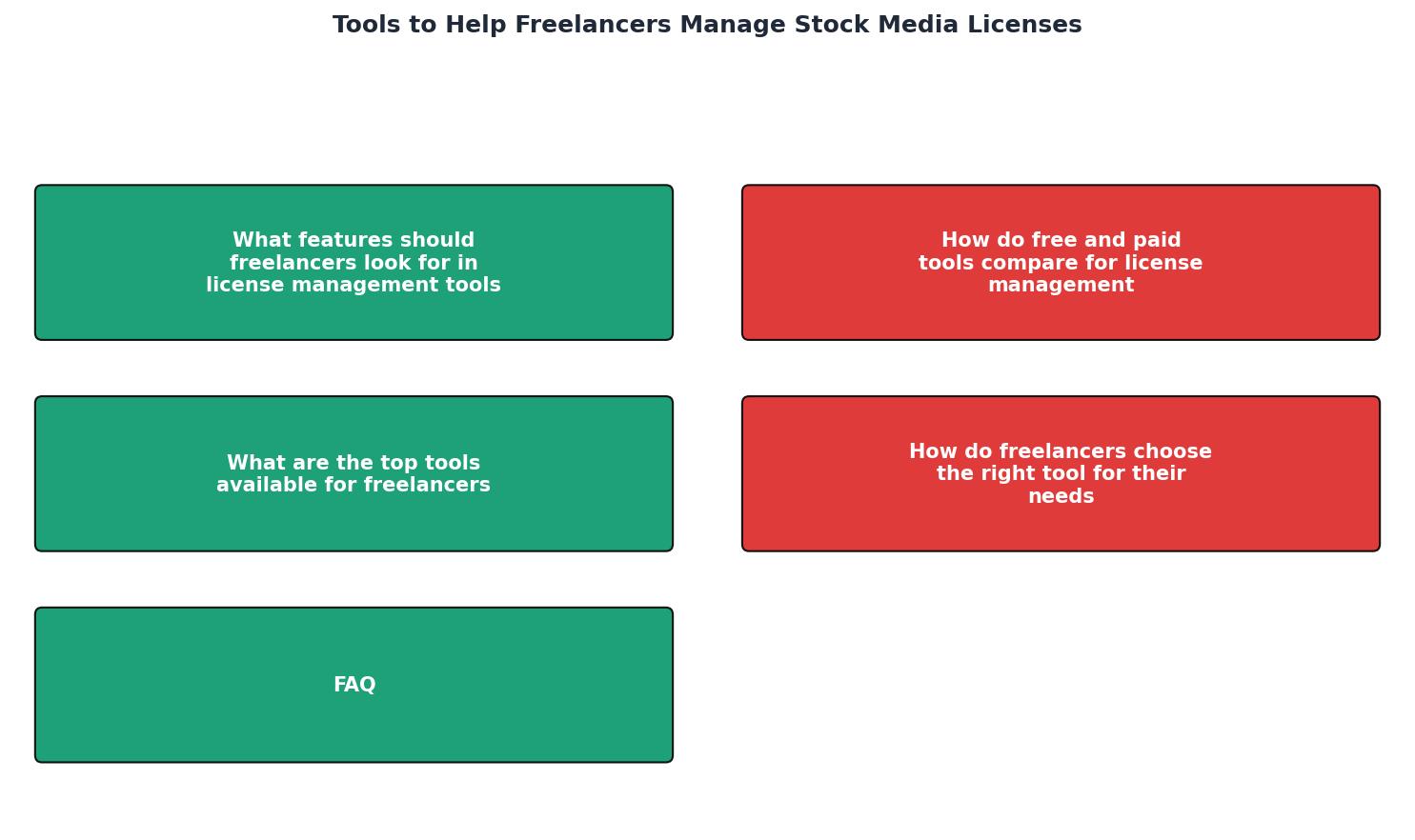
What Features Should Freelancers Look for in License Management Tools?

When selecting a license management tool, freelancers should prioritize automatic tracking of licenses. This feature minimizes the risk of losing proof of purchase or usage rights. Automatic tracking allows for seamless monitoring of license validity and expiration dates, ensuring that freelancers are always compliant with usage terms. This is particularly important when handling numerous licenses, as manual tracking can lead to oversights and potential legal issues.
Centralized storage is another crucial feature, allowing all licenses to be stored in one place. This makes it easy to retrieve them when needed, whether for client verification or personal record-keeping. A centralized system eliminates the need to search through emails or different platforms to find a particular license, saving time and reducing stress.
Additionally, look for tools that provide audit capabilities, which can be invaluable if a client requests proof of licenses months after a project is completed. Audit trails enable freelancers to track the history of their licenses, including how and when they were used. This feature not only helps in maintaining transparency with clients but also provides a safeguard against potential disputes.
How Do Free and Paid Tools Compare for License Management?

Free tools are a great starting point for freelancers on a budget. They often include basic features like license storage and limited tracking capabilities. Free options might be suitable for those who have a smaller volume of licenses to manage or are just starting in the freelancing world. However, they may lack more advanced features such as detailed audit trails or integration with multiple stock media platforms.
Paid tools, on the other hand, offer a comprehensive suite of features, including robust reporting and enhanced security measures. These tools often provide more sophisticated tracking capabilities, integration with a variety of platforms, and automated reminders for license renewals. While they require an investment, the time saved and potential legal protection can justify the cost. For freelancers handling numerous projects and licenses, the investment in a paid tool can lead to increased efficiency and peace of mind.
For example, a tool like Bynder offers advanced digital asset management features, making it easier for freelancers to organize and retrieve their licenses. Bynder's platform is designed for scalability, supporting freelancers as their business grows and their needs become more complex.
"Bynder has been recognized as a Leader in the 2023 Gartner® Magic Quadrant™ for Digital Asset Management.">, Top 8 Tools for Managing Website Image Licenses
What Are the Top Tools Available for Freelancers?

Several tools stand out for their ability to streamline license management for freelancers:
- Licence Downloader: This tool offers bulk download capabilities, making it easier to keep track of licenses from multiple platforms. It simplifies the process of downloading and organizing licenses, providing an efficient way to manage them in one central location. This is particularly useful for freelancers who acquire assets from various sources and need a streamlined way to manage them.
- Bynder: Known for its digital asset management capabilities, Bynder is a effective tool for freelancers looking to manage large volumes of assets. It provides a user-friendly interface and robust features such as metadata tagging, which enhances the searchability of assets. Bynder's comprehensive solution is ideal for freelancers who require a sophisticated system to handle complex projects and large asset libraries.
- Stock Keeper: A user-friendly tool that offers both free and paid plans, providing flexibility depending on the freelancer's needs. Stock Keeper is designed to be intuitive, making it accessible for users of all experience levels. Its scalable features allow freelancers to start with a free plan and upgrade as their project demands increase.
How Do Freelancers Choose the Right Tool for Their Needs?
Choosing the right tool involves considering several factors. Freelancers should assess the scale of their projects and the number of licenses they need to manage. If a freelancer is handling a high volume of projects with multiple licenses, a more advanced tool with robust features may be necessary. Conversely, those with fewer projects might opt for a simpler, cost-effective solution.
Budget is another consideration, as some tools can be quite costly. It's important for freelancers to weigh the cost against the potential time savings and legal protections offered by more comprehensive tools. Investing in a tool that automates license management can lead to long-term savings by preventing costly legal issues and improving workflow efficiency.
It's also important to read testimonials and reviews from other freelancers who have used these tools. User reviews provide valuable insights into the effectiveness and usability of a tool, helping freelancers make informed decisions. Additionally, many tools offer free trials, allowing freelancers to test them before committing financially.
Key takeaway: The right license management tool can save freelancers time and protect them from potential legal issues.
Guide to Selecting the Right License Management Tool
Your progress is saved automatically in your browser.
FAQ
Frequently Asked Questions
Are there any other tools or strategies you use to manage your stock media licenses? Share your thoughts in the comments!
Additional Resources
- Top 8 Tools for Managing Website Image Licenses - Bynder: Centralized asset management with AI tagging. Adobe Lightroom Classic: License tracking through metadata. AssetSonar: Bulk editing and ...
- How to Choose a Software License Management Tool - Learn how to choose the best software license management tool to cut costs, stay compliant, and simplify SaaS tracking across your ...
- 38 Best Tools for Freelancers: 2026 Must-Haves ... - We've compiled a list of 38 of the best tools for freelancers who want to improve time management and scale their business.