Accessing Licences on Unsplash+
You downloaded fifty images from Unsplash+ last quarter for three different client projects. Now one of those clients wants proof that every asset is properly licensed, and you have no idea where Unsplash keeps that documentation. The licence records exist, but the path to them is buried under several clicks and a UI that changes more often than you would like. This guide walks through every step to find, download, and organize your Unsplash+ licences so you never scramble for proof again.


You downloaded fifty images from Unsplash+ last quarter for three different client projects. Now one of those clients wants proof that every asset is properly licensed, and you have no idea where Unsplash keeps that documentation. The licence records exist, but the path to them is buried under several clicks and a UI that changes more often than you would like. This guide walks through every step to find, download, and organize your Unsplash+ licences so you never scramble for proof again.
Photo by Tranmautritam from Pexels
TL;DR:- Log into your Unsplash account, open Account Settings, and navigate to the Licences tab to see every Unsplash+ download tied to your subscription.
- Each licence entry shows the image, download date, and a link to download the licence certificate as a PDF or text record.
- Organize certificates into per-project folders with a consistent naming convention so you can respond to client or legal requests in minutes, not hours.
What Unsplash+ Licences Cover
Unsplash+ is the paid tier of Unsplash that grants an enhanced licence on top of the standard Unsplash licence. The standard licence already allows commercial use for free, but it comes with limitations: no resale of unmodified photos, no guarantees around model or property releases, and no formal certificate you can hand to a client. Unsplash+ removes several of those restrictions and adds legal protections.
With an active Unsplash+ subscription, every image you download receives:
- A broader commercial licence that covers print-on-demand, templates, and other use cases the free licence excludes.
- Access to exclusive, higher-quality content not available to free-tier users.
- A downloadable licence certificate tied to your account and the specific image.
That certificate is the document you need when a client, ad platform, or legal team asks for proof. Treat it like a receipt for a business expense: easy to ignore until someone audits you.
Logging Into Your Account

Start at unsplash.com and click the profile icon in the top-right corner. If you are already signed in, you will see your avatar. If not, sign in with the email or Google/Apple account linked to your Unsplash+ subscription.
A few things to double-check before you go further:
- Correct account. If you use separate personal and work emails, make sure you are logged into the account that holds the Unsplash+ subscription. Licences are tied to the subscribing account, not to a device or browser.
- Active subscription. Navigate to
Account Settings > Subscriptionand confirm your plan is active. Expired subscriptions still show past licence records, but the UI can behave differently. - Browser extensions. Ad blockers and privacy extensions occasionally break Unsplash's settings pages. If something looks off, try a private/incognito window first.
Finding Your Licences
Once you are in your account settings, look for the Licences tab. On the current Unsplash layout, the path is:
Profile icon → Account settings → Licences
This page lists every Unsplash+ image you have downloaded. Each row typically shows:
- A thumbnail of the image.
- The photographer's name.
- The download date.
- A Download licence link or button.
Ctrl + F) to locate a specific photographer name or date range. Unsplash does not currently offer a search or filter within the licence page itself.
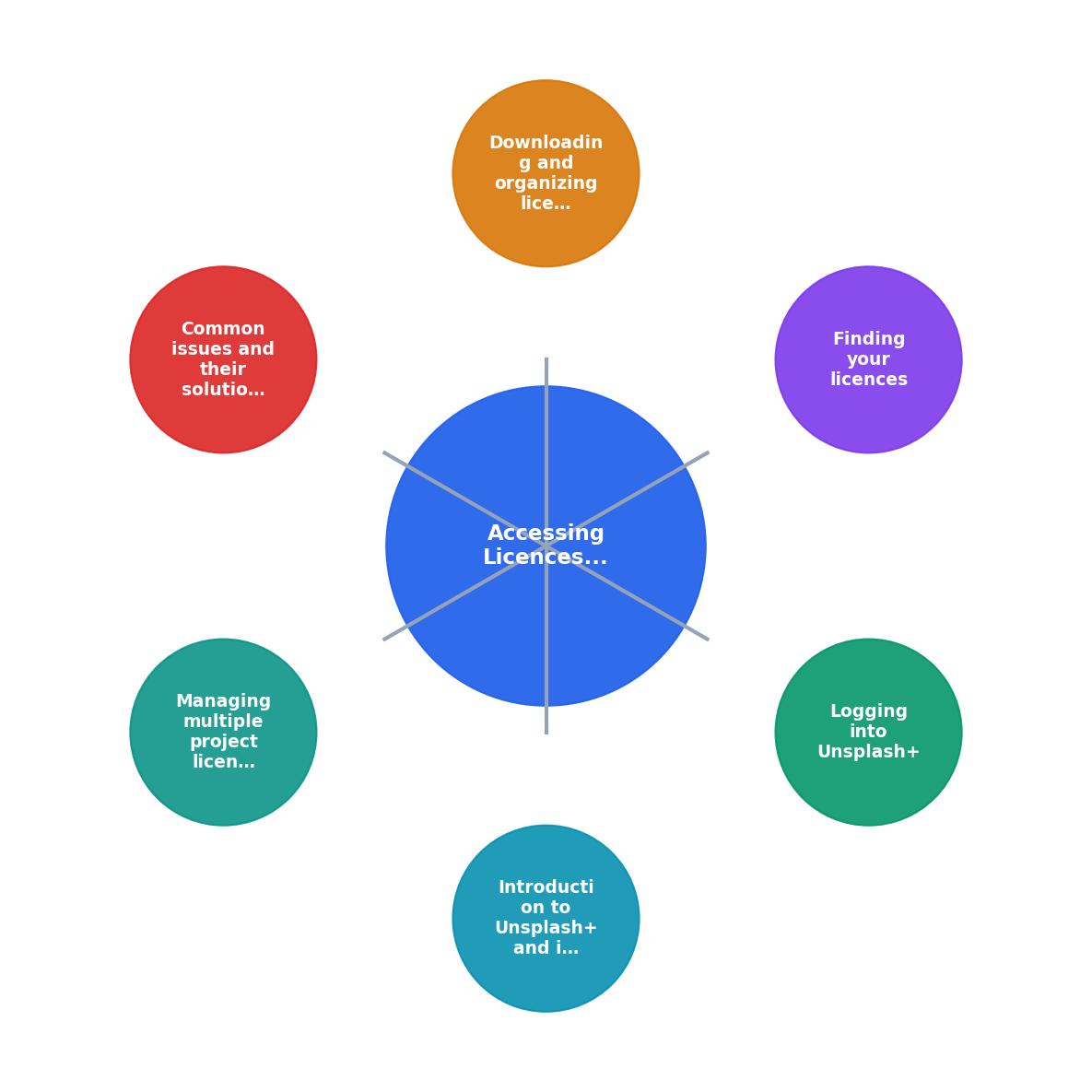
The diagram above shows the core flow: Log in → Account settings → Licences tab → Download certificate → File by project. Each step takes seconds once you know where to click.
Downloading and Organizing Licences

Clicking the download link on a licence entry saves a file to your computer. The format is typically a PDF certificate that includes the image ID, your account details, the licence grant date, and the specific terms.
Here is a naming convention that works well for freelance designers juggling multiple clients:
[ClientName]_[ProjectCode]_unsplash_[ImageID]_licence.pdf
Example: AcmeCo_BrandKit2026_unsplash_abc123_licence.pdf
Store these in a folder structure like:
/Licences
  /AcmeCo
    /BrandKit2026
      AcmeCo_BrandKit2026_unsplash_abc123_licence.pdf
      AcmeCo_BrandKit2026_unsplash_def456_licence.pdf
  /BlueFinch
    /SocialPack
      BlueFinch_SocialPack_unsplash_ghi789_licence.pdf
This structure means you can zip an entire project folder and send it to a client in under a minute. No digging, no guessing which image belongs to which project.
The example dashboard below shows what a typical freelancer's licence collection might look like after a few months of organized downloading:
Unsplash+ Licence Tracker
Example: freelancer with 3 active client projects
Troubleshooting Common Issues

Even a straightforward process has friction points. Here are the ones freelance designers hit most often:
- Licence page is empty. You are likely logged into the wrong account. Check the email shown in Account Settings. If you signed up with Google on one device and email on another, those are two separate accounts.
- Download button does nothing. Disable ad blockers or try a different browser. Unsplash's settings pages rely on JavaScript that some extensions interfere with.
- Missing licences for older downloads. Unsplash+ launched in mid-2022. Downloads made before your subscription started, or downloads from the free tier, do not generate Unsplash+ licence certificates. You still have the standard Unsplash licence for those, but there is no PDF to download.
- Subscription lapsed. Your existing licence certificates remain valid for images downloaded while the subscription was active. You can still access and download those certificates after cancellation. New downloads, however, revert to the standard free licence.
Managing Licences Across Projects
When you work on five or six projects simultaneously, licence management becomes a real task. A few strategies that keep things clean:
- Download the certificate the moment you download the image. Do not plan to "come back later." You will forget.
- Use a spreadsheet or simple database. Track image ID, project name, client, download date, and file path to the certificate. A Google Sheet works fine.
- Batch-download with a tool. If you are pulling dozens of Unsplash+ images per month, manually clicking each licence link gets old fast. A tool like Licence Downloader can help you bulk-retrieve licence certificates across platforms, including Unsplash+, so you spend minutes instead of an afternoon.
- Archive completed projects. Once a project ships and the client signs off, zip the licence folder and store it in cloud backup. Keep it for at least three years; copyright disputes can surface long after delivery.
| Manual Approach | Organized Approach |
|---|---|
| Click each licence link one by one | Batch-download or use a tool |
| Save to Downloads folder with default names | Rename with client/project/image ID convention |
| Search through hundreds of files later | Browse a structured folder tree |
| 15-30 minutes per client request | Under 2 minutes per client request |
Unsplash+ Licence Management Checklist
Your progress is saved automatically in your browser.
FAQ
Frequently Asked Questions
Account Settings > Licences. The page lists all Unsplash+ downloads historically, not just recent ones. Scroll or use Ctrl + F to find the image by photographer name or approximate date. If your subscription has since expired, the certificates for images downloaded during the active period are still available.What is your current system for storing licence certificates across platforms? If you have a workflow that works well, share it in the comments.
Additional Resources
- Unsplash+ License - Unsplash grants you an unlimited, perpetual, nonexclusive, worldwide license to download, copy, modify, distribute, perform, and use Unsplash+ images.
- License - Unsplash grants you an irrevocable, nonexclusive, worldwide copyright license to download, copy, modify, distribute, perform, and use images from Unsplash for ...
- Why You Should Not Contribute To Unsplash+ as a ... - You grant Unsplash a non-exclusive, perpetual license to display and market your images on the Unsplash+ website, and the further right to license your images ...
Need to Download Your Licences?
Save hours of manual work. We download all your stock photo licence certificates for you.
Get Started“Thanks to LicenceDownloader.com, I was able to download more than 1,000 Freepik licences and receive them all at once via ZIP.”
Marlon Mainardy