Retrieve Adobe Stock Licence Documentation
Navigating the world of stock images can be overwhelming, especially when it comes to managing licenses. As a freelance designer, ensuring you have the right documentation for your Adobe Stock licenses is crucial for avoiding copyright issues. This article will guide you through accessing the Adobe Stock portal, locating your license documentation, and organizing these files efficiently for easy access and compliance.


Navigating the world of stock images can be overwhelming, especially when it comes to managing licenses. As a freelance designer, ensuring you have the right documentation for your Adobe Stock licenses is crucial for avoiding copyright issues. This article will guide you through accessing the Adobe Stock portal, locating your license documentation, and organizing these files efficiently for easy access and compliance.
Photo by Andrea Piacquadio from Pexels
TL;DR: Access the Adobe Stock portal, navigate to the license section, and download your documentation. Organize these files efficiently for easy access and compliance.
Understanding how to manage your Adobe Stock licenses is essential for any designer or creative professional. With the increasing demands for transparency in digital media usage, having your license documentation at your fingertips can save you from potential legal challenges. This guide will walk you through the process, ensuring that you have all the necessary tools to manage your Adobe Stock licenses effectively.
Understanding Adobe Stock Licences

Adobe Stock licenses are more than just permissions to use images; they are your legal shield against copyright claims. Understanding the importance of license documentation is essential. These documents provide proof that you have the right to use the images in your projects, a critical factor when delivering professional work to clients.
Having a license means you have legally obtained the right to use a particular image, vector, or video in your creative projects. This is a critical aspect of maintaining professionalism and adhering to legal standards in the creative industry. The license documentation outlines the terms under which you can use the asset, such as whether it can be used for commercial purposes or if there are restrictions on modifications.
"The Illustrative Editorial collection focuses on conceptual imagery that uses real brands and products to convey strong ideas.">, Common Questions, Adobe Stock, FAQ | Usage and licensing
Why Documentation Matters
License documentation ensures that you are compliant with Adobe's terms of use. It is crucial for maintaining professionalism and protecting your work against unforeseen legal challenges. Whether you're a freelancer like you or part of a larger agency, having organized documentation can prevent potential disputes.
For instance, if a client questions the legitimacy of an image used in a campaign, having the license documentation readily available can quickly resolve the issue. Furthermore, should Adobe update their terms of service or if a dispute arises regarding image usage, having documentation ensures you are covered legally. This is especially important in high-stakes industries where the misuse of images could lead to significant legal repercussions.
Accessing the Adobe Stock Portal

To begin retrieving your license documentation, you need to access the Adobe Stock portal. Here’s how:
- Log in to Your Adobe Account: Visit the Adobe Stock website and log in using your Adobe ID. This ID is usually linked to your email, and it's where all your purchase records are stored.
- Navigate to the License Section: Once logged in, go to 'Your Licenses', usually found under your profile or account settings. This section is specifically designed to help you manage all your purchased licenses conveniently.
- Find the Right Documents: Use the search function or browse through your purchases to locate specific licenses. Adobe's interface allows you to filter purchases by date and type, which can significantly expedite the process of finding the right documentation.
Locating Your Licence Documentation
Finding the right documentation can be tricky if you're not familiar with Adobe Stock's interface. Here’s a step-by-step guide:
- Use Filters: Adobe Stock allows you to filter your purchases by date, type, and more, making it easier to find specific licenses. This can be particularly useful if you have a large volume of purchases and need to locate a specific license quickly.
- Check for Downloads: Ensure that the license you need is available for download. Some licenses might be tied to specific subscriptions or purchases. Make sure to download and save these licenses in a secure location immediately after purchase.
- Organize by Project: If you work on multiple projects, organizing licenses by project name can save time in the long run. This method not only helps in quickly identifying the licenses you need but also aids in maintaining a clear record of what assets are used for each project.
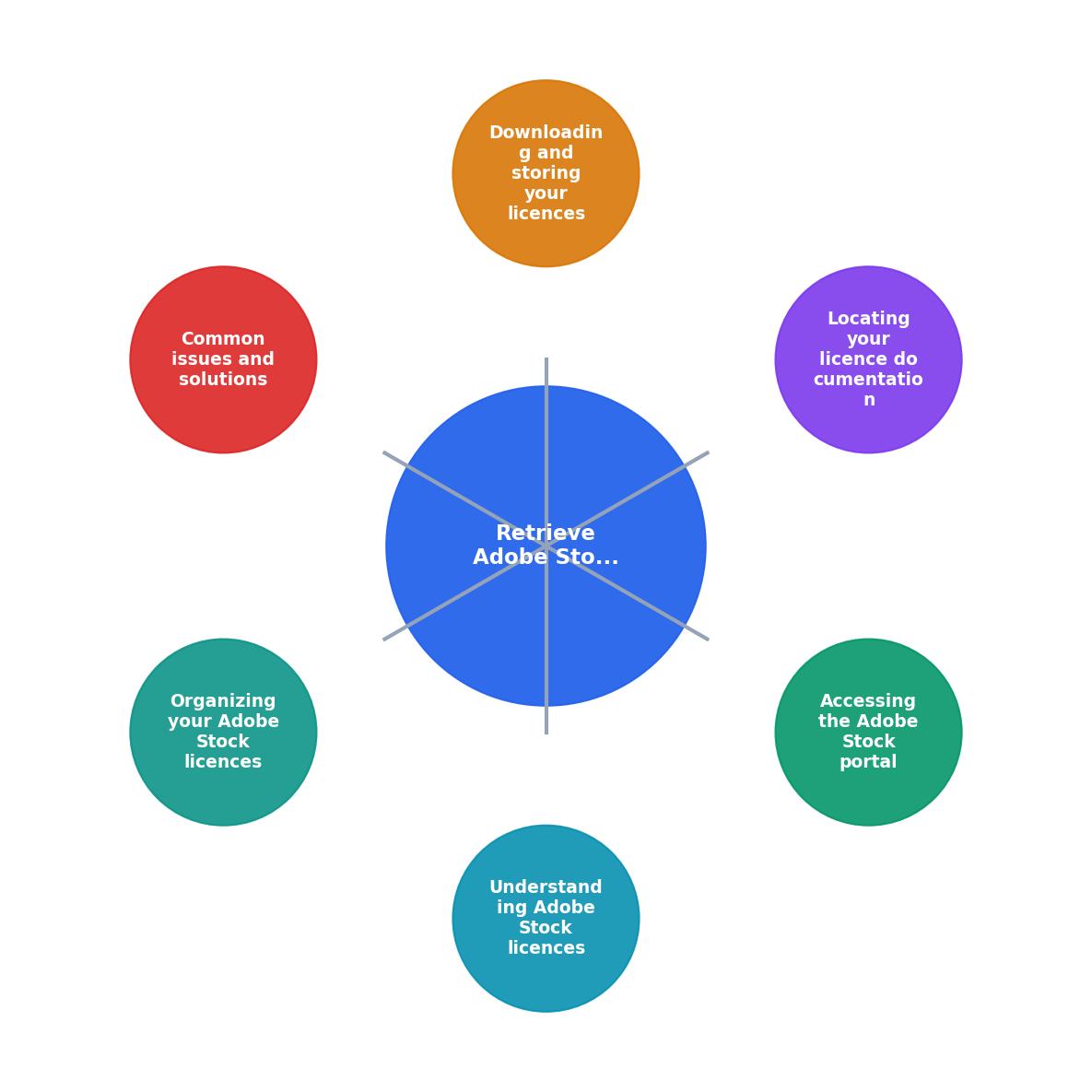
Downloading and Storing Your Licences
Once you've located your licenses, the next step is downloading and storing them effectively.
- Download Licenses: Click on the download button next to each license to save it to your computer. It’s advisable to create a dedicated folder for Adobe Stock licenses to avoid any confusion later.
- Create a Filing System: Use folders to categorize licenses by project, date, or client. This can be done on your local machine or a cloud service. A well-organized filing system helps in quick retrieval and ensures that you remain compliant with license agreements.
- Backup Regularly: Ensure all licenses are backed up to a secure cloud service or external drive for safekeeping. Regular backups protect against data loss due to hardware failure or accidental deletion.
Common Issues and Solutions
Even with a straightforward system, issues may arise. Here’s how to tackle common problems:
- Cannot Find a License: Double-check your purchase history or contact Adobe support for assistance. Sometimes licenses may not appear due to account login errors or if they were purchased under a different account.
- Download Errors: Ensure your internet connection is stable and try again. If problems persist, Adobe support can help. It’s also wise to check if there are any ongoing maintenance or outages on the Adobe Stock site.
- Missing Documentation: Keep a record of all transactions and receipts as additional proof of purchase. In case of missing documentation, Adobe support can often reissue licenses if you can provide proof of purchase.
Organizing Your Adobe Stock Licences

Proper organization of your licenses can save you time and stress. Here’s how to keep everything in order:
- Use Descriptive Names: Rename files to include relevant details like project name and date. This practice not only helps in quickly identifying files but also aids in ensuring that you don’t accidentally use the wrong license.
- Maintain a Spreadsheet: Track all licenses in a spreadsheet, noting file names, purchase dates, and usage rights. This can be a simple Excel file or a more complex database, depending on your needs. Regularly updating this spreadsheet ensures that you have a comprehensive view of all your assets.
- Set Reminders: Use calendar reminders to review and update your license records regularly. This practice ensures that you remain compliant with license terms and can quickly address any discrepancies.
Frequently Asked Questions
For freelance designers, managing Adobe Stock licenses effectively is crucial. By following these steps, you can ensure that your documentation is always audit-ready. How do you manage your stock licenses? Share your tips in the comments!
Additional Resources
- FAQ | Usage and licensing - Where can I find the licensing terms of use for Adobe Stock assets? Terms of use can be found here. · Where can I use Adobe Stock assets? · Will ...
- License information and Terms of Use | Adobe Stock - You can view the type of license associated with an asset on the Details page in your web browser. If you're not sure what type of license you have for a ...
- Adobe Stock License Approval - Right-click (Windows) or Control-click (Mac OS) the thumbnails of Adobe Stock assets in the Libraries panel and choose License from the context ...
Need to Download Your Licences?
Save hours of manual work. We download all your stock photo licence certificates for you.
Get Started“Thanks to LicenceDownloader.com, I was able to download more than 1,000 Freepik licences and receive them all at once via ZIP.”
Marlon Mainardy