Canva Pro Licence Restrictions and Compliance
You paid for Canva Pro, designed a product label or Facebook ad, and now you are wondering whether you actually have the right to use that image commercially. The answer depends on which type of content you grabbed, how you plan to use it, and whether your final design crosses any of the lines Canva draws in its licence agreement. This guide breaks down every major restriction, shows you exactly where common use cases fall, and gives you a checklist so you can stay compliant without hiring a lawyer.

You paid for Canva Pro, designed a product label or Facebook ad, and now you are wondering whether you actually have the right to use that image commercially. The answer depends on which type of content you grabbed, how you plan to use it, and whether your final design crosses any of the lines Canva draws in its licence agreement. This guide breaks down every major restriction, shows you exactly where common use cases fall, and gives you a checklist so you can stay compliant without hiring a lawyer.
Photo by Carsten Ruthemann from Pexels
TL;DR:- Canva Pro grants broad commercial rights but prohibits standalone resale of assets, use in trademarks, and redistribution of unmodified files.
- Different content tiers (Free, Pro, Branded, Education) carry different restrictions, and mixing them up is the most common compliance mistake.
- Keeping licence proof for every asset you use protects you from takedowns, copyright claims, and marketplace flags.
What Canva Pro Actually Allows
Canva's licence is generous compared to many stock platforms, but "generous" does not mean "unlimited." A Canva Pro subscription lets you use Pro Content in commercial projects as long as the content is part of a larger design. That means social media posts, website banners, presentations, flyers, and similar marketing materials are fine.
What trips people up is the word standalone. You cannot extract a single stock photo or illustration from Canva and sell it as a print, a phone wallpaper, or a downloadable digital product. The asset must be combined with other creative elements to form a new, original design.
"The Content categories, from most to least restrictive, are: Education Content, Branded Content, Pro Content, and Free Content.">, Canva's Content License Agreement
Each tier has its own set of rules. Free Content is the most permissive. Pro Content requires an active subscription. Branded Content comes with extra restrictions set by the brand that supplied it. Education Content is locked to educational use only. Knowing which tier your chosen asset belongs to is step one of staying compliant.
Key Restrictions You Need to Know
Here are the specific prohibitions that apply to most Canva Pro content:
- No standalone use - You cannot sell, license, or distribute an asset on its own without adding substantial creative work.
- No trademark registration - You cannot register a Canva asset (or a design that is primarily a Canva asset) as a trademark or logo.
- No redistribution - Sharing the original file so others can edit or reuse the asset violates the licence.
- No print-on-demand without limits - Canva allows print-on-demand (POD) use for Pro Content, but only if the design is a unique composition, not just the raw image slapped on a mug.
- No sensitive or defamatory use - Using recognizable people in assets for controversial topics (political ads, adult content, health claims) is prohibited.
- Subscription-dependent rights - If your Canva Pro subscription lapses, your right to use Pro Content in new projects ends. Designs created while subscribed remain licensed.
That last point catches a lot of small business owners off guard. You designed a product label last year, cancelled Canva Pro, and now want to reprint. The original design is still covered. But if you open Canva today and start a new project with Pro assets on a free account, you are out of compliance.
How Restrictions Hit Social Media
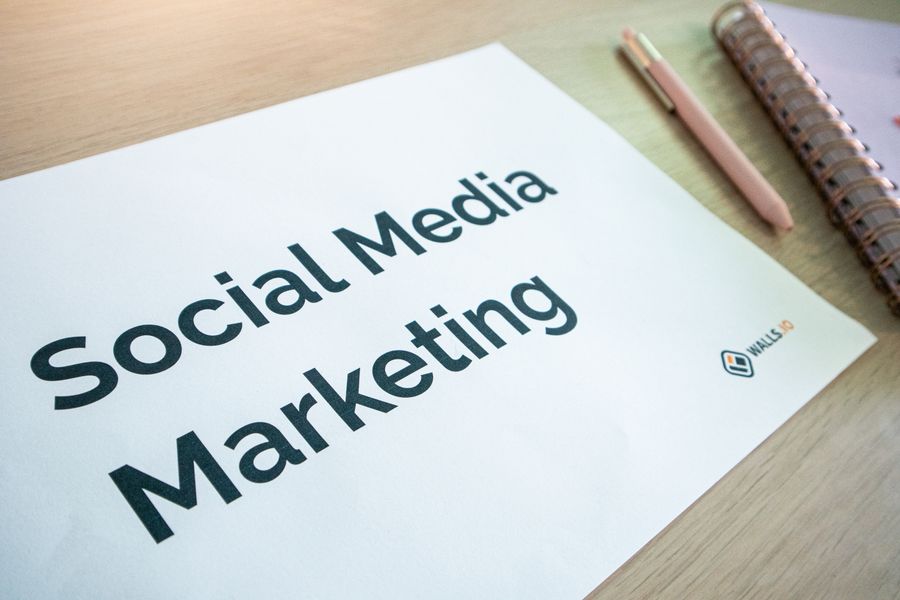
Social media is the most common use case for Canva Pro, and the good news is that most social posts are compliant by default. You are combining text, brand colors, multiple elements, and layout choices into a unique composition. That satisfies the "not standalone" requirement.
Where it gets tricky:
- Instagram story backgrounds - Using a single Pro photo as a full-bleed background with just a small text overlay is borderline. Add enough original design elements to make the composition clearly yours.
- Pinterest pins linking to affiliate products - The pin itself is fine. But if the linked product page also uses the same Canva asset as the hero image, and that image is essentially unmodified, you are pushing the boundary.
- Facebook ad creative - Compliant in most cases. Meta's ad review system occasionally flags stock imagery, so having licence proof ready saves you from a rejected ad and lost campaign time.
Product Design and E-commerce
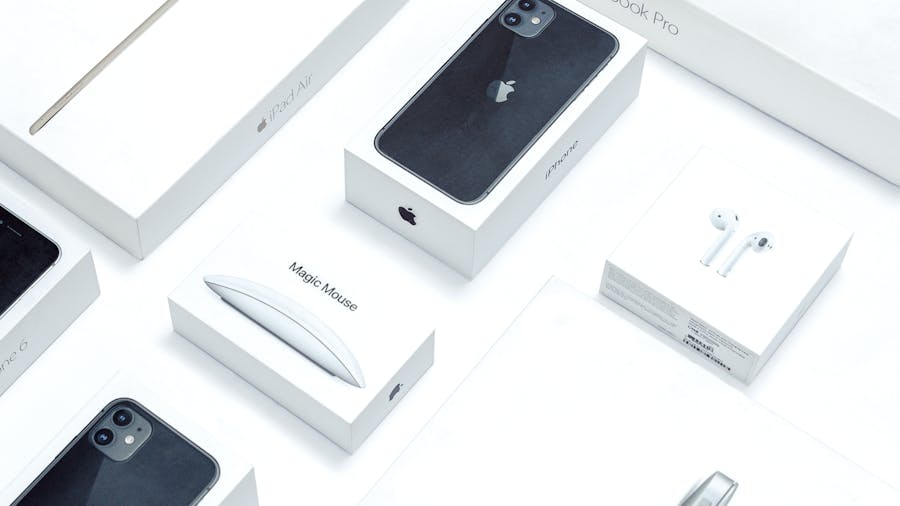
Selling physical or digital products that feature Canva assets is where compliance gets serious. Here is how common e-commerce scenarios break down:
| Use Case | Compliant? | Why |
|---|---|---|
| T-shirt with a unique multi-element design | Yes | Original composition using Pro assets |
| Mug with a single unmodified Canva illustration | No | Standalone use of the asset |
| Etsy digital download (planner template you designed) | Yes | Your layout, fonts, and structure add originality |
| Etsy digital download (single Canva clipart as sticker) | No | Standalone redistribution |
| Amazon product listing hero image | Yes | Marketing material, not the product itself |
| Phone case with a Canva pattern you arranged | Yes | Pattern arrangement is original design work |
The pattern is clear: if your product is the Canva asset, you are violating the licence. If the Canva asset is one ingredient in a design you created, you are fine.
Staying Compliant Step by Step
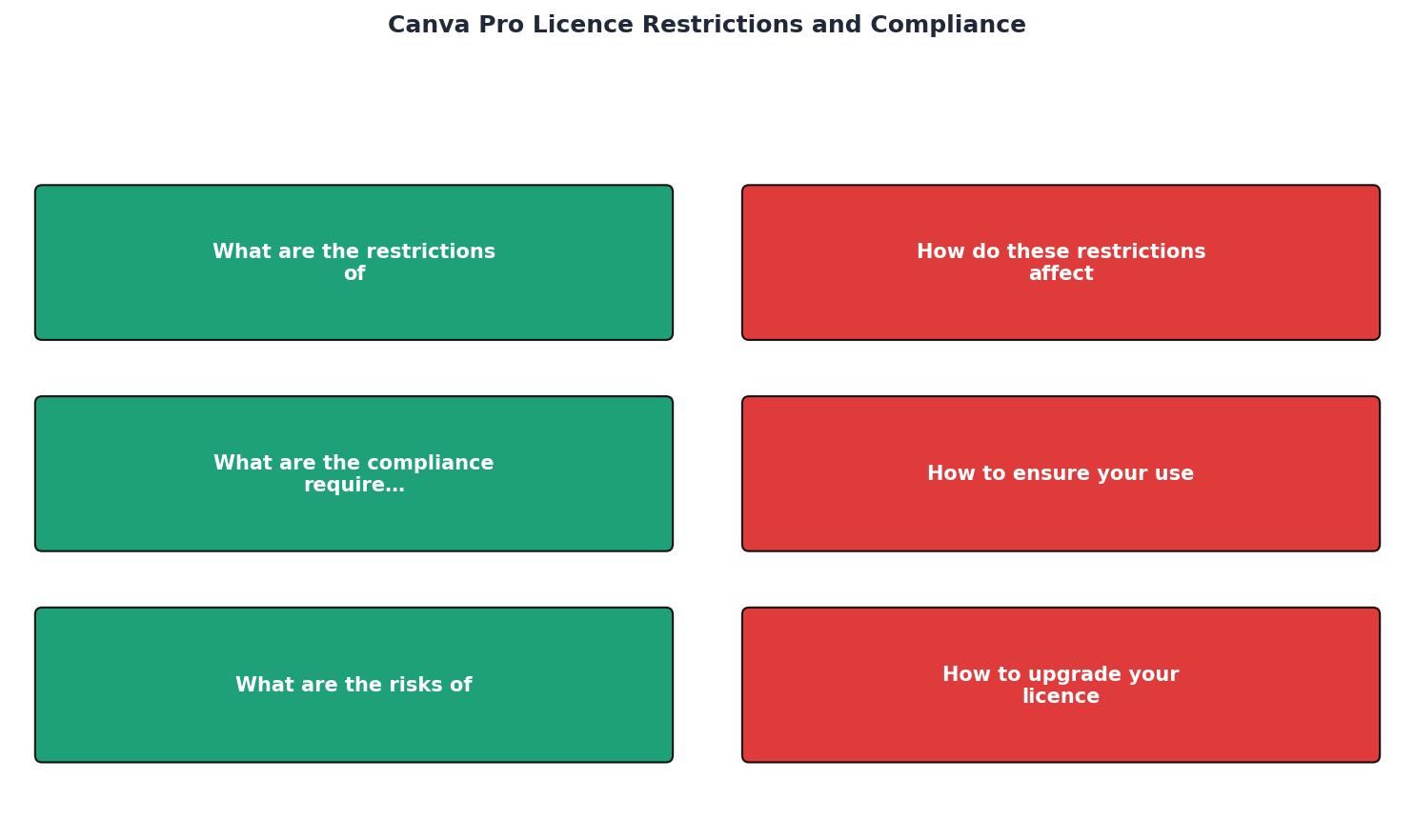
Follow this process every time you publish or sell a design that includes Canva Pro content:
- Identify content tier - Check whether each asset is Free, Pro, Branded, or Education.
- Confirm active subscription - Make sure your Canva Pro plan is current at the time of creation.
- Verify original composition - Your design must combine the asset with other elements. A single photo with a text overlay is risky.
- Check prohibited uses - No trademarks, no standalone resale, no sensitive contexts.
- Save licence proof - Download or screenshot the licence details for every asset used.
- Archive by project - Store proof alongside the project files so you can retrieve it months later.
Risks of Non-Compliance

Ignoring Canva's licence terms exposes you to several concrete risks:
- DMCA takedown notices - The original content creator or Canva itself can issue a takedown. Platforms like Etsy, Amazon, and Shopify act on these quickly, often suspending your listing first and asking questions later.
- Copyright infringement claims - These can arrive as demand letters requesting payment, typically ranging from a few hundred to several thousand dollars per image.
- Marketplace account suspension - Repeated flags on Amazon, Etsy, or Meta can lead to permanent account bans.
- Loss of brand credibility - A public copyright dispute erodes customer trust, especially for small businesses that rely on reputation.
Print-on-demand sellers face roughly three times the enforcement risk compared to social media marketers, because POD products are easier for automated systems to scan and flag.
The following interactive card summarizes the risk landscape for a typical small e-commerce business using Canva Pro assets across multiple channels:
Compliance Risk by Channel
Upgrading Your Licence
Sometimes a Canva Pro licence simply is not enough. If you need to use an asset as a trademark element, or you want to sell it in a way that counts as standalone, you have a few options:
- Purchase directly from the original creator. Many Canva assets come from third-party contributors who sell extended licences on their own sites or on platforms like Shutterstock and Adobe Stock.
- Commission custom artwork. For logos and brand marks, hiring a designer gives you full ownership and eliminates licence restrictions entirely.
- Use Canva's Free Content tier. Free Content has fewer restrictions than Pro Content. If your use case is borderline, switching to a Free asset can simplify compliance.
- Contact Canva support. For large-scale or unusual use cases, Canva's team can clarify whether your intended use is permitted or suggest an alternative.
Canva Pro Licence Compliance Checklist
Your progress is saved automatically in your browser.
FAQ
Frequently Asked Questions
What is your biggest concern about using Canva assets in your business? Share your experience below.
Additional Resources
- Canva's Content License Agreement - The Content categories, from most to least restrictive, are: Education Content, Branded Content, Pro Content, and Free Content. If you create a Canva Design ...
- Terms of Use - Subject to your compliance with these Terms, you're granted a non-exclusive, limited, non-transferable, freely revocable license to access and use the Service ...
- Canva's licensing explained - As a Pro user, there is nothing more to pay, no watermarks. You are automatically granted a Pro Content licence. When you resize a design, or create a new ...
Need to Download Your Licences?
Save hours of manual work. We download all your stock photo licence certificates for you.
Get Started“Thanks to LicenceDownloader.com, I was able to download more than 1,000 Freepik licences and receive them all at once via ZIP.”
Marlon Mainardy