Collaborative Freepik Licence Management
Agencies download hundreds of Freepik assets every month across multiple client projects, multiple designers, and multiple seats. When someone leaves, gets reassigned, or a client's legal team sends a compliance request at 4 PM on a Friday, the licence trail vanishes into a mess of browser bookmarks and personal download folders. A collaborative approach to Freepik licence management turns that chaos into a searchable, audit-ready system that protects the entire agency.

Agencies download hundreds of Freepik assets every month across multiple client projects, multiple designers, and multiple seats. When someone leaves, gets reassigned, or a client's legal team sends a compliance request at 4 PM on a Friday, the licence trail vanishes into a mess of browser bookmarks and personal download folders. A collaborative approach to Freepik licence management turns that chaos into a searchable, audit-ready system that protects the entire agency.
Photo by Yan Krukau from Pexels
TL;DR:- Set up shared Freepik access with clearly defined seats and a centralized credentials vault.
- Assign specific licence management roles: downloader, archivist, compliance reviewer.
- Use a shared licence database (spreadsheet, Notion, or dedicated tool) so every asset is traceable to a project, a licence type, and a download date.
- Automate bulk licence certificate retrieval with tools like Licence Downloader to eliminate manual work.
Why collaborative management matters
Stock licence compliance is not a solo task at an agency. A single designer might download an image for a social campaign, but six months later a different team member reuses it in a print ad with different licence requirements. Without a shared system, nobody knows whether the original licence covers that second use.
The risk is real. A copyright claim against a client project does not just cost the settlement fee. It damages the agency-client relationship and your reputation. Collaborative licence management eliminates the "I thought someone else handled it" problem by making every download, every licence type, and every usage visible to the whole team.
Three concrete benefits stand out:
- Audit readiness drops from days of scrambling to minutes of searching.
- Onboarding and offboarding stops breaking the licence chain because records live in a shared location, not in someone's personal account.
- Licence reuse becomes safe. The team can check whether an asset's licence covers a new use case before committing it to a deliverable.
Set up shared Freepik access

Freepik offers Premium plans with team seats. The first step is consolidating access so every download happens under the agency's account, not personal ones.
Here is the process at a glance:
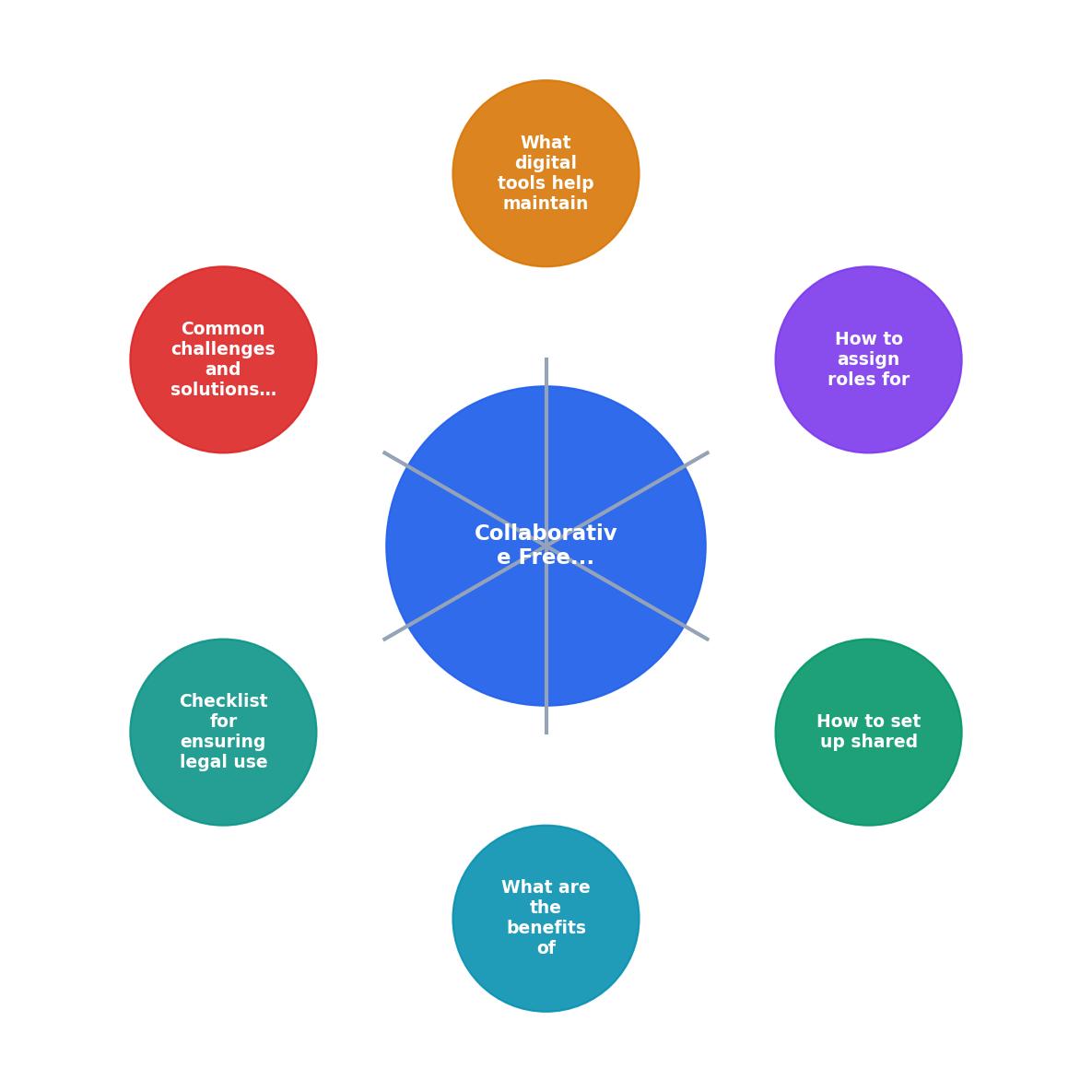
Follow these steps to get shared access right:
- Choose a team plan. Freepik's business plans allow multiple seats under one billing account. Pick the tier that matches your headcount.
- Create a credentials vault. Store the master account credentials in a password manager like 1Password or Bitwarden. Grant access only to people who need to download assets.
- Assign named seats. Each designer or producer gets their own seat linked to the agency email domain. This creates an individual download history tied to a real person.
- Disable personal accounts for work use. Make it a policy: agency projects use agency seats only. Personal Freepik accounts stay personal.
- Set up SSO if available. For larger teams, single sign-on simplifies access control and makes offboarding instant.
Assign licence management roles
Not everyone on the team needs the same level of responsibility. Define three roles:
- Downloader. Any designer or content creator who pulls assets from Freepik. Their job: tag every download with the client project name and intended use (web, print, social, video).
- Archivist. One person (often the ops lead or a junior producer) who maintains the licence database. They verify that every downloaded asset has a matching licence certificate on file.
- Compliance reviewer. A senior team member or legal contact who periodically audits the database, checks licence types against actual usage, and flags mismatches.
Tools for a Freepik licence database

The database does not need to be fancy. It needs to be shared, searchable, and consistently updated. Here are practical options:
| Tool | Best for | Limitations |
|---|---|---|
| Google Sheets | Small teams (under 10), zero budget | Manual entry, no automation |
| Notion database | Mid-size teams, flexible views | Requires setup discipline |
| Airtable | Structured data, attachments | Free tier row limits |
| Licence Downloader | Bulk certificate retrieval, multi-platform | Focused on licence files, not project management |
Every record in the database should capture these fields:
- Asset ID (Freepik resource number)
- Download date
- Downloaded by (team member name)
- Client / project
- Licence type (Free, Premium, Editorial)
- Intended use (web, print, social, video, merchandise)
- Licence certificate file (link or attachment)
- Expiry or renewal date (if applicable)
Agency Licence Tracker, Monthly Snapshot
Common challenges and fixes

Challenge 1: Designers skip the tagging step.
Fix: Make tagging part of the download workflow, not a separate task. If your team uses a project management tool like Asana or Monday, add a "licence logged" checkbox to the asset delivery task.
Challenge 2: Freelancers download on personal accounts.
Fix: Provide freelancers with a dedicated agency seat for the duration of the project. Include a clause in your freelancer agreement requiring all stock downloads to go through agency accounts.
Challenge 3: Licence certificates are hard to find on Freepik.
Fix: Freepik stores licence info in the download history, but extracting certificates one by one is tedious at scale. Use Licence Downloader to bulk-retrieve certificates across your entire download history and drop them straight into your shared archive.
Challenge 4: Nobody knows which licence type covers what.
Fix: Create a one-page internal reference sheet. Freepik's Free licence requires attribution. The Premium licence does not require attribution and allows broader commercial use. Editorial assets cannot be used in commercial contexts. Pin this sheet in your team Slack channel or wiki.
Compliance checklist
Collaborative Freepik Licence Management Checklist
Your progress is saved automatically in your browser.
FAQ
Frequently Asked Questions
Additional Resources
- Software license management software Images - Find & Download Free Graphic Resources for Software license management ... Vector collaborative work program with data security and business process workflow.
- the Freepik Help Center | AI Suite Documentation - Freepik for teams — shared credits, team management, and collaboration features. ... Custom plans, SSO, dedicated support, and enterprise-grade content licensing.
- Freepik Spaces Review 2026 - Freepik Spaces is a collaborative AI-powered content creation platform that enables teams to generate images, videos, and audio through an infinite canvas ...
Need to Download Your Licences?
Save hours of manual work. We download all your stock photo licence certificates for you.
Get Started“Thanks to LicenceDownloader.com, I was able to download more than 1,000 Freepik licences and receive them all at once via ZIP.”
Marlon Mainardy