Comparing Licence Downloader Tools for Business Needs
You bought stock photos for your online store, your Facebook ads, and your product listings. Six months later, someone files a copyright claim and you need proof that every single image was properly licensed. You open Canva, Freepik, and Depositphotos in three separate tabs, and you realize you have no idea where the licence certificates actually live. Choosing the right licence downloader tool before that moment arrives is the difference between a five-minute fix and a week-long panic.

You bought stock photos for your online store, your Facebook ads, and your product listings. Six months later, someone files a copyright claim and you need proof that every single image was properly licensed. You open Canva, Freepik, and Depositphotos in three separate tabs, and you realize you have no idea where the licence certificates actually live. Choosing the right licence downloader tool before that moment arrives is the difference between a five-minute fix and a week-long panic.
Photo by Pavel Danilyuk from Pexels
TL;DR:- Not every licence downloader tool works the same way. Some handle one platform, others cover six or more.
- Compare tools on three axes: platform coverage, bulk-download capability, and total cost for your volume of assets.
- Small businesses benefit most from tools that consolidate licences from multiple stock platforms into a single, searchable archive.
The right tool saves more than time
Picking a licence downloader is not a glamorous decision. Nobody starts a business thinking about licence certificate storage. But the cost of getting it wrong is real: a single copyright dispute on Amazon or Meta can freeze your listings, drain hours of back-and-forth, and cost hundreds in legal fees even when you did nothing wrong.
The goal is simple. You want one place where every stock-image licence you have ever purchased is stored, searchable, and ready to send to whoever asks. The question is which tool gets you there without overcomplicating your workflow or blowing your budget.
That number is not a scare tactic. It reflects how scattered licence records become when you use two or three stock platforms and never set up a central archive. A dedicated licence downloader tool eliminates that gap.
Why choosing the right tool matters

Small-business owners typically buy stock images from whichever platform offers the best price or the best image for a specific project. That means licences end up scattered across:
- Canva Pro (buried in download history)
- Freepik (accessible through your account, but only one at a time)
- Shutterstock (licence certificates available per-download)
- Depositphotos (invoice-based proof, not always a formal certificate)
- Adobe Stock (licence history in your Adobe account)
- iStock (download history tied to your Getty account)
"The short answer will be unsatisfactory: it depends – and requires further analysis, which I will, of course, conduct later in this article.">, A comprehensive comparison of AI service licenses and tools for coding and busin
That quote captures the reality perfectly. There is no single "best" tool for everyone. Your choice depends on which platforms you use, how many assets you download per month, and whether you need team access.
Key factors for comparison
Before looking at specific tools, nail down the criteria that actually matter for a small business:
- Platform coverage - Does the tool support every stock platform you use? A tool that handles Shutterstock and Adobe Stock but skips Canva is useless if Canva is your primary source.
- Bulk download - Can you pull 50 or 200 licence certificates at once, or do you have to click through them one by one?
- Export format - Do you get PDFs, a CSV summary, or both? Think about what you would need to send to a lawyer or an ad platform.
- Pricing model - Flat monthly fee, per-download charge, or free tier with limits?
- Ease of use - If the tool requires a 30-minute setup or a browser extension you do not trust, it is not practical for a non-technical user.
- Customer support - When a copyright claim lands in your inbox at 9 PM, can you get help?
Multi-platform coverage ranks highest because most small businesses do not stick to a single stock provider. You grab a Canva template for Instagram, a Freepik vector for your packaging, and a Shutterstock photo for your website hero. Your licence downloader needs to follow you across all of them.
How top tools compare
Here is a practical comparison of the approaches available to small-business owners right now. The landscape includes manual methods, platform-native exports, and dedicated licence downloader tools like licencedownloader.com.
| Feature | Manual Download | Platform-Native Export | Dedicated Licence Downloader |
|---|---|---|---|
| Platform coverage | One at a time | Single platform only | Multiple platforms |
| Bulk download | No | Rarely | Yes |
| Export format | Varies (screenshot, PDF) | Platform-specific | Standardized PDF/CSV |
| Time per 50 licences | 2-4 hours | 1-2 hours | 5-15 minutes |
| Cost | Free (but your time is not) | Free | Subscription or per-use fee |
| Searchable archive | No | No | Yes |
The comparison above shows the tradeoff clearly. Manual downloading is "free" but eats hours. Platform-native exports are limited to one platform at a time and rarely offer bulk options. A dedicated tool like Licence Downloader consolidates everything.
Here is a visual overview of the decision process for selecting the right approach:
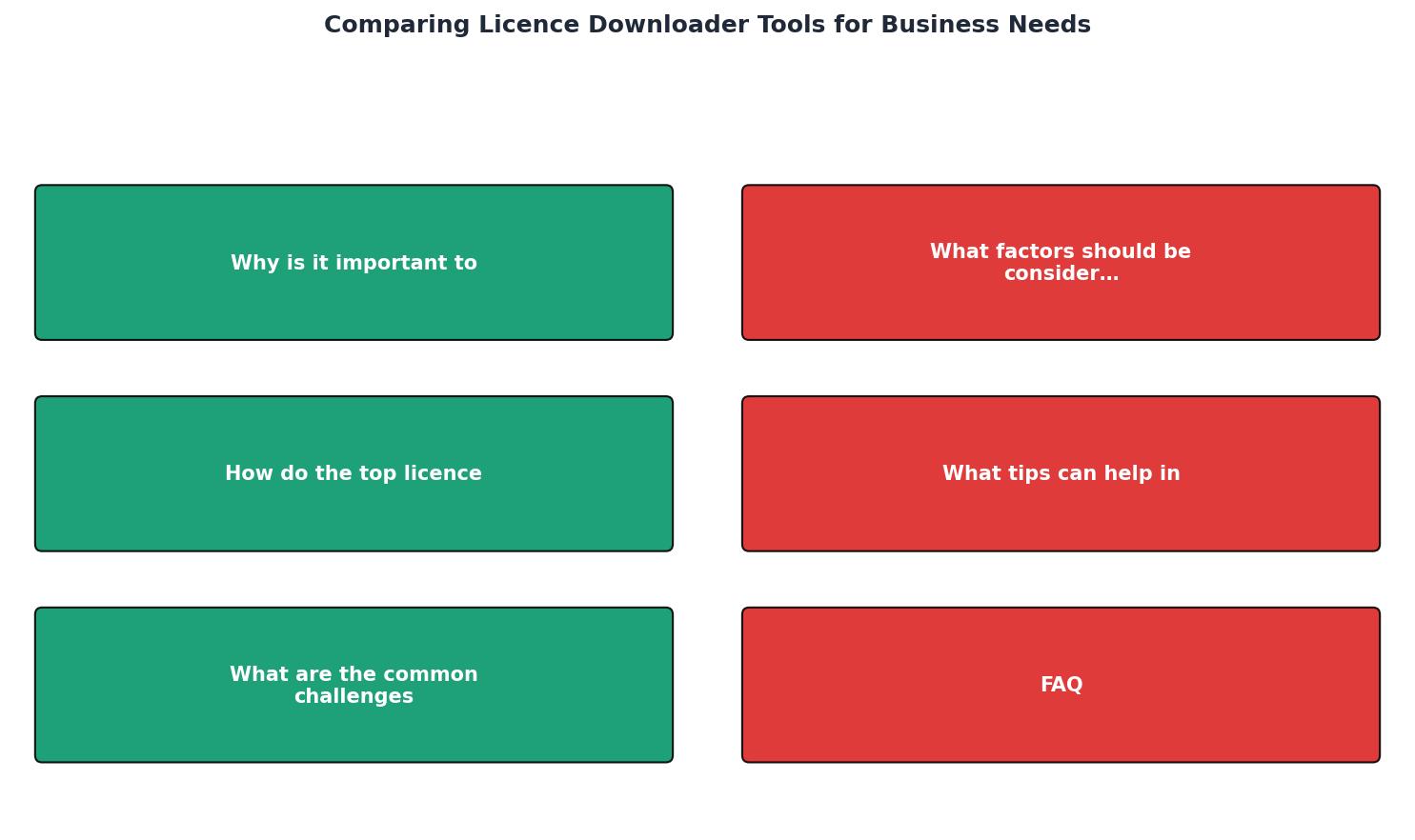
The steps in the diagram break down to: Identify platforms you use, Count monthly assets you download, Check tool coverage for those platforms, Compare pricing against your volume, and Test with a trial before committing.
Tips for selecting the best tool
Different business scenarios call for different priorities:
- You use only Canva Pro. Check if Canva's built-in download history gives you enough proof. If it does, you might not need a separate tool yet. But the moment you add a second platform, a dedicated downloader pays for itself. For Canva-specific guidance, see our resource on choosing a tool for efficient Canva licence downloads.
- You buy 10-30 images per month across two platforms. A dedicated licence downloader with a basic plan covers this volume. Look for flat-rate pricing so costs stay predictable.
- You run seasonal campaigns with 100+ assets. Bulk download is non-negotiable. Test the tool's speed and reliability with a free trial before your next campaign hits.
- You sell on Amazon, Etsy, or Meta Ads. These platforms can request licence proof with zero warning. Your tool needs to export certificates in a format those platforms accept (usually PDF).
The context behind that multiplier: what takes you 20 minutes manually (finding, downloading, renaming, filing one certificate) takes about 5 minutes with a dedicated tool that automates the lookup and export. Across dozens of assets, those savings compound fast.
Common challenges when choosing
Every tool has tradeoffs. Here are the ones that trip up small-business owners most often:
- Over-buying features you do not need. Agency-grade tools with team management, API access, and compliance dashboards cost more. If you are a one-person operation, skip those and focus on coverage and bulk download.
- Ignoring platform updates. Stock platforms change their interfaces and export options regularly. A good licence downloader tool updates its integrations to match. Check the tool's changelog or update history before subscribing.
- Assuming free means sufficient. Free tiers often cap you at 10-20 downloads per month or limit you to one platform. That works for testing, not for ongoing business use.
- Forgetting about file organization. Downloading 200 PDFs into a single folder is not an archive. Look for tools that tag certificates by platform, date, and project, or at minimum export a CSV index you can sort. For a deeper look at what features matter, check our guide on licence management features freelancers should look for.
Example: Monthly Licence Cost Breakdown
At even a modest hourly rate of $25, that 3.6 hours translates to $90 per month in recovered time. Most dedicated licence downloader subscriptions cost a fraction of that.
Licence Downloader Tool Selection Checklist
Your progress is saved automatically in your browser.
FAQ
Frequently Asked Questions
What is the biggest challenge you face when trying to keep your stock image licences organized? Share your experience below.
Additional Resources
- A comprehensive comparison of AI service licenses and ... - Are you a business owner and developing software using AI tools? Have you considered whether, by submitting data to an AI model or service, ...
- How to Choose a Software License Management Tool - When comparing software license management tools, look for solutions that combine automated workflows, comprehensive app and user tracking, and ...
- License Management Software - GetApp - Discover the top License Management software for small businesses to enterprises on GetApp in 2026. Compare and filter by 1.5M verified user reviews, ...
Need to Download Your Licences?
Save hours of manual work. We download all your stock photo licence certificates for you.
Get Started“Thanks to LicenceDownloader.com, I was able to download more than 1,000 Freepik licences and receive them all at once via ZIP.”
Marlon Mainardy