Developing a Licence Management Policy for Teams
Every creative agency uses stock media. Few have a written policy that says who downloads what, where the licence proof goes, and what happens when a client's legal team calls on a Friday afternoon asking for documentation. Without that policy, compliance becomes a fire drill every single time, and the risk compounds with every new project, every new freelancer, and every new platform subscription.


Every creative agency uses stock media. Few have a written policy that says who downloads what, where the licence proof goes, and what happens when a client's legal team calls on a Friday afternoon asking for documentation. Without that policy, compliance becomes a fire drill every single time, and the risk compounds with every new project, every new freelancer, and every new platform subscription.
Photo by Mikhail Nilov from Pexels
TL;DR:- A licence management policy defines who is responsible for acquiring, storing, and proving licence compliance for every stock asset your team uses.
- The core components are role definitions, a centralized licence archive, compliance procedures, audit preparation steps, and a training plan.
- Training and regular policy reviews turn a document into an actual operational habit that reduces legal risk.
Why your team needs a written policy
Stock media usage at a 15-person agency can easily reach 200+ assets per month across Shutterstock, Adobe Stock, Freepik, Envato Elements, and iStock. Multiply that by 12 months and you have thousands of licence records scattered across individual accounts, email inboxes, and browser download folders. When someone leaves the company, their licence knowledge leaves with them.
A written licence management policy solves three problems at once:
- Single source of truth for where licence certificates live and how they are organized.
- Clear accountability so no asset enters a client deliverable without verified proof.
- Audit readiness that turns a two-day scramble into a 15-minute file export.
That number is not surprising when you consider that most teams rely on informal habits rather than documented procedures. The cost of that informality shows up the moment a copyright claim lands or a client audit request arrives.
Essential components of the policy

A licence management policy does not need to be long. It needs to be specific. Here are the components that actually matter in day-to-day operations.
Roles and responsibilities
Every policy needs named roles, not named people. People change; roles persist.
- Licence Administrator: Owns the master licence archive. Responsible for quarterly audits and tool access. Usually the ops lead or production manager.
- Asset Acquirer: Anyone who downloads stock media. Responsible for saving the licence certificate at the moment of download.
- Project Lead: Verifies that every asset in a deliverable has a matching licence record before handoff to the client.
- Compliance Reviewer: Conducts periodic spot checks. Can be the same person as the Licence Administrator or rotated quarterly.
Centralized licence archive
Pick one location. A shared Google Drive folder, a Dropbox directory, a SharePoint library, or a dedicated tool. The format matters less than the consistency. Every licence certificate goes there, named with a predictable convention like [Platform]-[AssetID]-[Date].[ext].
Approved platforms and licence types
List every stock platform the team is authorized to use. Specify which licence tier is standard (e.g., Shutterstock Standard, Adobe Stock Standard) and when an extended licence requires approval. This prevents a junior designer from accidentally using a free-tier Freepik asset on a commercial billboard campaign.
Retention period
Licence certificates should be retained for at least three years after the last use of the asset. Some agencies keep them for five. Copyright claims can surface long after a campaign ends.
"Most legacy policies were written for a different time, when software was bought through centralized procurement, tracked in contracts, and assigned manually by IT.">, Software license management policy guide for modern IT
Stock media licensing has the same problem. The old approach of "someone probably saved it somewhere" does not scale.
Here is an example of what a policy compliance dashboard might look like for a mid-size agency handling multiple client accounts:
Example: Agency Licence Compliance Dashboard
How to prepare for licence audits
Audit readiness is not something you achieve the week before an audit. It is a byproduct of following the policy every day. Here is the workflow that keeps your archive clean.
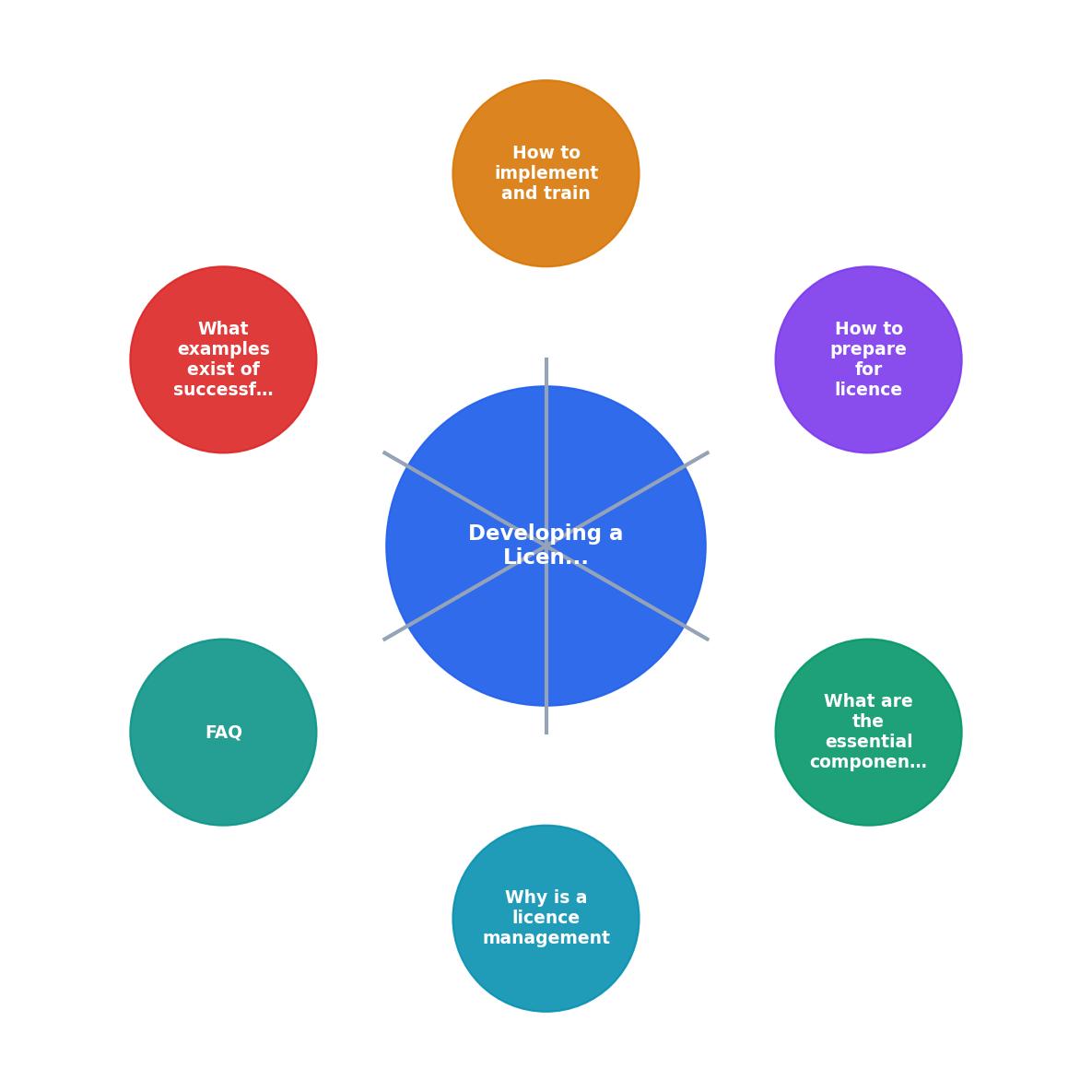
The diagram above shows the core loop: Define Roles → Set Archive Location → Download & Store → Spot Check → Quarterly Audit → Update Policy. Each step feeds the next. Skip one and the chain breaks.
Quarterly audit checklist
Run this every quarter. It takes about two hours for a team of 15-20 people:
- Export a list of all assets used in client deliverables during the quarter.
- Cross-reference each asset against the centralized licence archive.
- Flag any missing certificates and assign retrieval to the original Asset Acquirer.
- Verify that no expired subscriptions were used to download assets still in active campaigns.
- Document findings in a short audit report (even three bullet points count).
Aim for 98% or higher coverage. The remaining 2% will always be edge cases: assets from a trial account, screenshots from a client's own library, or legacy files from before the policy existed. Document those exceptions explicitly.
Bulk retrieval with automation
Manually downloading licence certificates from six different platforms is exactly the kind of repetitive task that kills compliance momentum. Tools like licencedownloader.com let you bulk-export licence proof across Shutterstock, Adobe Stock, Freepik, Envato, iStock, and Canva in one pass. That turns a half-day chore into a 10-minute operation, which means your team actually does it instead of postponing it indefinitely.
Training your team on the policy

A policy document sitting in a shared drive is not a policy. It becomes a policy when people follow it. Training is where most teams fail.
Onboarding integration
Add licence management to your new-hire onboarding checklist. Every new designer, copywriter, or freelancer should:
- Read the one-page policy (keep it to one page for exactly this reason).
- Get access to the centralized licence archive.
- Complete one supervised licence download-and-archive cycle on their first day.
- Know who the Licence Administrator is and how to flag issues.
Ongoing reinforcement
Quarterly training refreshers do not need to be formal sessions. A 10-minute slot in an existing team meeting works. Cover:
- Any policy updates since last quarter.
- Common mistakes found during the latest audit.
- A quick demo of any new tools or workflow changes.
Teams that run even basic quarterly refreshers see measurable improvement. The key is consistency, not duration.
| Ad-Hoc Approach | Structured Policy |
|---|---|
| Licences saved in personal folders | Centralized, searchable archive |
| No clear ownership | Named roles per function |
| Audit prep takes days | Audit prep takes hours |
| Freelancer offboarding loses records | Archive persists beyond individuals |
| Reactive (fix after a claim) | Proactive (prevent claims) |
Real-world policy patterns
Agencies that handle licence management well share a few common traits. A digital marketing agency running campaigns across 30+ clients typically assigns one ops coordinator as the Licence Administrator. That person owns a shared Notion database where every asset ID maps to a project code, platform, licence type, and certificate file link. The project manager checks that database before any client handoff.
A mid-size design studio with 12 designers uses a simpler approach: a Google Drive folder per client, with a _licences subfolder in each. Designers drop certificates there at download time. The studio lead runs a monthly script that checks for folders with assets but no matching licence files.
Both approaches work because they match the team's existing workflow. The best policy is the one your team will actually follow.
Licence Management Policy Template
Your progress is saved automatically in your browser.
FAQ
Frequently Asked Questions
Additional Resources
- Software license management policy guide for modern IT - Learn how to create a software license management policy that cuts waste, prevents surprise renewals, and fits modern, SaaS-heavy IT ...
- Use Teams licenses to control access to Microsoft Teams - We're removing the Microsoft Teams enablement setting from within the Microsoft 365 admin center and will rely solely on Microsoft Teams license ...
- Manage retention policies for Microsoft Teams - Users who are subject to a retention policy for Teams must have an appropriate license, such as Office 365 E3 or Office 365 A3. For other ...
Need to Download Your Licences?
Save hours of manual work. We download all your stock photo licence certificates for you.
Get Started“Thanks to LicenceDownloader.com, I was able to download more than 1,000 Freepik licences and receive them all at once via ZIP.”
Marlon Mainardy