Ensuring Shutterstock Licence Compliance in Teams
One designer downloads an image for a social campaign. Another grabs the same image for a client pitch deck under a different account. A freelancer leaves the agency, and nobody knows which assets were licensed under their seat. Three months later, a client's legal team asks for proof of licence on 47 images.


One designer downloads an image for a social campaign. Another grabs the same image for a client pitch deck under a different account. A freelancer leaves the agency, and nobody knows which assets were licensed under their seat. Three months later, a client's legal team asks for proof of licence on 47 images. That fire drill costs your team days of work and a lot of stress. Here is how to prevent it from ever happening.
Photo by Yan Krukau from Pexels
TL;DR:- Build clear compliance protocols that define who downloads, where licences are stored, and how assets map to projects.
- Run quarterly licence audits to catch gaps before a client or legal team does.
- Use management software to track Shutterstock usage across seats, freelancers, and projects at scale.
Why Shutterstock compliance breaks down
The root cause is almost never malice. It is fragmentation. A 20-person agency might have three Shutterstock team seats, two freelancers with their own subscriptions, and a handful of images purchased under a former employee's account years ago. Each download generates a licence certificate, but those certificates live inside individual Shutterstock accounts. Nobody aggregates them.
Common failure points include:
- Seat turnover: when a team member leaves, their download history and licence records leave with them unless exported first.
- Multi-account sprawl: separate subscriptions for different departments or freelancers create silos.
- Licence type confusion: Standard vs. Enhanced licences have different usage rights. A Standard licence used in merchandise production violates the terms.
- No project-to-asset mapping: the image exists somewhere, but nobody can prove which project it belongs to or which licence covers it.
These are not edge cases. They are the default state for most agencies that have not deliberately built a compliance process.
Build compliance protocols first

Protocols do not need to be 40-page policy documents. They need to be short, specific, and enforceable. Here is what a working Shutterstock compliance protocol covers:
- Designated accounts: Define which Shutterstock accounts (team seats) are authorized for downloads. Personal accounts should not be used for agency work.
- Download-and-file rule: Every image downloaded gets its licence certificate saved to a shared folder within 24 hours. No exceptions.
- Naming convention: Use a consistent format like
[ClientCode]-[ProjectCode]-[ShutterstockID]for both the asset file and the licence PDF. - Licence type check: Before downloading, the team member confirms the licence type (Standard or Enhanced) matches the intended use. Print-on-demand, merchandise, and templates require Enhanced.
- Freelancer onboarding: External contractors download through the agency's team account or submit their own licence certificates before final delivery.
- Offboarding checklist: When someone leaves, export their download history and licence records from Shutterstock before deactivating their seat.
How to run a licence audit
A licence audit answers one question: for every Shutterstock image currently in use across active projects, can we produce a valid licence certificate that matches the usage?
Here is the process, step by step:
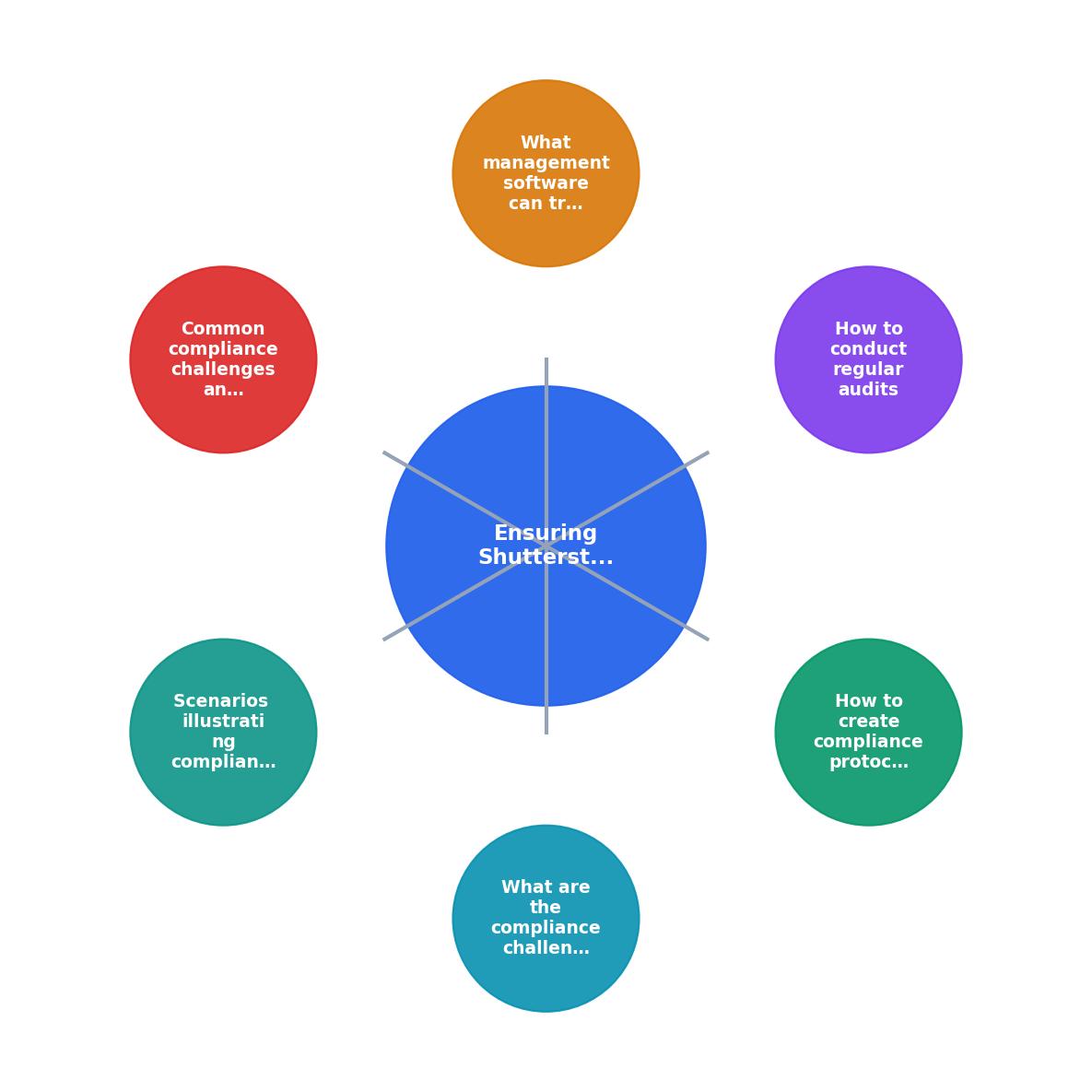
The diagram breaks it down into five stages: Inventory assets, Match to licences, Flag gaps, Resolve gaps, and Document results. Each stage feeds the next.
Inventory assets
Pull a list of every Shutterstock image used in active client projects. Check design files (Figma, Photoshop, InDesign), CMS uploads, ad platforms, and social media scheduling tools. Record the Shutterstock image ID for each asset.
Match to licences
Cross-reference each image ID against your licence certificate archive. Every match is a green light. Every missing certificate is a gap.
Flag gaps
Gaps fall into categories: missing certificate (the image was licensed but nobody saved the proof), wrong licence type (Standard used where Enhanced is required), or unlicensed (the image was used without any purchase record).
Resolve gaps
For missing certificates, log into the Shutterstock account that made the download and export the certificate. For wrong licence types, upgrade the licence. For unlicensed images, either purchase the correct licence or replace the image.
Document results
Record the audit findings, actions taken, and final status in a report. This report becomes your evidence if a client or legal team ever asks.
Running this quarterly keeps the gap count small and the resolution effort manageable.
Software that tracks licence usage

Manual tracking in spreadsheets works for a five-person team with one Shutterstock account. It collapses at scale. Here are the categories of tools that help:
- Shutterstock's built-in team tools: The Shutterstock Enterprise plan includes download history, user management, and usage reporting. Good starting point, but it only covers Shutterstock and does not export licence certificates in bulk easily.
- Digital Asset Management (DAM) platforms: Tools like Bynder, Brandfolder, or Canto let you attach licence metadata to each asset. The downside is that someone still has to upload the licence certificates manually.
- Licence-specific tools: Licence Downloader bulk-finds and downloads licence certificates from Shutterstock and other platforms (Freepik, Adobe Stock, Envato, iStock, Canva) into a single archive. This eliminates the manual step of logging into each account and exporting certificates one by one.
- Project management integrations: Some teams tag assets in Notion, Asana, or Monday.com with licence status fields. This works as a lightweight tracking layer on top of your existing workflow.
| Manual Tracking | Automated Tools |
|---|---|
| Spreadsheet per account | Centralized dashboard |
| Export certificates one by one | Bulk download across platforms |
| Breaks when people leave | Persists independent of team changes |
| Hours per audit cycle | Minutes per audit cycle |
The right choice depends on your team size and how many platforms you use. If Shutterstock is your only source, the built-in tools plus a shared folder might suffice. If you pull from three or more platforms, a dedicated licence management approach saves significant time.
Real-world compliance scenarios
Scenario 1: The departed freelancer. A contract designer used their personal Shutterstock account for agency projects over six months. When the contract ended, the agency had no access to those licence certificates. Resolution: the agency contacted the freelancer, who exported the certificates. New protocol rule: freelancers must submit licence certificates with every deliverable, or download through the agency's team account.
Scenario 2: The Enhanced licence miss. A team used a Standard-licensed Shutterstock image on merchandise for a client's product launch. Shutterstock's Standard licence does not cover items for resale. The agency had to purchase an Enhanced licence retroactively and update their pre-download checklist to include a usage-type verification step.
Scenario 3: The client audit. A client's legal department requested licence documentation for all images used in a 12-month campaign. The agency had centralized certificates using Licence Downloader and produced the full archive in under an hour. Without that system, the same request would have taken days of manual searching across multiple accounts.
Here is an example of what a compliance tracking dashboard might look like for a mid-size agency managing Shutterstock licences across multiple projects:
Shutterstock Compliance Dashboard (Example)
Licence audit checklist
Shutterstock Licence Compliance Audit
Your progress is saved automatically in your browser.
FAQ
Frequently Asked Questions
Additional Resources
- Shutterstock Terms of Service & License Agreements - The following is a legal agreement between you or the employer or other entity on whose behalf you are entering into this agreement and Shutterstock.
- Shutterstock Announces Integration With OpenText, A ... - This will help customers track licensing compliance and media use across channels, ensuring full confidence regarding their usage rights.
- Using MS Stock Images in compliance - Microsoft Q&A - According to the Microsoft Collaborate Terms of Use, you should ensure that you own the rights to the images or have received the necessary ...
Need to Download Your Licences?
Save hours of manual work. We download all your stock photo licence certificates for you.
Get Started“Thanks to LicenceDownloader.com, I was able to download more than 1,000 Freepik licences and receive them all at once via ZIP.”
Marlon Mainardy