Envato download: Practical Guide
You bought dozens of assets from Envato Elements last year. A client just emailed asking for licence proof on three of them. You log in, click around, and realize the download history is buried five screens deep with no bulk export option. Sound familiar?

You bought dozens of assets from Envato Elements last year. A client just emailed asking for licence proof on three of them. You log in, click around, and realize the download history is buried five screens deep with no bulk export option. Sound familiar? This guide walks you through every step of downloading Envato assets and their licence certificates so you never scramble for proof again.
Photo by Optical Chemist from Pexels
TL;DR:- Envato Elements lets you download assets and licence certificates from your account dashboard, but only while your subscription is active.
- Each download generates a unique licence code tied to that specific project use.
- Bulk-downloading licence certificates manually is tedious. Tools like Licence Downloader at licencedownloader.com can automate the process across Envato and other platforms.
Why Envato downloads matter now
Stock asset usage keeps growing. Freelancers and small teams pull templates, photos, fonts, and video clips from Envato Elements every week. The platform hosts over 16 million creative assets, and each one you download comes with specific licence terms.
Here is the problem: downloading the file is only half the job. You also need the licence certificate that proves you had the right to use that asset in a specific project. Without it, a copyright dispute turns into a "your word against theirs" situation.
Envato changed its subscription model and interface several times over the past few years. If you still rely on old bookmarks or outdated tutorials, you might miss critical steps. This guide reflects the current Envato Elements workflow as of 2026.
Common mistakes that cost you

Most people treat Envato like a file locker. Download the asset, close the tab, move on. That creates three specific problems:
- No licence certificate saved locally. The asset file itself is not proof of licence. You need the separate PDF or text certificate that Envato generates with a unique licence code.
- Forgetting to register the project. Envato Elements requires you to "add to project" before downloading. Skipping this step or using a generic project name makes it nearly impossible to match assets to client work later.
- Letting the subscription lapse without archiving. This is the big one.
"The moment your billing subscription expires, your account loses the ability to trigger fresh file downloads or re-download items out of your past dashboard history.">, Download Items
That means your entire download history and every licence certificate becomes inaccessible once you cancel. If a client asks for proof six months after you stopped subscribing, you are out of luck unless you saved those certificates beforehand.
A surprisingly small percentage of freelancers actually archive their licence certificates before cancelling. Do not be part of that group.
Step-by-step Envato download process
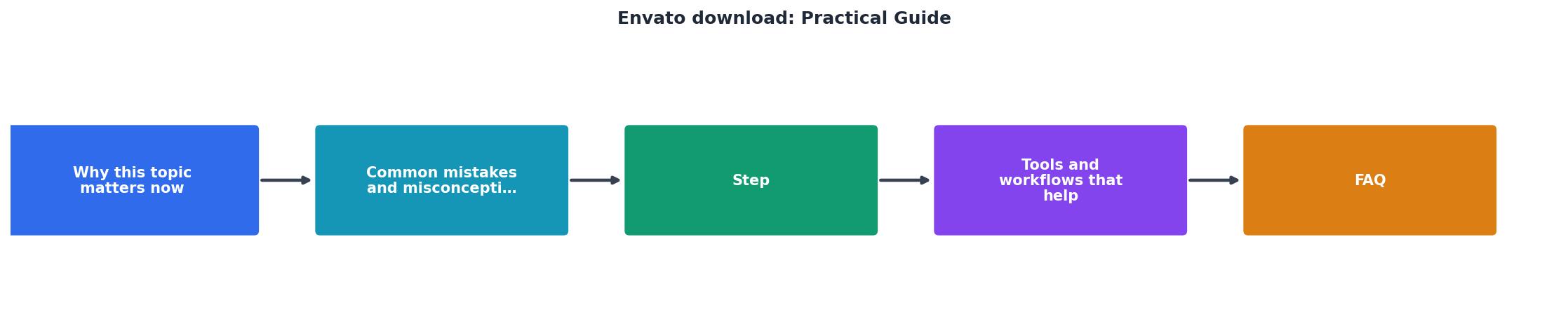
Here is the exact workflow for downloading an asset and its licence certificate from Envato Elements. Follow these short steps:
1. Find your asset
Log into elements.envato.com. Use the search bar or browse categories: photos, templates, video, audio, fonts, graphics, 3D, and more. Filter by file type, orientation, or colour when searching photos and graphics.
2. Add to project
Click the asset you want. Before downloading, Envato asks you to add it to a project. Create a project that matches your client or campaign name. Example: "Acme Corp Brand Refresh Q2 2026." This project name appears on your licence certificate, so make it specific.
3. Download the file
Click Download. The asset file (ZIP, PSD, AI, MP4, etc.) saves to your local machine. Unzip it and place it in your project folder.
4. Download the licence certificate
This is the step people skip. Go to your Downloads page (click your avatar, then "Downloads"). Find the asset in the list. Click the licence certificate link next to it. Envato generates a PDF with:
- Your name and account details
- The asset title and ID
- The unique licence code
- The project name you registered
- The licence type (Envato Elements licence terms)
envato-licence-acme-hero-image-12345.pdf.
5. Verify and archive
Open the PDF. Confirm the project name and asset match. Store a backup copy in cloud storage (Google Drive, Dropbox, OneDrive) so you have it even if your local drive fails.
That five-step process works for a single asset. When you download 20 assets per week across multiple projects, it becomes a serious time sink.
Tools and workflows that help

Manual certificate downloads work fine for occasional use. For regular Envato users, you need a system.
Folder structure
Create a standard folder hierarchy for every project:
/ProjectName/assets/for raw downloaded files/ProjectName/licences/for PDF certificates/ProjectName/deliverables/for final client files
Spreadsheet tracker
A simple spreadsheet with columns for asset name, platform (Envato, Freepik, Adobe Stock), licence code, project name, download date, and file path gives you a searchable index. Google Sheets works well because multiple team members can update it.
Automated bulk download
Here is where dedicated tools earn their keep. Licence Downloader at licencedownloader.com connects to your Envato account (and other stock platforms like Freepik, Shutterstock, Adobe Stock, iStock, and Canva) and bulk-downloads all your licence certificates in one batch. Instead of clicking through 50 assets one by one, you get every certificate in a single ZIP.
The time savings are real. What takes an afternoon manually takes minutes with automation.
| Manual Download | Bulk Automated Download |
|---|---|
| Click each asset individually | Select all, download once |
| 2-3 minutes per certificate | Seconds per certificate |
| Easy to miss items | Complete coverage |
| Requires active memory | Runs on schedule |
| Single platform at a time | Multiple platforms at once |
Browser bookmarks and extensions
Bookmark your Envato Downloads page directly: https://elements.envato.com/user/downloads. Some browser extensions can auto-organize downloaded files into folders by date or project name. These are small quality-of-life improvements that add up.
Handling expired subscriptions

If your Envato Elements subscription already expired and you did not save your certificates, your options are limited:
- Resubscribe. Reactivating your subscription restores access to your download history and licence certificates. This is the most straightforward fix.
- Check your email. Envato sends download confirmation emails. These are not full licence certificates, but they contain asset IDs and dates that can support your case.
- Check your browser downloads folder. If you downloaded certificates before but forgot where you saved them, search your system for PDF files containing "envato" or "licence."
- Contact Envato support. In some cases, Envato support can help retrieve licence information for past subscribers. Response times vary.
Here is an example dashboard showing what a typical freelancer's licence archive might look like after organizing their Envato downloads:
Licence Archive, Example Freelancer
That 100% archive completeness is the goal. Every asset matched to a certificate, every project documented, every platform covered.
Envato Licence Download Checklist
Your progress is saved automatically in your browser.
FAQ
Frequently Asked Questions
What does your current licence archiving process look like? If you have found a workflow that works well for Envato or other platforms, share it in the comments below.
Additional Resources
- Learn, Create, Be Inspired - Envato Blog - The Envato blog is a learning and inspiration hub featuring tutorials, trends, guides, and creative insights for designers, video makers, musicians, and digital ...
- Download Items – Envato Support | Help Center - To complete a download on Envato Elements, follow these step-by-step instructions: Click the Download button.
- Guide Graphic Templates - Download guide Graphic templates. Including Illustrator, Photoshop, InDesign, Figma, XD and Sketch. Unlimited downloads with an Envato Subscription!
Need to Download Your Licences?
Save hours of manual work. We download all your stock photo licence certificates for you.
Get Started“Thanks to LicenceDownloader.com, I was able to download more than 1,000 Freepik licences and receive them all at once via ZIP.”
Marlon Mainardy