Using Envato Elements Licences for Commercial Advertising
Your agency just landed a big campaign. The creative team pulls dozens of templates, stock footage clips, and graphics from Envato Elements. Three months later the client's legal department asks for licence proof on every single asset used in paid media. Nobody saved anything.

Your agency just landed a big campaign. The creative team pulls dozens of templates, stock footage clips, and graphics from Envato Elements. Three months later the client's legal department asks for licence proof on every single asset used in paid media. Nobody saved anything. That fire drill is entirely preventable once you understand how Envato Elements licences actually work for commercial advertising and build a verification process around them.
Photo by Soudha J. from Pexels
TL;DR:- Envato Elements licences cover commercial advertising use, including paid social, display ads, and video campaigns, as long as you register each item to a specific project.
- Key restrictions include no standalone resale of assets, no use in on-demand merchandise, and a requirement that your subscription stays active during the registration period.
- Building a verification workflow and archiving licence documents per campaign keeps your agency audit-ready at all times.
How Envato Elements Licences Work
Envato Elements operates on a subscription model. You pay a flat monthly or annual fee and get unlimited downloads from a library of millions of assets: stock photos, video templates, graphics, fonts, audio tracks, presentation templates, and more. Each download is covered by the Envato Elements Licence, which grants broad commercial rights tied to a specific "project" you register in your account.
The licence is not a blanket pass. Every time you download an item, Envato expects you to associate it with a defined end project. That project registration is what creates your licence record. Skip it, and you have no documented proof of coverage.
"The license starts when you download and install the Item, and you can then use the Font or Add-on to create as many projects as you like.">, Envato Elements License
Two licence types exist on the platform: the standard Envato Elements Licence (covering most items) and specific terms for fonts and add-ons that allow multi-project use from a single registration. For advertising work, the standard licence is what you will deal with most often.

Commercial Advertising Terms
The Envato Elements Licence explicitly permits use in commercial advertising. That includes:
- Paid social media ads on Meta, TikTok, LinkedIn, and similar platforms.
- Display and programmatic ads served through Google Ads, DV360, or other networks.
- Video pre-roll and mid-roll ads on YouTube or streaming services.
- Print advertising in magazines, billboards, and direct mail.
- Email marketing campaigns with commercial intent.
- Standalone resale. You cannot sell an Envato Elements graphic as-is. It must be incorporated into a larger creative work.
- On-demand products. Printing a downloaded illustration on t-shirts or mugs for sale is outside the licence scope unless you hold an extended/separate licence.
- Sub-licensing. You cannot pass the raw asset file to a client or third party for their independent use.
- Trademark registration. Using a downloaded logo template as your registered trademark is restricted.
Verify Licence Coverage Per Campaign

A repeatable verification process saves your team from scrambling when audits hit. Here is a step-by-step approach that maps to how most agencies already manage campaign assets.
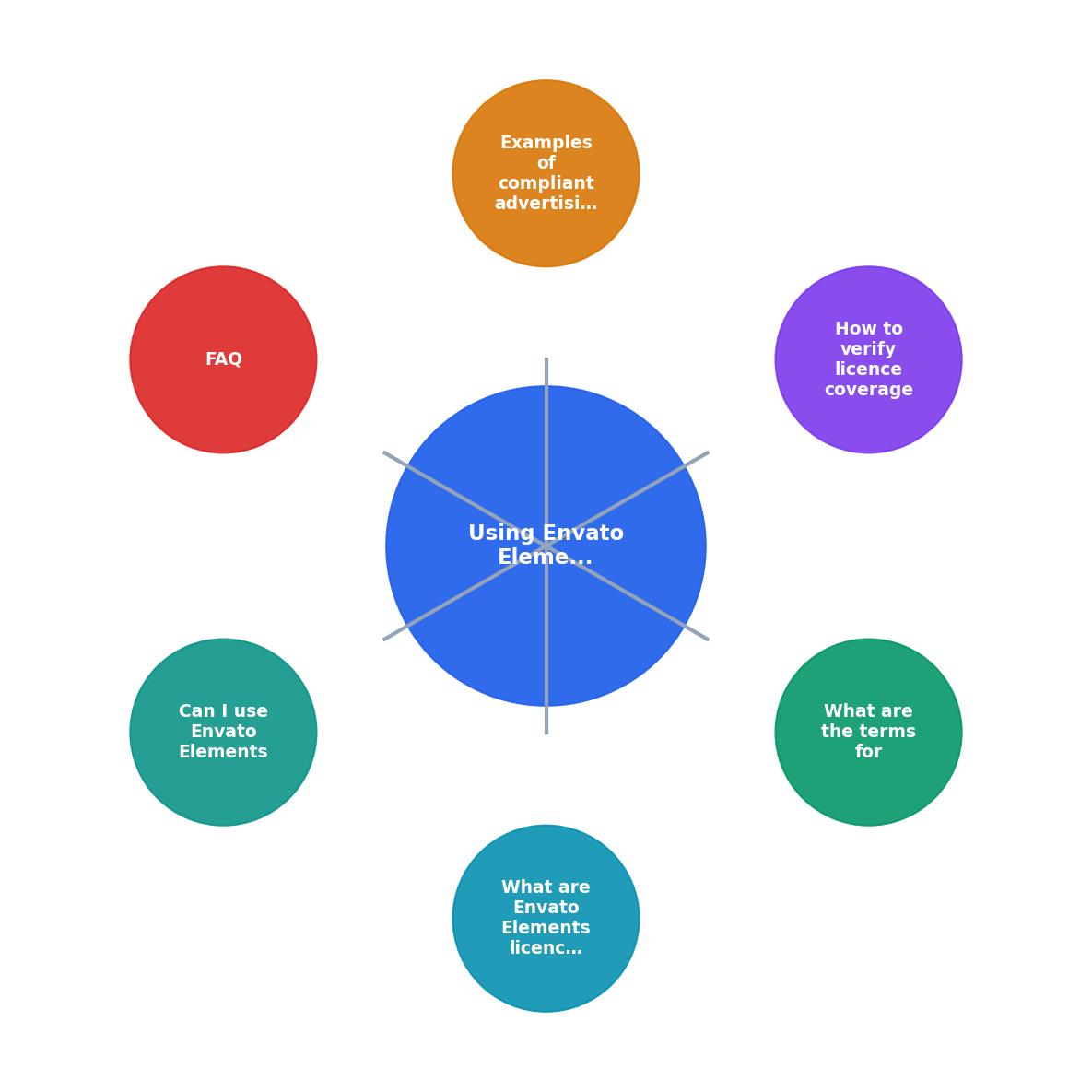
The diagram breaks the process into five steps: Identify assets, Register project, Download licence docs, Archive per campaign, and Audit review. Each one is straightforward on its own. The challenge is consistency across a team of ten or more people downloading assets every day.
Step 1: Identify assets. Before any creative work begins, the producer or project manager creates a shared asset tracker (a spreadsheet, Notion database, or DAM tag) listing every Envato Elements item used. Include the item ID, item name, and download date.
Step 2: Register the project. In Envato Elements, navigate to your downloads and register each item to the correct project name. Use a naming convention that matches your internal project codes. "ClientX_Q3_SocialCampaign" is far more useful than "My Project."
Step 3: Download licence documents. Envato generates a licence certificate PDF for each registered item. Download it immediately. Waiting means forgetting.
Step 4: Archive per campaign. Store licence PDFs in the same folder structure as your campaign deliverables. Cloud storage with consistent naming (e.g., /ClientX/Q3_Social/licences/) makes retrieval instant.
Step 5: Audit review. At campaign close, cross-reference the asset tracker against archived licence documents. Flag any gaps before the project wraps.
For agencies handling hundreds of assets monthly, a tool like Licence Downloader can bulk-find and export licence certificates across platforms, cutting the manual download time from hours to minutes.
Compliant Advertising Campaigns

Seeing how other teams handle this makes the process concrete. Here are three scenarios that reflect typical agency work.
Scenario 1: Multi-platform social campaign. A mid-size agency runs a product launch across Instagram, Facebook, and TikTok. The creative team downloads 35 Envato Elements assets: motion graphics templates, stock clips, and background music tracks. Each asset is registered under "BrandY_LaunchQ2_Social." Licence PDFs are stored in the shared Google Drive campaign folder. When the brand's procurement team requests compliance documentation four months later, the producer exports the folder in under five minutes.
Scenario 2: Regional print and digital campaign. A regional agency creates billboard designs and matching Google Display ads for a retail client. They use 12 stock photos and 3 graphic templates from Envato Elements. The project manager registers all items under "RetailZ_Summer_Print." Because the print vendor also requests licence proof before production, having the PDFs ready avoids a last-minute scramble.
Scenario 3: Video pre-roll ads. A video production team creates 15-second and 30-second YouTube pre-roll ads. They pull background music, lower-third templates, and transition effects from Envato Elements. Each item is registered to "ClientA_PreRoll_2026." The music tracks include specific licence terms about broadcast use, so the producer double-checks that online advertising (non-broadcast) is covered under the standard licence. It is.
| Manual Licence Tracking | Automated Licence Tracking |
|---|---|
| 2-3 hours per campaign | 10-15 minutes per campaign |
| Missed assets common | Complete coverage |
| Scattered across inboxes | Centralized archive |
| Audit prep takes days | Audit prep takes minutes |
The following dashboard illustrates what a typical agency's licence tracking looks like when the process runs smoothly across a quarter:
Q2 2026 Licence Compliance Dashboard (Example)
Envato Elements Licence Compliance Checklist for Advertising
Your progress is saved automatically in your browser.
FAQ
Frequently Asked Questions
Additional Resources
- Envato Elements License – Envato Support | Help Center - All stock items on Envato have the same simple license terms. You get broad commercial rights, so you can use items from our creative stock ...
- Introduction to the Envato subscription License - The Envato Elements License gives you broad commercial rights for all downloaded items. You can use items in client work, paid projects, marketing campaigns, ...
- Envato Elements License FAQ - This article answers common questions about how the Envato Elements Licence applies in specific situations. It is an excellent starting ...
Need to Download Your Licences?
Save hours of manual work. We download all your stock photo licence certificates for you.
Get Started“Thanks to LicenceDownloader.com, I was able to download more than 1,000 Freepik licences and receive them all at once via ZIP.”
Marlon Mainardy