Envato Elements Licensing for Multiple Projects
Your agency downloads dozens of Envato Elements assets every week across five, ten, maybe twenty active client projects. A client's legal team sends an audit request on a Thursday afternoon, and suddenly nobody can confirm which assets were licensed for which deliverable. That gap between downloading an asset and proving you had the right to use it is where agencies get burned. This guide breaks down exactly how Envato Elements licensing works across multiple projects and gives you a repeatable system to stay audit-ready.


Your agency downloads dozens of Envato Elements assets every week across five, ten, maybe twenty active client projects. A client's legal team sends an audit request on a Thursday afternoon, and suddenly nobody can confirm which assets were licensed for which deliverable. That gap between downloading an asset and proving you had the right to use it is where agencies get burned. This guide breaks down exactly how Envato Elements licensing works across multiple projects and gives you a repeatable system to stay audit-ready.
Photo by Christina Morillo from Pexels
TL;DR:
- Envato Elements uses a subscription-based licence that covers use across multiple projects, but each project requires its own registered licence tied to a specific end product.
- Fonts and add-ons are exceptions: one download covers unlimited projects.
- Agencies need a tracking system that maps every asset to its project, licence code, and download date to survive audits and avoid compliance gaps.
How Envato Elements Licensing Works
Envato Elements operates on a single commercial licence model. You pay a flat subscription fee, download unlimited assets, and each download generates a licence that authorizes use in one specific end product. That end product can be a website, a social media campaign, a video, a print brochure, or any other defined deliverable.
The critical detail: one licence covers one end product. If you download a stock photo for Client A's Instagram campaign and then want to use the same photo in Client B's website header, you need to register a separate licence for Client B's project. The asset itself is the same file, but the licence registration is project-specific.
There are over one million assets on the platform spanning templates, photos, videos, music, fonts, and graphics. Each category follows the same core licensing structure with one notable exception: fonts and add-ons.
"The license starts when you download and install the Item, and you can then use the Font or Add-on to create as many projects as you like.">, Envato Elements License
This means a font downloaded once can be used across every client project without re-registering. Everything else (photos, templates, video, music, graphics) requires a per-project licence registration.
Asset Usage Across Projects
The end product definition is what determines whether you need one licence or five. Envato defines an end product as a distinct, finished work that incorporates the licensed item. Here is how that plays out in practice:
- One campaign, one licence. A social media campaign for Client A that uses a stock video across Instagram Reels, TikTok, and Facebook counts as one end product. You register one licence.
- Same asset, different client. That same stock video used in Client B's campaign is a separate end product. Register a second licence.
- Same client, different deliverable. Client A's social campaign and Client A's trade show booth design are two end products, even though the client is the same. Two licences.
- Sub-licences are not allowed. You cannot transfer or sub-licence an Envato Elements asset to a client or third party. The licence stays with the subscriber's account.
A common mistake at agencies is treating the subscription as a blanket pass. The subscription gives you unlimited downloads, not unlimited usage rights per download. Each usage context needs its own registered licence entry.
Compliance Strategies That Scale

Staying compliant across dozens of concurrent projects requires process, not just good intentions. Here are strategies that work at the 10-40 person agency scale:
Centralize Account Ownership
Assign one or two account administrators who own the Envato Elements subscription. Individual team members and freelancers should not have separate subscriptions for agency work. A single account creates a single source of truth for all licence registrations.
Standardize the Download Workflow
Every asset download should follow the same steps:
- Download the asset from Envato Elements.
- Register the licence to the specific project/end product in the Envato dashboard.
- Export the licence certificate (PDF or screenshot).
- Store the certificate in the project's asset folder.
- Log the asset in your central tracking spreadsheet or tool.
Enforce Naming Conventions
Use a consistent naming pattern for licence files: [ClientCode]-[ProjectCode]-[AssetID]-licence.pdf. When an audit request arrives, you can search by client code or project code and pull every relevant certificate in minutes.
Handle Freelancer Access
Freelancers working on agency projects should use assets downloaded under the agency's account. If a freelancer downloads from their personal Envato Elements subscription, that licence belongs to them, not the agency. This creates a compliance gap if the freelancer leaves.
| Agency Account Download | Freelancer Personal Download |
|---|---|
| Licence owned by agency | Licence owned by freelancer |
| Survives staff turnover | Lost when freelancer leaves |
| Centralized audit trail | Fragmented records |
| Agency controls registration | No agency visibility |
Tracking Licences Effectively
The Envato Elements dashboard lets you view and manage your registered licences, but it is not built for agency-scale tracking across hundreds of assets and dozens of projects. You need a layer on top of it.
Here is what an effective tracking system includes:
- Asset ID from Envato Elements
- Asset type (photo, template, video, music, font, graphic)
- Project name and client
- End product description (what the asset is used in)
- Download date
- Licence registration date
- Licence certificate file location
- Downloaded by (team member name)
- Subscription status at download (active/expired)
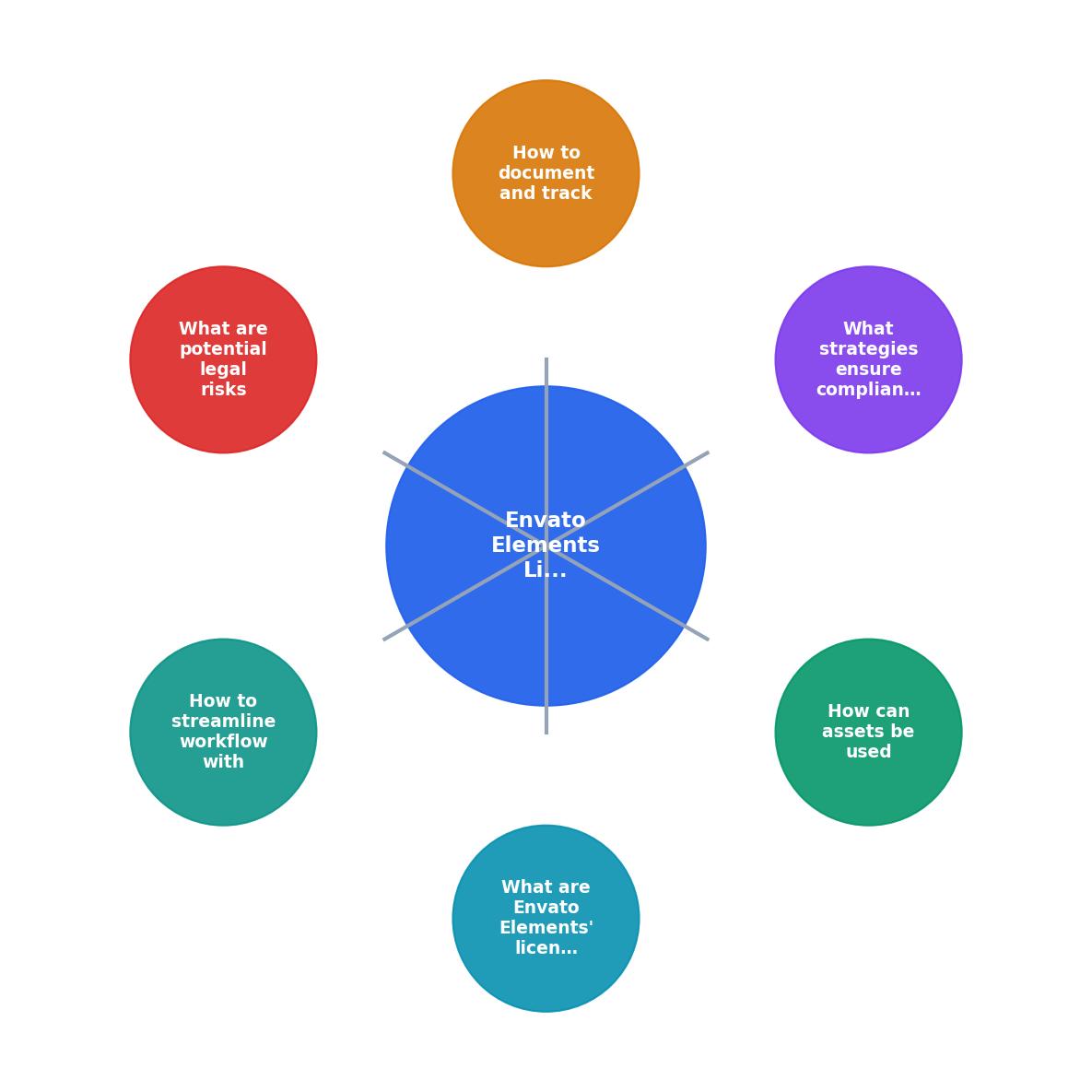
The following diagram shows the complete licence management flow from download to audit response:
Tools like licencedownloader.com can help agencies bulk-download licence certificates from Envato Elements and other platforms, eliminating the manual export step and creating a centralized archive automatically.
Legal Risks of Non-Compliance

Ignoring licence registration is not a theoretical risk. Here is what actually happens:
- Copyright infringement claims. If you use an asset without a registered licence for that specific end product, you have no proof of authorized use. The copyright holder (or Envato acting on their behalf) can issue a takedown or demand compensation.
- Client liability. Your client published the deliverable. If the asset is flagged, the client gets the legal notice. That client then comes back to your agency asking for proof. No proof means the agency absorbs the cost and the reputational damage.
- Platform takedowns. Social media platforms, ad networks, and marketplaces (Meta, Google Ads, Amazon) respond to DMCA notices by removing content first and asking questions later. A missing licence certificate means your client's ad goes dark during a live campaign.
- Audit failures. Enterprise clients and regulated industries require documentation of all third-party IP used in deliverables. Failing an audit can terminate a contract.
You typically have 48 hours to respond to a DMCA takedown notice with proof of licence. If your tracking system requires someone to log into Envato, find the asset, hope the licence was registered, and manually export the PDF, that window closes fast.
Streamline Your Licence Workflow
The goal is to make licence compliance invisible to your creative team. They should not have to think about it. Here is how to build that:
Automate Certificate Collection
Instead of manually exporting licence PDFs from Envato's dashboard, use a tool that pulls them in bulk. Licence Downloader connects to your Envato Elements account and downloads all available licence certificates at once, organized by date and asset type.
Integrate With Project Management
Link your licence tracking sheet to your project management tool (Asana, Monday, Notion, ClickUp). When a project closes, a checklist item triggers a licence audit for that project. Every asset used in the deliverable gets verified against the tracking sheet.
Build Quarterly Reviews Into Your Process
Once per quarter, run a reconciliation:
- Export your Envato Elements download history.
- Compare it against your tracking sheet.
- Flag any downloads without a registered licence or missing certificate.
- Register or document any gaps before they become problems.
Agency Licence Tracking Status (Example)
Licence Tracking Template
Use this checklist as a repeatable process for every project that uses Envato Elements assets:
Envato Elements Licence Management Checklist
Your progress is saved automatically in your browser.
FAQ
Frequently Asked Questions
What does your agency's current licence tracking process look like, and where are the biggest gaps? Share your approach in the comments.
Additional Resources
- Envato Elements License – Envato Support | Help Center - The license starts when you download and install the Item, and you can then use the Font or Add-on to create as many projects as you like.
- Envato Elements License FAQ - The license starts when you download and install the font or add-on, and you can then use the font or add-on to create as many projects as you ...
- Introduction to the Envato subscription License - To use an item in multiple projects, simply relicense the item again via the item page or My downloads. The license makes it easy to use items ...
Need to Download Your Licences?
Save hours of manual work. We download all your stock photo licence certificates for you.
Get Started“Thanks to LicenceDownloader.com, I was able to download more than 1,000 Freepik licences and receive them all at once via ZIP.”
Marlon Mainardy