Free Tools for Organizing Adobe Stock Licences
You downloaded 200 Adobe Stock assets last year, and now a client wants proof you licensed that one hero image from their spring campaign. You open Adobe Stock, scroll through pages of download history, and realize you have no system at all. The good news is that several free tools exist to bring order to this chaos, and none of them require a new subscription.

You downloaded 200 Adobe Stock assets last year, and now a client wants proof you licensed that one hero image from their spring campaign. You open Adobe Stock, scroll through pages of download history, and realize you have no system at all. The good news is that several free tools exist to bring order to this chaos, and none of them require a new subscription.
Photo by StockRadars Co., from Pexels
TL;DR:- Free tools like Notion, Google Drive with structured folders, Tagger, and Eagle can organize Adobe Stock licences with tagging, search, and cloud sync.
- Pairing a naming convention with a simple database eliminates the "scroll and pray" approach to finding licence proof.
- For bulk licence downloads across multiple platforms, Licence Downloader automates the retrieval step so you only need to organize once.
Why Licence Organization Matters
Every Adobe Stock download comes with a licence agreement. That agreement is your legal shield. Lose track of it, and you lose the ability to prove you paid for the asset when a client, a platform, or a copyright holder asks.
Freelance designers juggle dozens of projects per quarter. Each project might pull five to twenty stock assets. Multiply that across a year, and you are looking at hundreds of licence records scattered across browser history, email confirmations, and the Adobe Stock dashboard.
A disorganized licence archive creates three concrete risks:
- Delayed client responses when legal teams request proof of licence.
- Accidental reuse of assets outside their licence scope (Standard vs. Enhanced).
- Lost revenue from hours spent digging through dashboards instead of designing.

Top Free Tools for the Job

Not every tool does the same thing. Some handle file storage, others handle metadata. The best setup combines two or three of these.
Notion (Free Tier)
Notion's free plan gives you unlimited pages and a database with properties like tags, dates, URLs, and file attachments. Create a single "Licence Registry" database with columns for:
- Asset ID (Adobe Stock's unique number)
- Project name
- Licence type (Standard or Enhanced)
- Download date
- Licence PDF (attached or linked to cloud storage)
- Client
Google Drive + Google Sheets
Google Drive is the simplest cloud storage option for licence PDFs. Create a folder structure like Licences > Adobe Stock > 2026 > Q1 and drop each licence file in the matching quarter. Then maintain a Google Sheet as your index. Each row links to the PDF in Drive.
Google Sheets supports data validation, conditional formatting (highlight expired or Enhanced licences in a different color), and free sharing with clients who need direct access to proof files.
Eagle (Free Trial, Then One-Time Purchase)
Eagle is a visual asset manager built for designers. While the full version costs a one-time fee, the free trial period is generous enough to set up and test a licence workflow. Eagle tags images with metadata, supports nested folders, and lets you attach notes (including licence details) to each asset. Its browser extension can capture Adobe Stock thumbnails directly into your library.
Tagger by Greenfish
Tagger is a lightweight, free Windows utility that writes tags directly into file metadata (EXIF/IPTC fields). Tag your downloaded Adobe Stock assets with the licence type, project name, and asset ID. Any file manager or DAM tool that reads IPTC data will then surface those tags in search results.
"The Illustrative Editorial collection focuses on conceptual imagery that uses real brands and products to convey strong ideas.">, Common Questions, Adobe Stock
This quote highlights how Adobe Stock categorizes its own collections. Understanding these categories helps you tag assets accurately in your own system.
Here is a quick comparison of what each tool handles best:
| Feature | Notion | Google Drive + Sheets | Eagle | Tagger |
|---|---|---|---|---|
| Cloud sync | Yes | Yes | Via cloud folder | No |
| Visual preview | Limited | No | Yes | No |
| Tagging/metadata | Database properties | Manual columns | Built-in tags | IPTC/EXIF tags |
| Search | Full-text | Sheet search | Tag + filename | OS file search |
| Cost | Free tier | Free | Free trial | Free |
| Best for | Central registry | Simple storage | Visual browsing | Batch tagging |
How These Tools Improve Your Workflow

Tagging, search, and cloud storage integration are the three features that transform licence management from a chore into a background process.
Tagging lets you classify assets by project, client, licence type, and year. When a client emails asking for proof six months later, you filter by their name and get every relevant licence in one view.
Search across tools like Notion or Eagle means you never browse manually. Type the Adobe Stock asset ID (that nine-digit number on every licence) and the record appears.
Cloud storage integration ensures your licence files survive a hard drive failure. Google Drive, Dropbox, or OneDrive all sync local folders automatically. Eagle can store its library inside a synced folder, giving you both visual browsing and cloud backup.
The diagram below shows how these tools fit into a practical licence organization workflow:
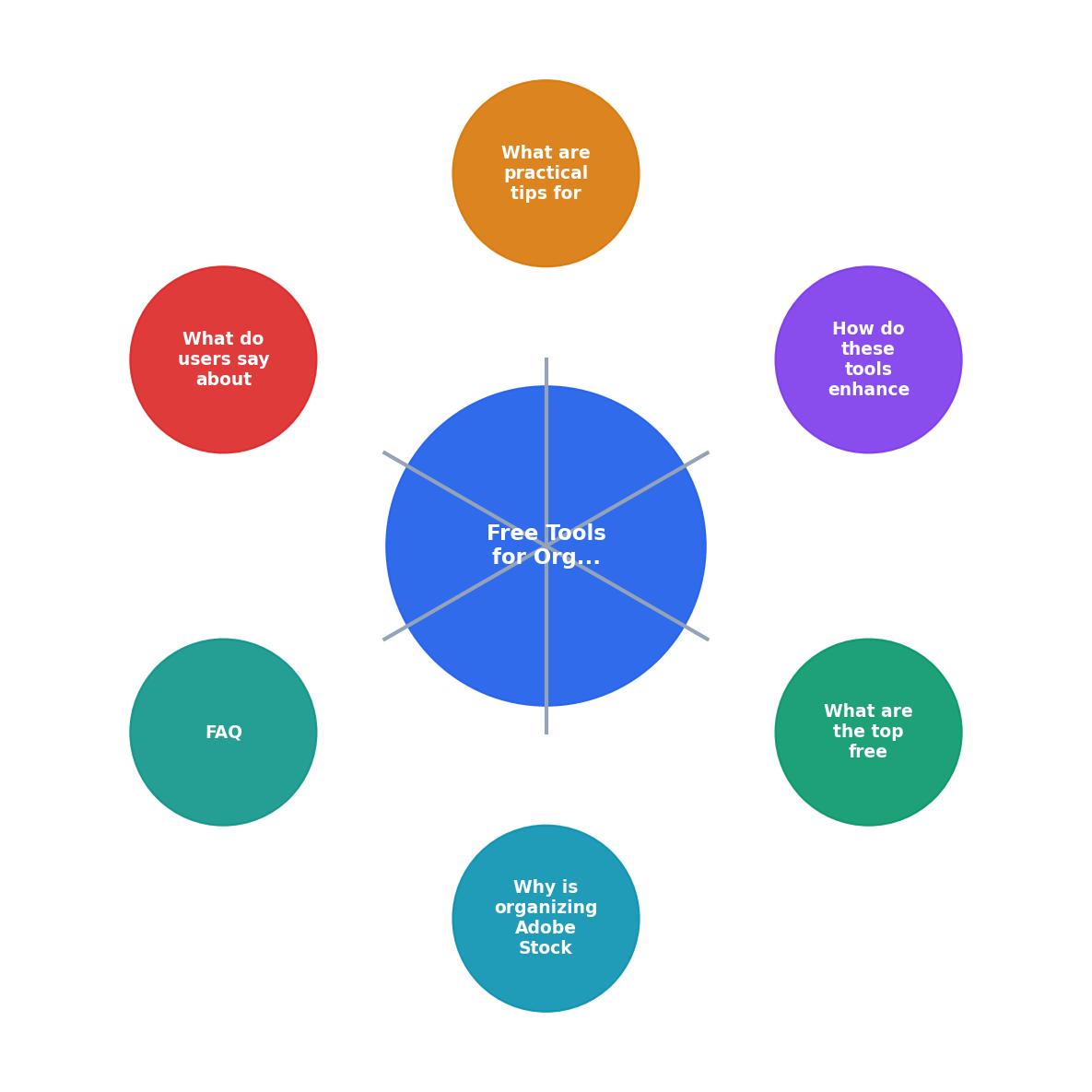
The steps are straightforward: Download asset, Save licence PDF, Tag file, Log in database, Sync to cloud. Each step takes under a minute when you have the system in place.
Practical Tips for Getting the Most Out of Free Tools
The following dashboard shows an example of what a well-organized licence tracker looks like for a freelancer managing around 50 assets per quarter:
Licence Tracker, Q2 2026 Example
Here are concrete habits that keep the system running smoothly:
- Name files consistently. Use the pattern
AdobeStock_[AssetID]_[ProjectSlug]_licence.pdf. Example:AdobeStock_482917365_acme-rebrand_licence.pdf. This makes OS-level search work without any extra tool. - Tag at download time. The moment you save a licence PDF, add tags immediately. Batching "later" turns into "never."
- Review quarterly. Spend 15 minutes at the end of each quarter checking your database against your Adobe Stock download history. Catch gaps before they become emergencies.
- Use templates. In Notion, create a database template with pre-filled properties so every new entry starts with the right structure.
- Share read-only access. If a client needs ongoing proof, share a filtered Notion view or a Google Drive folder. They get self-service access, and you skip the email back-and-forth.
Adobe Stock Licence Organization Setup
Your progress is saved automatically in your browser.
FAQ
Frequently Asked Questions
Additional Resources
- Adobe Stock: Stock Photos, Images, Videos & AI Editing Tools - Millions of royalty-free images, videos, and vectors — plus AI tools to edit before you license. Search, transform, and download from Adobe Stock.
- FAQ | Usage and licensing - Extended licenses may be purchased by clicking the image on the Adobe Stock website and selecting the Extended License tab. If you have already ...
- Adobe Stock Contributor - Sign up to become an Adobe Contributor with your Adobe ID and start uploading your content for free. We accept many types of content such as photos, ...
Need to Download Your Licences?
Save hours of manual work. We download all your stock photo licence certificates for you.
Get Started“Thanks to LicenceDownloader.com, I was able to download more than 1,000 Freepik licences and receive them all at once via ZIP.”
Marlon Mainardy