Strategies for Freelancer Licence Compliance
Last Tuesday a designer lost a client over a missing licence certificate. The client's lawyer asked for proof that a hero image was properly licensed, and the designer spent four hours digging through three different stock platform dashboards before giving up. That single incident cost more than the image subscription itself. A handful of straightforward strategies can prevent this entirely and keep every project audit-ready from day one.

Last Tuesday a designer lost a client over a missing licence certificate. The client's lawyer asked for proof that a hero image was properly licensed, and the designer spent four hours digging through three different stock platform dashboards before giving up. That single incident cost more than the image subscription itself. A handful of straightforward strategies can prevent this entirely and keep every project audit-ready from day one.
Photo by Markus Winkler from Pexels
TL;DR:- Track every licence expiry date in a single calendar or spreadsheet so nothing lapses silently.
- Organize licence certificates by project and platform in a consistent folder structure.
- Use tools like Licence Downloader to bulk-export proof from Freepik, Adobe Stock, Shutterstock, and others in minutes instead of hours.
Why licence compliance matters
Stock platforms grant usage rights, not ownership. The moment a subscription lapses or a licence type does not match the actual use, the legal protection disappears. For freelancers billing by the hour, a copyright dispute eats directly into income and reputation.
Most freelancers juggle two or three stock subscriptions at once: Freepik for everyday vectors, Adobe Stock for premium photography, maybe Envato Elements for templates. Each platform stores licence certificates in a different format, behind a different menu. Without a deliberate system, proof scatters across browser bookmarks, email confirmations, and half-remembered download histories.
The risk is not theoretical. A single DMCA takedown on a client's Facebook ad can trigger a chain reaction: the ad gets pulled, the client questions your professionalism, and you spend unpaid hours resolving the dispute. Compliance is not paperwork for its own sake. It is the cheapest insurance a freelancer can buy.
Track licence expiry dates

Expired licences are the most common compliance gap. A Freepik annual plan renews in March, an Adobe Stock credit pack runs out in July, and an Envato Elements subscription bills monthly. Keeping track of all of these in your head is a recipe for missed renewals.
Here are concrete methods that work:
- Calendar alerts - Add renewal dates to Google Calendar or Outlook with two reminders: 30 days before and 7 days before expiry. Include the platform name, plan type, and login email in the event description.
- Spreadsheet tracker - A simple Google Sheet with columns for Platform, Plan Type, Start Date, Expiry Date, Auto-Renew (yes/no), and Login Email. Sort by expiry date. Review it on the first of every month.
- Platform notifications - Enable email alerts on every stock platform you use. Freepik, Shutterstock, and Adobe Stock all send renewal reminders, but they land in spam folders more often than you would expect. Whitelist those sender addresses.
- Dedicated licence management tools - Services like licencedownloader.com can pull licence records from multiple platforms, giving you a single view of what is active and what needs attention.
Organize files for compliance

A licence certificate is worthless if you cannot find it when a client or lawyer asks. The goal is a folder structure where any asset's proof of licence is reachable in under 60 seconds.
A structure that works for most freelancers:
/Licences
/2026
/ClientName-ProjectName
/AdobeStock
- AS-12345678-licence.pdf
- hero-image.jpg
/Freepik
- FP-98765-licence.pdf
- icon-set.svg
/ClientName2-ProjectName2
...
Key rules:
- One folder per project. Never dump all licences into a single "Licences" bucket. When a client asks for proof six months later, you need to find the right project instantly.
- Include the asset file alongside the certificate. Matching a generic licence PDF to the actual image used is painful without the original file next to it.
- Use platform prefixes.
AS-for Adobe Stock,FP-for Freepik,SS-for Shutterstock,EE-for Envato Elements. This makes searching by platform trivial. - Back up to cloud storage. Google Drive, Dropbox, or OneDrive. Local-only storage is one hard drive failure away from losing all proof.
"The app is designed to help people with little to no legal knowledge.">, Freelancer Clever Compliance
This quote captures the core idea: compliance tools should not require a law degree. A clean folder structure paired with a bulk download tool handles 90% of the work.
Tools for licence management

Manual downloading works when you buy five images a month. It breaks down at fifty. Here is what the tool landscape looks like for freelancers:
| Manual Approach | Tool-Assisted Approach |
|---|---|
| Log into each platform separately | Single dashboard for all platforms |
| Navigate buried account menus | Bulk export with one click |
| Copy-paste licence numbers by hand | Automatic file naming and sorting |
| 15-30 minutes per licence | Seconds per licence |
| Easy to miss expired assets | Expiry alerts built in |
Licence Downloader connects to platforms like Freepik, Shutterstock, Adobe Stock, Envato, iStock, and Canva. It pulls licence certificates in bulk so you get audit-ready proof without the manual grind. For a freelancer running three subscriptions, this turns a monthly chore into a five-minute task.
Other approaches include:
- Notion or Airtable databases - Good for tracking metadata (asset ID, platform, project, expiry) but you still need to download the actual certificates manually.
- Platform-native exports - Shutterstock offers download history exports. Adobe Stock lets you view licence details per asset. These work but require visiting each platform individually.
- Browser bookmarks and screenshots - The lowest-effort option and the least reliable. Screenshots are not legally equivalent to official licence certificates.
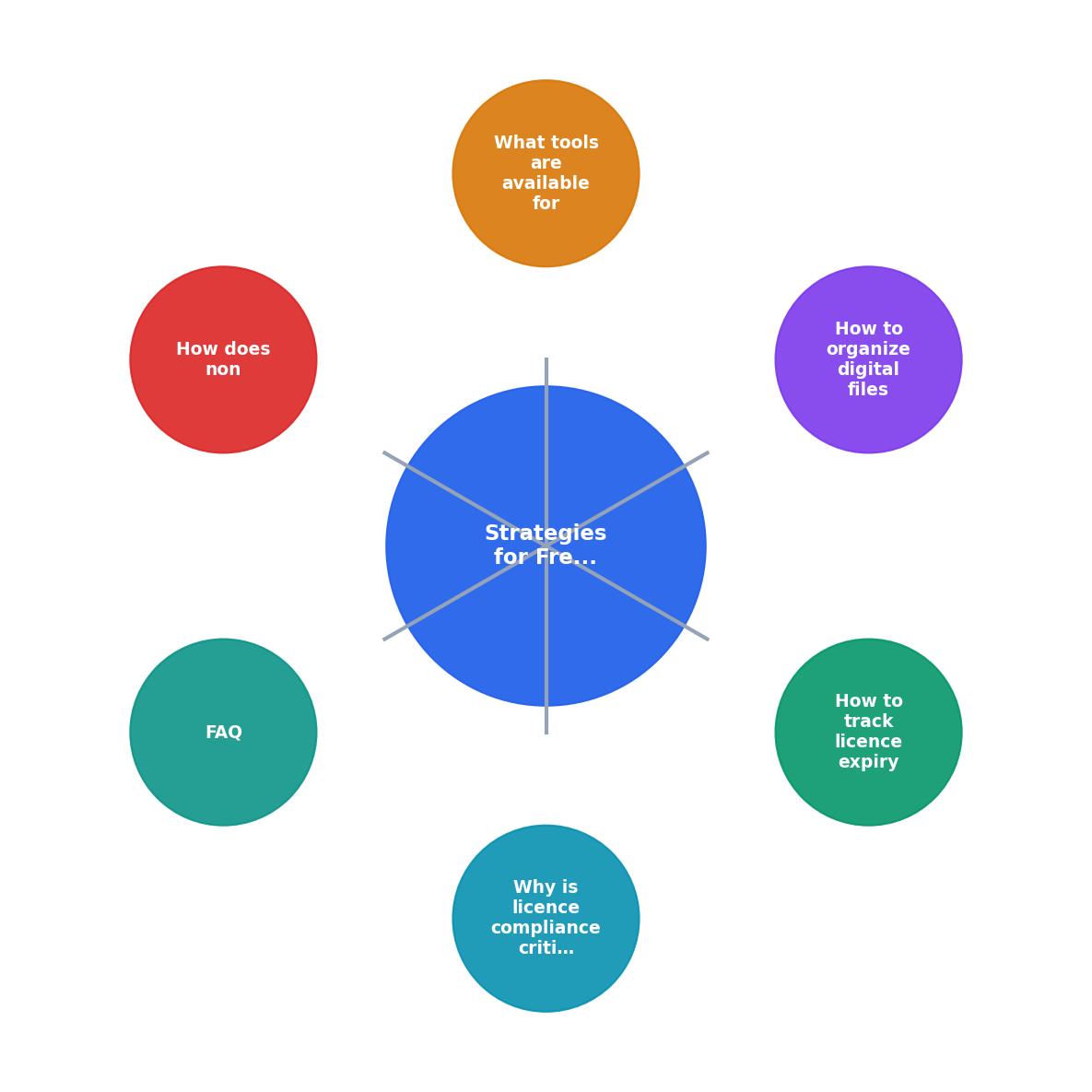
The flow is straightforward: Identify Assets, Check Licence Status, Download Certificates, Organize by Project, Set Expiry Alerts, and Review Monthly. Each step feeds the next, and skipping any one of them creates a gap.
Impact of non-compliance
Ignoring licence compliance does not just create legal risk. It creates business risk.
Scenario 1: The retroactive client request. You delivered a brand kit eight months ago. The client's new legal counsel asks for licence proof for every stock image in the kit. Without organized records, you spend an entire day reconstructing the trail. That is a day you cannot bill anyone for.
Scenario 2: The platform takedown. A stock image you used in a Facebook ad gets flagged. Meta disables the ad. The client's campaign stalls. Even if you resolve the dispute in a week, the client remembers the disruption.
Scenario 3: The subscription gap. Your Envato Elements subscription lapsed for two months. During that gap, you used assets downloaded before the lapse. Envato's licence terms require an active subscription for continued use. Those assets are now unlicensed.
These scenarios are not edge cases. They happen to freelancers regularly, and the financial and reputational costs add up fast.
Here is an example dashboard showing what a typical freelancer's licence status might look like across platforms:
Example: Freelancer Licence Overview
In this example, the Shutterstock subscription has already lapsed and the Envato plan is about to. Without a tracking system, both would slip by unnoticed.
Routine licence audit checklist
Running a quick audit once a month catches problems before they become crises. This checklist covers the essentials:
Monthly Freelancer Licence Audit
Your progress is saved automatically in your browser.
FAQ
Frequently Asked Questions
Additional Resources
- Freelancer Clever Compliance | McDermott - Freelancer Compliance Check supports clients in differentiating between employees and self-employed people. Based on the provided employment details, a client ...
- What is Freelancer Compliance? A Complete Guide - Use compliant contracts. Freelancer engagements should always begin formally – with a contract. · Conduct due diligence during onboarding · Verify ...
- The Ultimate Global Freelance Compliance Checklist - Download the free Freelance Compliance Checklist (2026 Edition) to review your contractor setup, spot risks, and streamline onboarding.
Need to Download Your Licences?
Save hours of manual work. We download all your stock photo licence certificates for you.
Get Started“Thanks to LicenceDownloader.com, I was able to download more than 1,000 Freepik licences and receive them all at once via ZIP.”
Marlon Mainardy