Integrations for Managing Shutterstock Licences
Your agency downloads hundreds of Shutterstock assets every month across multiple client accounts, multiple team members, and multiple projects. When a client's legal team asks for licence proof six months later, someone has to dig through email confirmations, Shutterstock dashboards, and shared drives hoping the right PDF still exists. Connecting Shutterstock licence management to the tools your team already uses turns that fire drill into a five-second search.


Your agency downloads hundreds of Shutterstock assets every month across multiple client accounts, multiple team members, and multiple projects. When a client's legal team asks for licence proof six months later, someone has to dig through email confirmations, Shutterstock dashboards, and shared drives hoping the right PDF still exists. Connecting Shutterstock licence management to the tools your team already uses turns that fire drill into a five-second search.
Photo by Diva Plavalaguna from Pexels
TL;DR:- CRM, project management, and DAM integrations let agencies attach Shutterstock licence records directly to client projects and assets.
- Automation platforms like Zapier and Tray.io bridge Shutterstock's API with tools such as Monday.com, Asana, HubSpot, and Google Drive.
- The result: faster audit responses, zero lost licences, and compliance tracking that scales with your team.
Why Connect Shutterstock to Other Tools?
A standalone Shutterstock account works fine for a solo designer. For an agency running 15 active client accounts, it creates gaps. Licence PDFs live in one place, project briefs in another, and client records in a third. Nobody connects the dots until an audit forces them to.
Integrating Shutterstock licence data with your existing stack solves three problems at once:
- Single source of truth for every asset's licence status, tied to the project that used it.
- Automated record-keeping that removes human error from the equation.
- Instant audit readiness because licence proof is already attached to the client file.
Key Integrations Available

Not every integration serves the same purpose. Here is a breakdown of the categories that matter most for licence management at agency scale.
Project Management Platforms
- Asana and Monday.com let you create automated tasks whenever a new Shutterstock licence is downloaded. Each task can carry the licence ID, asset URL, and expiration date as custom fields.
- Jira works well for agencies with a more technical workflow, linking licence metadata to sprint tickets so developers and designers both see the same compliance data.
- Basecamp and ClickUp support file attachments via Zapier, meaning licence PDFs can land directly in the relevant project folder.
CRM and Client Management
- HubSpot and Salesforce integrations attach licence records to client deal records. When a client asks "do we have the licence for that hero image?", the answer lives in their CRM profile.
- Pipedrive works through Zapier triggers to log licence downloads as activities on client deals.
Digital Asset Management (DAM)
- Bynder, Brandfolder, and Canto accept metadata pushes from Shutterstock's API. Every asset stored in your DAM carries its licence type, usage rights, and expiration date.
- Google Drive and Dropbox serve as lightweight DAM alternatives. Automated folder structures (Client > Project > Licences) keep things organized without a dedicated DAM budget.
Automation Platforms
- Zapier connects Shutterstock to 5,000+ apps with no-code workflows.
- Tray.io offers deeper API-level control for agencies that need conditional logic, batch processing, or custom data transformations.
- Make (formerly Integromat) sits between the two, offering visual workflow builders with more flexibility than Zapier at a lower price point than Tray.io.
"Preserve original Shutterstock metadata such as contributor, keywords, and license type.">, Shutterstock integrations
The following interactive card shows a typical integration stack for a mid-size creative agency managing Shutterstock licences across multiple client accounts:
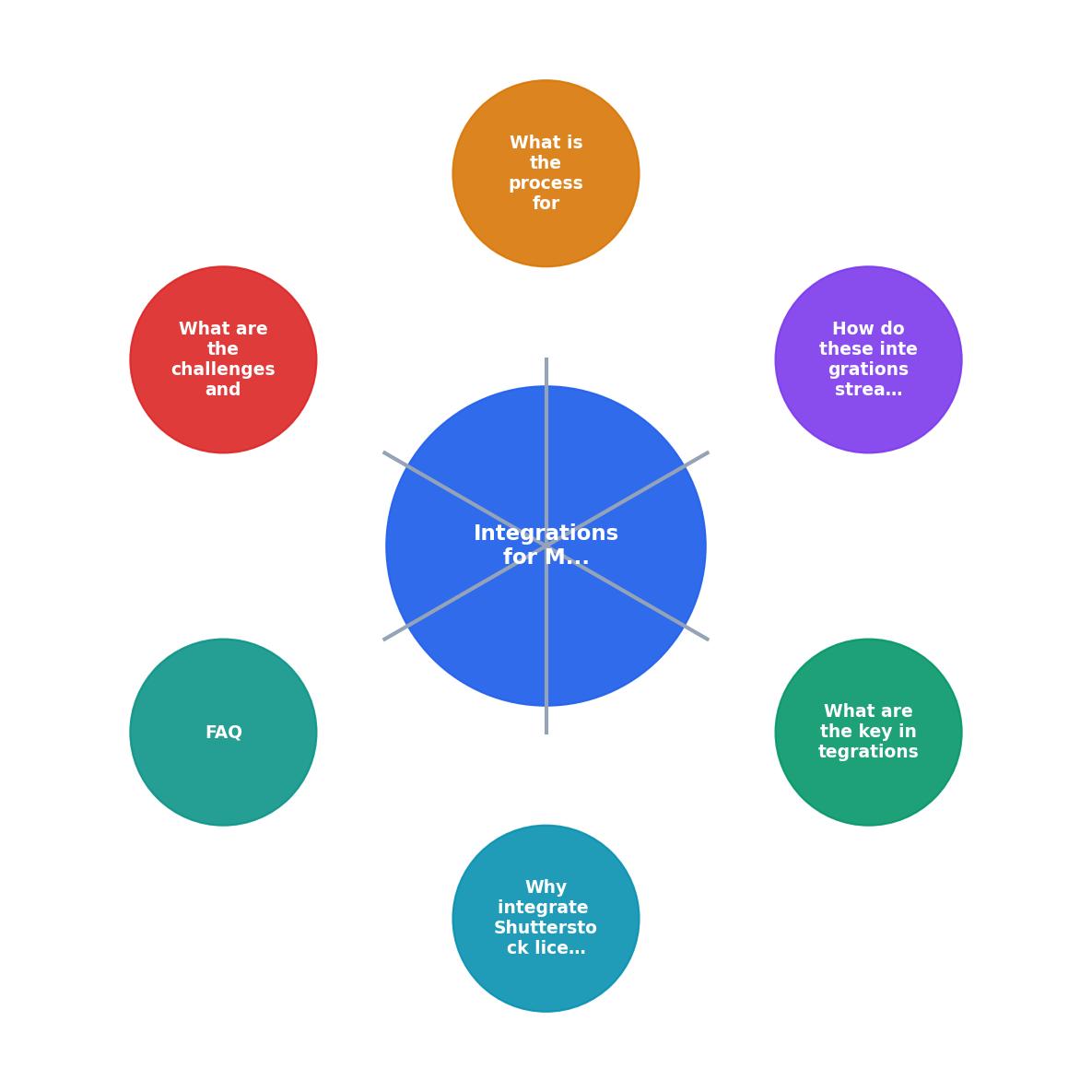
Agency Integration Hub
Example stack for a 20-person agency, 8 active clients
How Integrations Streamline Licence Work

Theory is nice. Here is what these integrations look like in practice.
Scenario: Client Audit Request
A client's legal department emails on Friday afternoon asking for licence proof for 40 images used in a campaign from Q1. Without integration, someone spends half a day logging into Shutterstock, cross-referencing a spreadsheet, and downloading individual PDFs.
With a Monday.com integration, every image downloaded during that campaign already has a task with the licence ID, download date, and a link to the certificate stored in Google Drive. The ops lead runs a filtered view, exports the list, and replies within 30 minutes.
Scenario: Freelancer Offboarding
A freelancer who had access to the agency's Shutterstock team account leaves. Their downloads need to be documented before access is revoked. A Zapier workflow already logged every download they made, tagged with their user ID, into a shared Airtable base. Revoking access takes one click. The licence trail stays intact.
Scenario: Licence Expiration Tracking
Some Shutterstock licence types have usage restrictions tied to time or distribution volume. A Tray.io workflow checks licence metadata weekly and creates Slack alerts when any licence approaches its limit. No surprises, no accidental violations.
| Manual Licence Management | Integrated Licence Management |
|---|---|
| Licence PDFs in email attachments | Licence records auto-attached to projects |
| Spreadsheet tracking (if any) | Real-time dashboard in PM tool |
| Hours to respond to audits | Minutes to respond to audits |
| Lost records when staff leave | Permanent, user-tagged audit trail |
| No expiration alerts | Automated Slack/email alerts |
Setting Up Your Integration Stack

The setup process follows a consistent pattern regardless of which tools you connect. Here is the step-by-step flow:
- Audit current tools. List every platform your team uses for project management, client management, file storage, and communication. Identify where licence data should live.
- Get Shutterstock API access. Apply for API credentials through Shutterstock's developer portal. You need a valid enterprise or team account.
- Choose your automation layer. Zapier for simple triggers, Tray.io or Make for complex multi-step workflows.
- Map data fields. Decide which Shutterstock metadata (licence ID, asset ID, contributor, licence type, download date) maps to which fields in your target tool.
- Build the first workflow. Start with one connection: Shutterstock download triggers a record in your PM tool. Test it with 10 real downloads.
- Add storage automation. Route licence PDFs to your DAM or cloud storage, organized by client and project.
- Set up alerts. Configure notifications for licence expirations, bulk download thresholds, or missing metadata.
- Document and train. Write a one-page internal guide. Run a 15-minute walkthrough with the team.
For bulk retrieval of licence certificates across Shutterstock and other platforms, licencedownloader.com handles the extraction step so your automation workflows have actual files to route.
Challenges and How to Solve Them
Every integration project hits bumps. Here are the ones that come up most often with Shutterstock licence workflows.
API Rate Limits
Shutterstock's API enforces rate limits. If your agency downloads 500+ assets per day, batch your API calls. Tray.io and Make both support scheduled batch processing that stays within limits.
Inconsistent Metadata
Not every Shutterstock download carries the same metadata fields. Editorial images have different attributes than creative images. Build your workflows to handle missing fields gracefully with default values or flagging for manual review.
Team Adoption
The best integration is useless if the team ignores it. Keep the workflow invisible to end users. Designers should not need to do anything extra. The automation should trigger on their normal download behavior and handle the rest.
Legacy Data Migration
You probably have months or years of Shutterstock downloads with no structured records. A one-time bulk export from Shutterstock's download history, combined with a tool like Licence Downloader for certificate retrieval, fills the gap. Budget a weekend for the initial backfill.
Shutterstock Integration Setup Checklist
Your progress is saved automatically in your browser.
FAQ
Frequently Asked Questions
What integration between Shutterstock and your existing tools would save your team the most time this quarter? Share your setup in the comments.
Additional Resources
- Shutterstock Announces Integration With OpenText, A ... - The integration also maps and embeds license information into each asset, including subscription ID, usage terms, and custom information entered ...
- Automate Your Creative Asset Workflows with Shutterstock ... - By integrating Shutterstock with tray.ai, marketing, creative, and content teams can automate asset discovery, clean up license management, and push approved ...
- How To Configure And Use The Shutterstock Integration - The Shutterstock integration automatically uploads licensed assets from your Shutterstock account (or multiple accounts) to your Bynder DAM for a centralized ...
Need to Download Your Licences?
Save hours of manual work. We download all your stock photo licence certificates for you.
Get Started“Thanks to LicenceDownloader.com, I was able to download more than 1,000 Freepik licences and receive them all at once via ZIP.”
Marlon Mainardy