Licence proof playbook #15: Multi-platform licence map
You use stock images from three platforms, your team member uses two others, and nobody knows where anything lives. When a client asks for licence proof, you're hunting through email, account dashboards, and old invoices. A multi-platform licence map fixes this by creating a central, organized reference for every licence you hold across every platform. It's not glamorous, but it saves hours and protects you from compliance scrambles.


You use stock images from three platforms, your team member uses two others, and nobody knows where anything lives. When a client asks for licence proof, you're hunting through email, account dashboards, and old invoices. A multi-platform licence map fixes this by creating a central, organized reference for every licence you hold across every platform. It's not glamorous, but it saves hours and protects you from compliance scrambles.
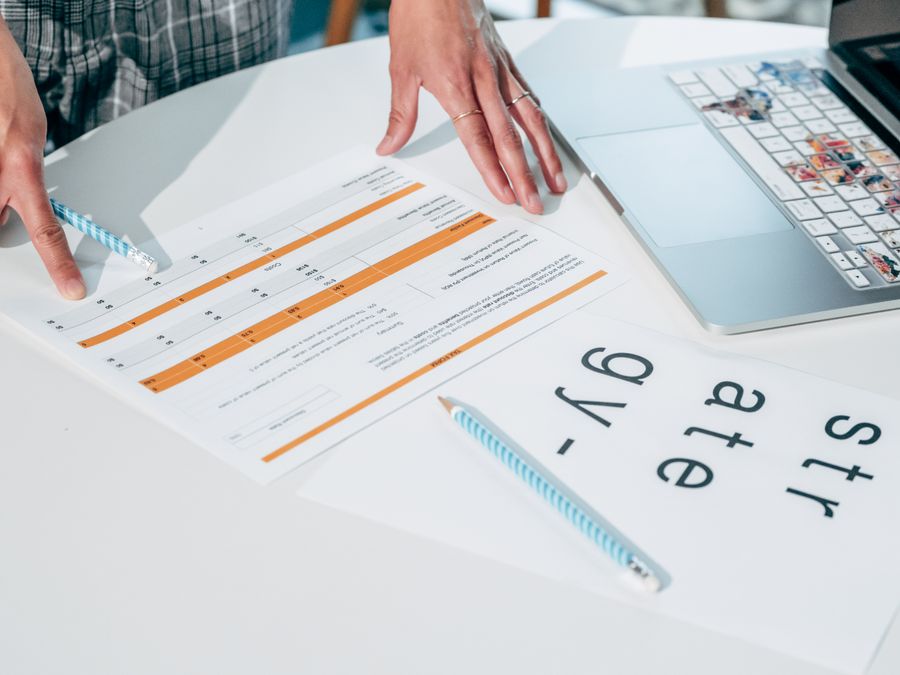
Photo by Ketut Subiyanto from Pexels
TL;DR:- A multi-platform licence map is a living document (spreadsheet, database, or tool) that lists every stock media licence your team holds, which platform it came from, what it covers, and where to find proof.
- Build one by auditing all your accounts, categorizing by licence type, and recording account details, usage limits, and proof locations.
- Update it weekly or when you buy new licences to keep it current and useful for audits, handoffs, and client requests.
Why this matters now
Stock image platforms keep expanding, subscription models keep changing, and teams keep using different accounts. Meanwhile, legal and compliance teams want answers fast. The more platforms you touch, the bigger the mess gets. A multi-platform licence map turns that chaos into a searchable, audit-ready record. It's the difference between "I think we have Shutterstock" and "Yes, we have Shutterstock Premium on account xyz, covering commercial use, with proof downloaded here."
Most teams don't realize they need this map until they're scrambling to answer a client's legal request or preparing for a compliance check. By then, it's a painful excavation. Building it proactively costs an hour or two now and saves days of firefighting later.
Common mistakes and misconceptions
Mistake 1: Assuming all team members know which platform holds which licence.
Reality: They don't. Everyone remembers a different story. Half your team thinks you have an Adobe Stock seat; the other half swears it expired. A map makes the answer factual, not guesswork.
Mistake 2: Storing licence information only in account dashboards.
Reality: Dashboards disappear, accounts get deleted, and new team members have no access. Write it down somewhere accessible and durable.
Mistake 3: Not tracking which accounts are active vs. expired.
Reality: You cancelled Canva Pro three months ago and forgot. Someone on the team still tries to use it. A map flags which subscriptions are live right now.
Mistake 4: Mixing personal and business accounts without documenting the difference.
Reality: A freelancer uses their Freepik account for personal work and the client's Adobe Stock for projects. No record of who owns what, what's commercial-use only, or what's exclusive to client work.
Mistake 5: Never updating the map after you build it.
Reality: You buy a new Envato Elements seat in Q2 and forget to add it to the map. By Q4, the map is stale and useless.
The fix: Be explicit about what you own, where it lives, and who can access it. Update it every time you change a subscription.
Step-by-step approach

Audit all your accounts
Start by listing every stock media platform your organization uses. Include:
- Solo freelancer accounts: Your personal Shutterstock, Freepik, or Adobe Stock (mark as personal if not for resale).
- Shared team seats: Agency Adobe Stock, Envato Elements, Canva Pro for the team.
- Old subscriptions you might have forgotten: That one-month Depositphotos trial from 2024, the iStock subscription you upgraded from.
- Free tier accounts: Free Unsplash, Pexels, or Pixabay accounts (yes, record these, they have licence terms too).
Create the map structure
Use a spreadsheet, Notion database, or dedicated tool, whatever your team actually opens. The structure matters more than the tool. Include these columns:
| Column | Purpose |
|---|---|
| Platform name | Shutterstock, Adobe Stock, Freepik, etc. |
| Account email | The login email for this subscription |
| Subscription tier | Free, Standard, Premium, Plus, etc. |
| Active status | Current, Expired, Paused, or Cancelled |
| Commercial use allowed? | Yes, No, or "Only with extended licence" |
| Max downloads per month | E.g., "unlimited" or "50" |
| Team access | Who can log in? Individual freelancer or team |
| Proof location | Where to find the licence certificate or invoice |
| Renewal date | When this subscription renews or expires |
| Notes | Any special terms, exclusions, or client restrictions |
Record details for each platform
Log into each account and pull the details. Sounds tedious, it is, but it's one-time pain. For each platform, record:
- What the account covers. Is it personal use only? Commercial? Resale? Check the terms, most platforms hide this in a PDF or legal section.
- How many downloads or seats. Adobe Stock Premium allows 40 images per month. Shutterstock Standard is unlimited. Record the actual limit, not your guess.
- Who has access. Is this an individual freelancer's seat, or can the whole team use it? If shared, list the team members who know the login.
- Where proof lives. Download licence certificates, invoices, or account screenshots right now. Save them to a shared folder (Google Drive, Dropbox, your own server) with a clear name: "Freepik-License-2024.pdf", "Adobe-Stock-Invoice-Jan-2025.pdf". Link to this folder in the "Proof location" column.
"The legend for each map is located below the map.">, Jurisdiction Data Maps
Apply that principle here: make sure anyone reading your map can understand what each term means and where to find the proof.
Map the process visually
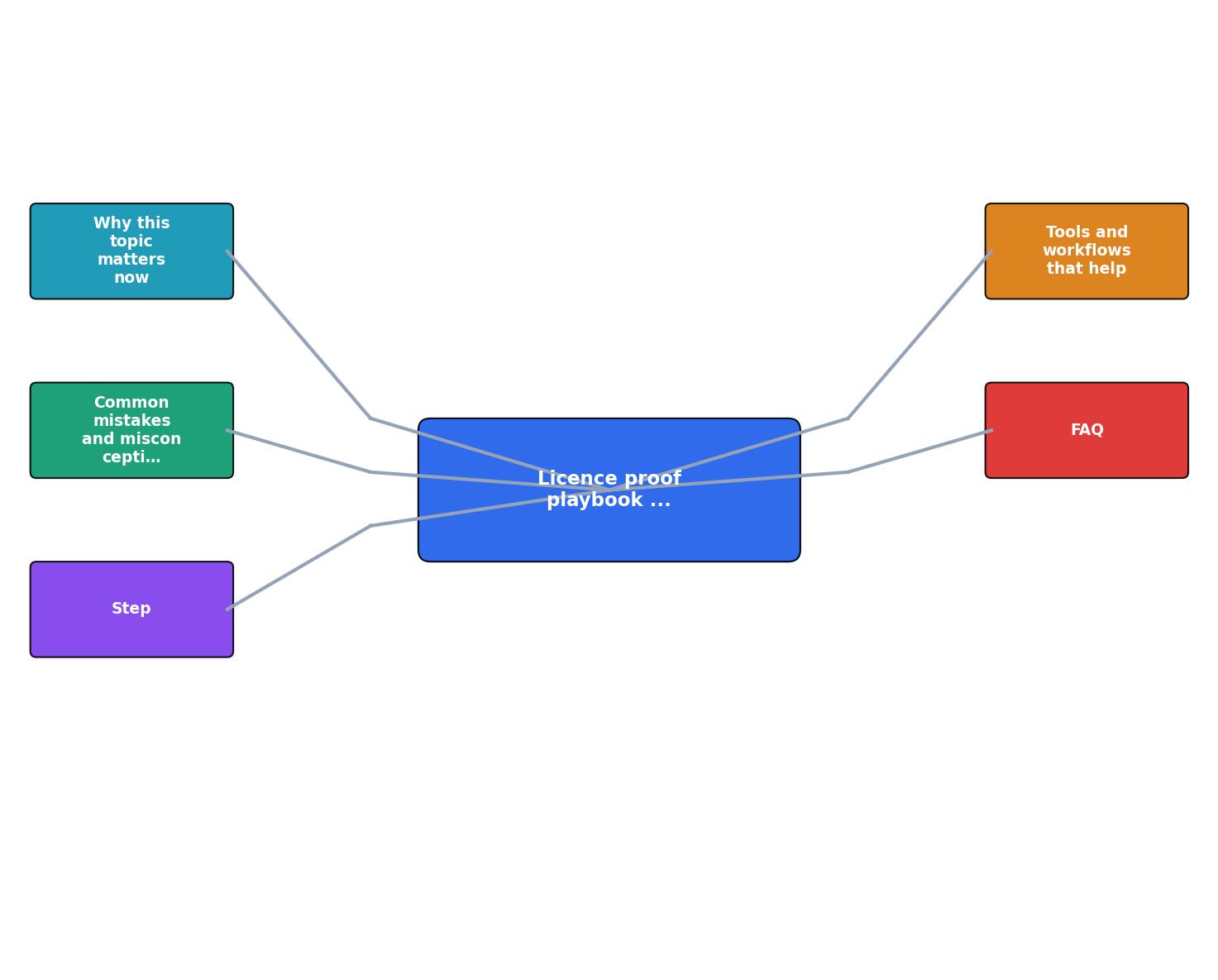
The steps flow like this:
- Audit – List all platforms and accounts.
- Inventory – Document subscription tier, access, and terms for each.
- Collect proof – Download certificates and invoices; store them centrally.
- Record locations – Link proof files in the map.
- Set reminders – Note renewal dates and flag expiring subscriptions.
Set up maintenance habits
A map decays fast if nobody updates it. Assign someone (even a contractor) to check it monthly:
- Flag subscriptions that renew soon.
- Verify that access levels still match reality (did someone leave? Is a team seat still needed?).
- Add any new platforms or seats purchased that month.
- Remove expired subscriptions so the map stays current.
Tools and workflows that help
Spreadsheet (Google Sheets / Excel):
Cheapest, most familiar option. Use conditional formatting to highlight expiring subscriptions (renewal date within 30 days = red). Easy to share and comment on. Downside: no automation, easy to miss updates.
Notion or Airtable:
More structured and visual than a spreadsheet. Airtable lets you filter by "Active status = Current" to see only live subscriptions at a glance. Notion works for teams comfortable with custom databases. Adds a layer of polish and shareability.
Licence Downloader (or similar tools):
Specialized tools automate licence collection from platforms directly into a central vault. You log in once, and the tool pulls your licences, certificates, and proof across multiple platforms into one dashboard. This eliminates the manual hunt and keeps proof up to date.
Shared folder + metadata file:
Store all licence PDFs and invoices in Google Drive or Dropbox, then create a simple metadata spreadsheet listing what's in each folder. Link the map to the folder so proof is one click away.
The tool matters less than the habit. Pick something your team will actually use, then enforce the update schedule.
Interactive multi-platform licence dashboard
To visualize how a multi-platform licence map works in practice, imagine a dashboard that shows your entire licence portfolio at a glance. Here's a working example for a typical team:
Status: Cancelled Jan 2025
Action: Remove or renew
This dashboard model shows what a working multi-platform licence map looks like in practice: all your platforms in one view, current status visible, proof links ready, and renewal dates flagged. Your actual map doesn't need to be this fancy, but it should cover these same details at a glance.
FAQ
Frequently Asked Questions
Action checklist
Multi-platform licence map setup
Your progress is saved automatically in your browser.

A multi-platform licence map is unsexy but effective. It answers the question every creator dreads: "Do you have proof that this image is licensed?" In seconds, the answer is yes, and you know exactly where to point. That confidence alone is worth the setup time.
The only thing left to do is build yours and keep it current. Your future self, and your legal team, will thank you.
Additional Resources
- Jurisdiction Data Maps - This map illustrates which jurisdictions throughout the United States and Canada require one license plate or two license plates on a vehicle. Jurisdiction ...
- Mobile Driver License Implementation Data Map - This map illustrates which jurisdictions throughout the United States and Canada have implemented one of six stages of mobile driver licenses.
- Mobile Driver's License Issuing-State Tracker 2026 - Interactive State Map. The tracker below shows which US states currently support mobile driver's licenses and the wallet platforms they use. Use the filters ...
Need to Download Your Licences?
Save hours of manual work. We download all your stock photo licence certificates for you.
Get Started“Thanks to LicenceDownloader.com, I was able to download more than 1,000 Freepik licences and receive them all at once via ZIP.”
Marlon Mainardy