Recovering Lost Canva Licence Documentation
You downloaded a stock photo through Canva Pro six months ago, used it on your product listing, and now someone is questioning whether you actually have the right to use it. You open Canva, scroll through hundreds of designs, and realize you have zero proof of the licence. This happens more often than you think, and the fix is simpler than you expect. Here is exactly how to recover that lost documentation and make sure it never disappears again.

You downloaded a stock photo through Canva Pro six months ago, used it on your product listing, and now someone is questioning whether you actually have the right to use it. You open Canva, scroll through hundreds of designs, and realize you have zero proof of the licence. This happens more often than you think, and the fix is simpler than you expect. Here is exactly how to recover that lost documentation and make sure it never disappears again.
Photo by Gustavo Fring from Pexels
TL;DR:- Canva stores licence information tied to your account and download history, not to individual design files.
- You can recover lost documentation through your account's download history, purchase receipts, and Canva support.
- Setting up a simple backup routine (cloud folder + naming convention) prevents this problem from recurring.
- Tools like licencedownloader.com can automate the entire backup process across platforms.
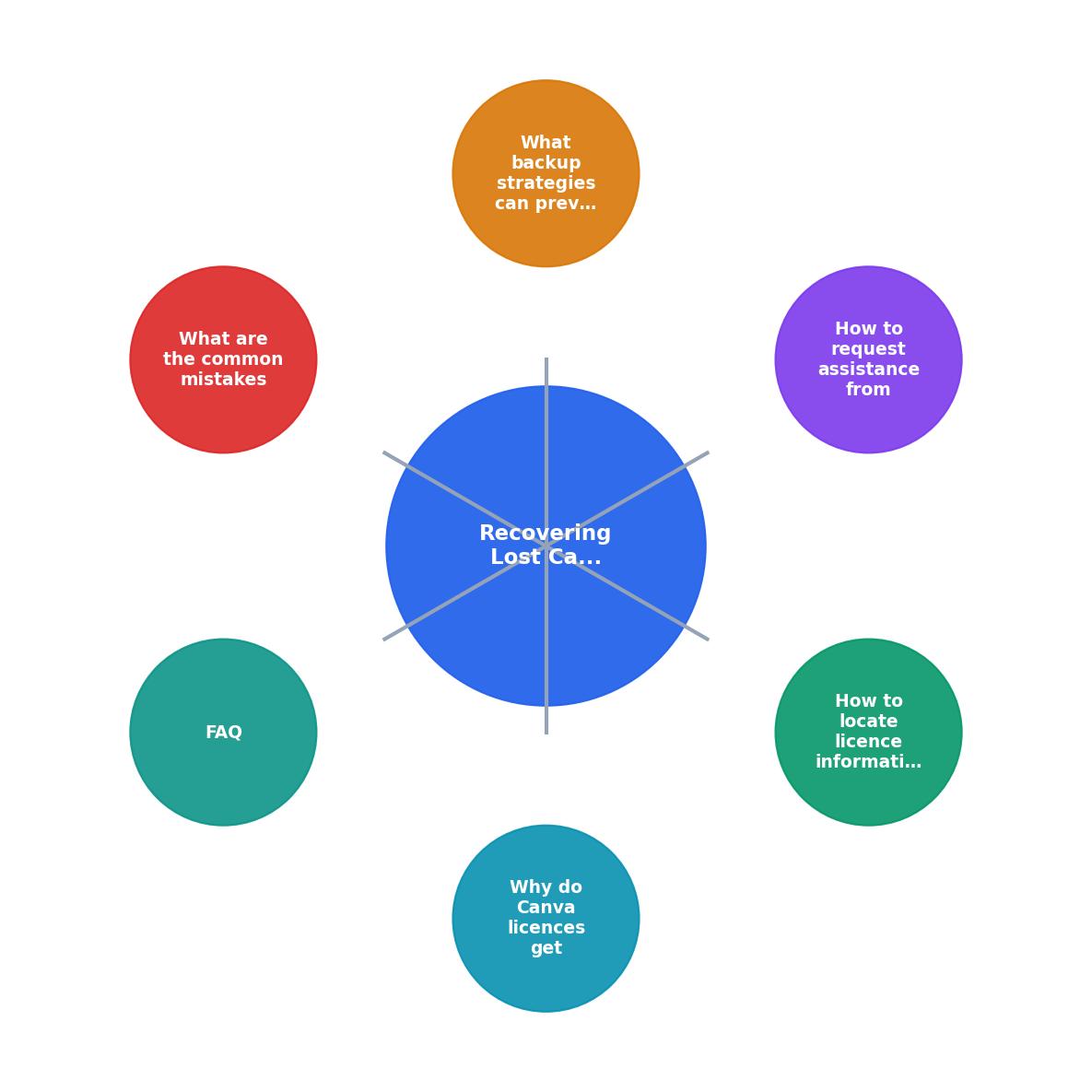
Why Canva licences get lost
Most small-business owners treat Canva like a quick design tool. Open it, drag in a stock photo, export a social post, close the tab. Nobody thinks about licence documentation until a problem shows up.
Here are the most common reasons licence records go missing:
- Deleted designs that contained the licensed asset. When you trash a design, the visual link to the stock element disappears from your project view.
- Team member turnover. If someone on your team used their Canva account and then left, the licence trail leaves with them.
- Multiple Canva accounts. Personal account, business account, a free account you forgot about. The licence lives in whichever account actually downloaded the asset.
- No export habit. Canva does not email you a licence certificate after every download. If you never saved one, there is nothing in your files.
- Subscription lapses. Letting a Canva Pro subscription expire can make it harder to access historical content and licence details.
That number is not surprising. Most people simply do not think about licence documentation until a copyright notice lands in their inbox or an ad platform flags their image.
How to find licence info on Canva
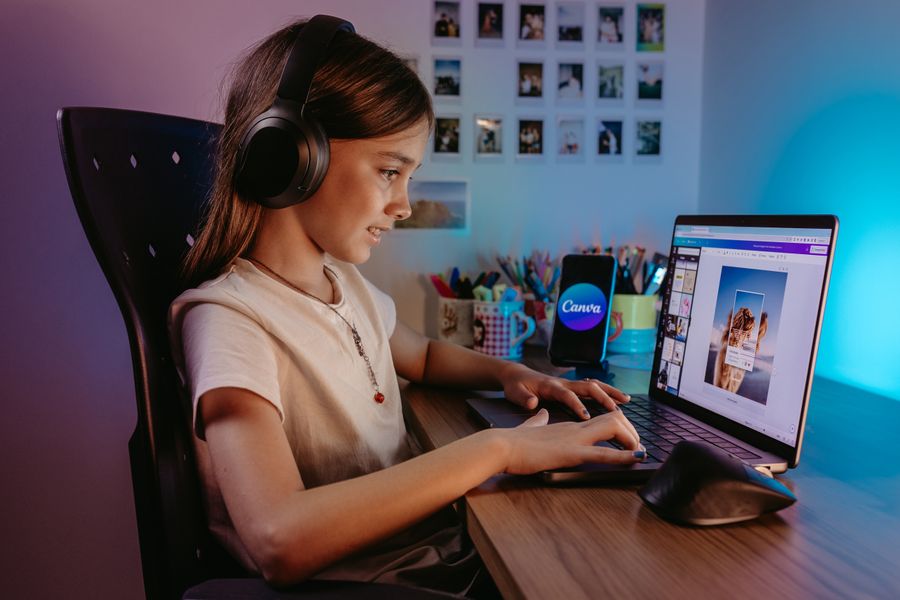
Canva does not have a single "Licence Certificates" page like Shutterstock or Adobe Stock. The information is spread across a few different areas. Here is where to look:
Your download history
Go to canva.com, click your profile icon, and navigate to Account Settings. Under the Purchase History or Billing & Plans section, you can find records of any one-time purchases (like premium elements bought outside a Pro subscription). Each transaction includes a receipt that serves as partial licence proof.
Inside your designs
Open any design that uses a Canva Pro stock element. Click on the image or graphic element. In the element details panel, Canva shows the asset name, source, and licence type. This only works if the design still exists in your account.
Content Licence Agreement
Canva's Content Licence Agreement (available at canva.com/policies/content-licence-agreement) outlines what you can and cannot do with assets downloaded through Canva Pro or Canva Free. This is your blanket licence document. Pair it with proof that you had an active subscription at the time of download, and you have a defensible position.
Subscription receipts
Your email inbox is a goldmine. Search for emails from Canva containing words like "receipt," "payment," or "subscription." These receipts prove you had an active Pro subscription during the period you downloaded the asset. Combined with the Content Licence Agreement, this forms your licence proof chain.
How to request help from Canva support
When self-service options fall short, Canva's support team can help. But a vague "I lost my licence" message will get a vague response. Be specific.
Follow these steps for the fastest resolution:
- Identify the asset. Find the design name, approximate download date, and the stock element name if possible. Check your browser history or email for clues.
- Gather account details. Have your account email, subscription type (Free, Pro, Teams), and billing period ready.
- Open a support ticket. Go to canva.com/help and click "Contact Us." Select the category closest to "Licencing" or "Account & Billing."
- Write a clear request. State exactly what you need: "I need licence documentation for a stock photo downloaded on [approximate date] in design [name]. My subscription was active during that period."
- Attach evidence. Include screenshots of the design (if it still exists), payment receipts, and any other supporting details.
- Follow up. If you do not hear back within a few business days, reply to the ticket or open a new one referencing the original ticket number.
Backup strategies that actually work
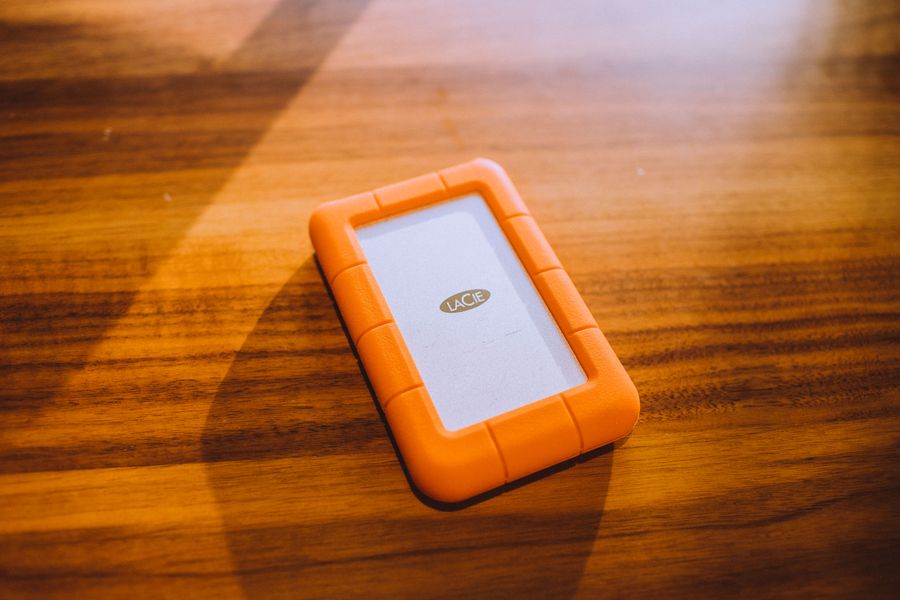
Recovering lost documentation is stressful. Preventing the loss in the first place is not. Here is a practical system that takes minutes to set up:
Cloud folder structure
Create a dedicated folder in Google Drive, Dropbox, or OneDrive:
/Licences
  /Canva
    /2025-Q1
    /2025-Q2
    /2026-Q1
  /Freepik
  /Shutterstock
Every time you download a stock asset from Canva, save a screenshot of the element details and your subscription receipt into the matching quarterly folder.
Naming convention
Use a consistent file name: YYYY-MM-DD_platform_asset-name_licence.png
Example: 2026-06-15_canva_woman-holding-coffee_licence.png
This makes searching trivial. Need proof for that coffee image? Search "coffee" in your Licences folder.
Automated backups
Manual screenshots work, but they rely on you remembering every single time. Tools like licencedownloader.com automate the process of finding and downloading licence certificates across multiple stock platforms, including Canva. Instead of logging into each platform separately, you get all your licence documentation pulled into one place.
Here is an example of what a well-organized licence backup dashboard might look like for a typical small-business owner using three stock platforms:
Licence Backup Status
Common mistakes to avoid
These are the pitfalls that trip up small-business owners repeatedly:
- Assuming Canva keeps everything forever. Canva's data retention policies can change. Deleted designs and cancelled accounts may lose associated data over time.
- Relying on browser bookmarks. A bookmarked design URL breaks the moment you delete or rename the design.
- Confusing free and Pro assets. Free Canva elements have different licence terms than Pro elements. Using a free element commercially without checking the specific licence is risky.
- Not saving subscription receipts. Your payment receipt is half of your licence proof. If you auto-delete promotional emails, you might be deleting receipts too.
- Sharing one account across a team. When multiple people use the same login, nobody knows who downloaded what. Use Canva Teams with individual seats instead.
| Manual Tracking | Automated Backup |
|---|---|
| Relies on memory | Runs on schedule |
| Screenshots one at a time | Bulk export across platforms |
| Easy to forget | Consistent every time |
| Free but time-consuming | Small cost, big time savings |
| Scattered across folders | Centralized archive |
Canva Licence Backup Template
Your progress is saved automatically in your browser.
FAQ
Frequently Asked Questions
What is your current system for keeping track of stock image licences? Drop a comment if you have found a method that works well for your business.
Additional Resources
- Restore or delete designs and files from Trash - You can restore or delete content within 30 days. Contact Support within 14 days if you need to restore any designs, images, or videos that have been deleted ...
- Missing designs - Canva Help Center - To recover: Go to Projects, then Trash. Find your design and select Restore.
- Review and restore older versions of designs - Trash lets you recover designs that were deleted entirely from your account. To restore deleted designs, go to: Recover deleted designs from Trash. If your ...
Need to Download Your Licences?
Save hours of manual work. We download all your stock photo licence certificates for you.
Get Started“Thanks to LicenceDownloader.com, I was able to download more than 1,000 Freepik licences and receive them all at once via ZIP.”
Marlon Mainardy