Usage Rights for Adobe Stock Photos
You downloaded a photo from Adobe Stock, dropped it into a client deliverable, and moved on. Three months later the client's lawyer emails asking for proof you had the right to use that image commercially. You dig through your Adobe account, find nothing obvious, and start sweating. Understanding Adobe Stock usage rights before that email arrives is the difference between a two-minute reply and a two-week headache.

You downloaded a photo from Adobe Stock, dropped it into a client deliverable, and moved on. Three months later the client's lawyer emails asking for proof you had the right to use that image commercially. You dig through your Adobe account, find nothing obvious, and start sweating. Understanding Adobe Stock usage rights before that email arrives is the difference between a two-minute reply and a two-week headache.
Photo by Anna Shvets from Pexels
TL;DR:- Adobe Stock offers two main licence tiers: Standard and Enhanced. Standard covers most freelance and commercial work. Enhanced is required for merchandise, templates for resale, and print runs above 500,000 copies.
- Every licence is perpetual and worldwide, but it does not transfer copyright to you.
- Keeping downloadable proof of each licence protects you when clients or platforms demand documentation months after delivery.
How Adobe Stock Licences Work
Adobe Stock bundles its usage rights into a straightforward two-tier system. The Standard licence ships with every subscription download and every single-purchase credit pack image. The Enhanced licence costs extra per asset and unlocks a handful of specific use cases the Standard licence blocks.
Both licences are:
- Perpetual - no expiration date, even if you cancel your subscription later.
- Worldwide - no geographic restrictions on where you publish.
- Non-exclusive - other buyers can licence the same asset.
That library of over 200 million assets means you will encounter these licence terms constantly. Getting them wrong once can cost more than a year of subscription fees.

Standard vs. Enhanced Licence
Here is where most confusion lives. The Standard licence covers the vast majority of freelance design work: websites, social media posts, presentations, editorial articles, client brand kits, and print materials up to 500,000 copies.
| Standard Licence | Enhanced Licence |
|---|---|
| Included with subscription | Extra per-asset fee |
| Print runs up to 500,000 | Unlimited print runs |
| Digital ads, social, web | Same, plus merchandise |
| No resale as template | Templates for resale allowed |
| No product incorporation | Physical product decoration OK |
The Enhanced licence exists for three scenarios:
- Merchandise and physical products - printing a stock photo on a t-shirt, mug, poster for resale, or phone case.
- Templates for resale - creating a Canva template, website theme, or greeting card design that other people buy and customize.
- High-volume print - any single project exceeding 500,000 reproductions.
Roughly 90% of typical freelance design projects fall entirely within Standard licence terms. The Enhanced licence is the exception, not the rule.
Personal vs. Commercial Projects

Adobe Stock does not distinguish between "personal" and "commercial" the way some free-image sites do. Both the Standard and Enhanced licences permit commercial use out of the box. You do not need to upgrade or pay extra just because money is involved.
What matters is how you use the asset:
- Website hero image for a paying client - Standard licence, fully compliant.
- Instagram ad campaign - Standard licence, fully compliant.
- Printed brochure (5,000 copies) - Standard licence, fully compliant.
- T-shirt sold on Etsy - Enhanced licence required.
- Canva template sold on Creative Market - Enhanced licence required.
Navigating Adobe's Licensing Terms
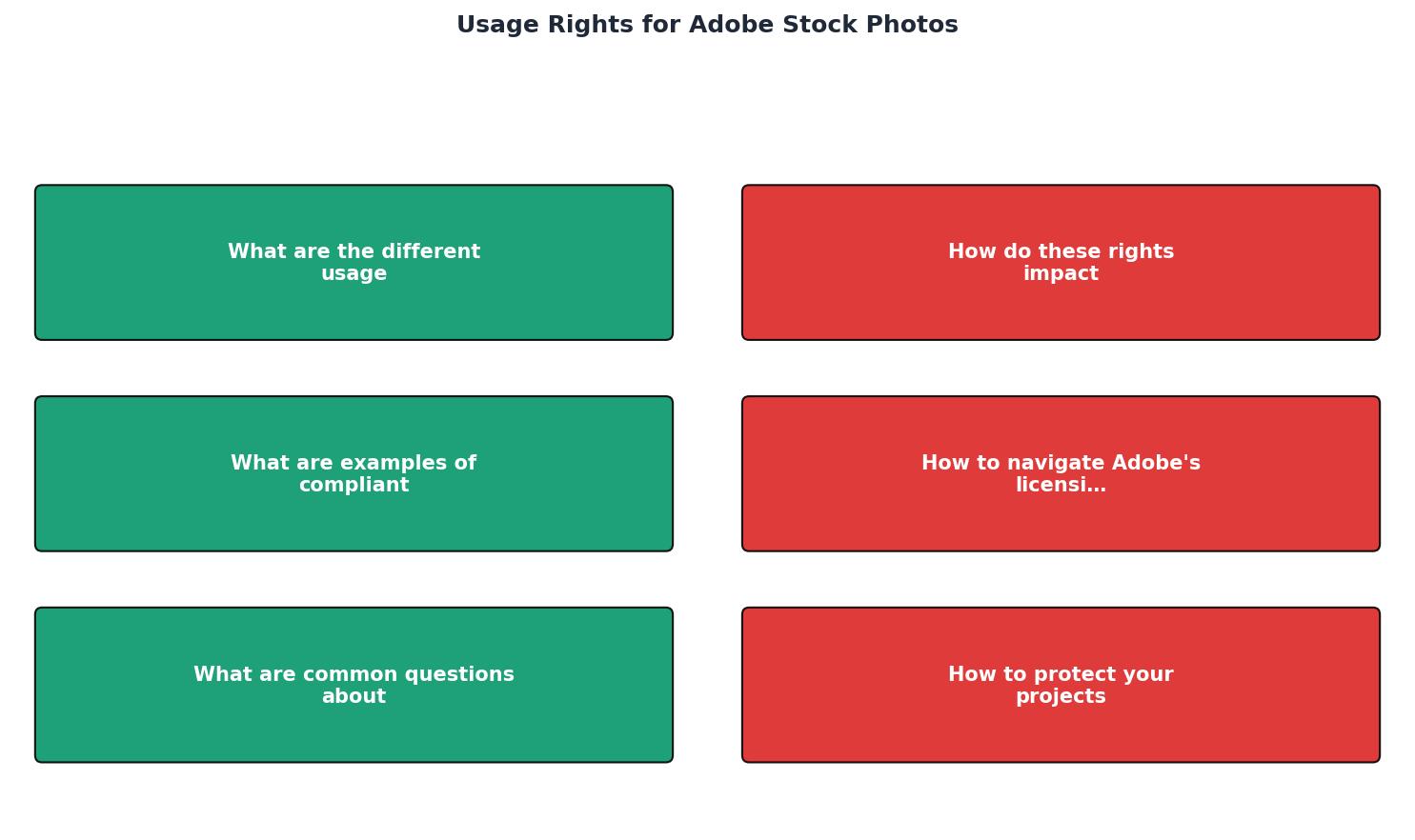
The steps to stay compliant are not complicated, but they require a system:
- Check the licence type before download - look for the "Standard" or "Editorial" badge on the asset detail page.
- Verify model and property releases - the asset page shows release status. No release means limited use.
- Download the licence certificate - Adobe provides a licence history in your account under "My Library" > "Licence History."
- Store proof alongside the project file - name the certificate after the project so you can find it in six months.
- Upgrade before publishing - if your use case requires Enhanced, purchase the upgrade before the asset goes live.
"The Illustrative Editorial collection focuses on conceptual imagery that uses real brands and products to convey strong ideas.">, Common Questions, Adobe Stock
That editorial collection is a perfect example of assets that look commercial but carry editorial-only restrictions. Using one in an ad campaign without checking the licence type is a fast path to a takedown notice.
Compliant and Non-Compliant Uses

Concrete examples help more than abstract rules. Here is a quick reference:
Compliant under Standard licence:- Blog post header image on a client's WordPress site
- Facebook carousel ad for a local restaurant
- Slide deck for a corporate pitch (even if the pitch wins revenue)
- Printed event flyer, 10,000 copies
Printing the image on tote bags sold at a pop-up shopEmbedding the image in a PowerPoint template sold on GumroadBillboard campaign with 2 million impressions(exceeds 500K threshold for physical reproduction)
Reselling the raw stock file as-isUsing an editorial-only image in a product advertisementClaiming copyright ownership of the stock asset
Adobe Stock Licence Quick Reference
Which licence tier covers your use case?
Protecting Your Projects
Licence compliance is only half the equation. The other half is proving compliance when someone asks. A licence you cannot locate is functionally the same as no licence at all.
Three habits that eliminate most risk:
- Download licence certificates immediately after purchase. Adobe's licence history page lets you export proof, but the interface buries it. Do it the same day you download the asset.
- Name files consistently. A naming convention like
[ProjectName]_[AssetID]_licence.pdfmakes retrieval trivial. - Back up to a second location. A cloud folder, a shared drive, or a tool like Licence Downloader that bulk-exports licence records from Adobe Stock and other platforms into one archive.
Five minutes per licence adds up fast when a project uses 30 or 40 stock assets. Automating that retrieval is not laziness; it is basic project hygiene.
Adobe Stock Licence Compliance Checklist
Your progress is saved automatically in your browser.
FAQ
Frequently Asked Questions
Additional Resources
- License information and Terms of Use | Adobe Stock - Most Adobe Stock photos, vectors, and illustrations come with a Standard license. With a Standard license, you may: Reproduce up to 500,000 copies of the asset
- FAQ | Usage and licensing - Because Adobe Stock only grants a right to use images and does not transfer the ownership, these images cannot be used in or as a logo.
- Image use rights - 1. Your use may not be obscene or pornographic and may not be disparaging, defamatory, or libelous to Adobe, any of its products, or any other person or entity.
Need to Download Your Licences?
Save hours of manual work. We download all your stock photo licence certificates for you.
Get Started“Thanks to LicenceDownloader.com, I was able to download more than 1,000 Freepik licences and receive them all at once via ZIP.”
Marlon Mainardy